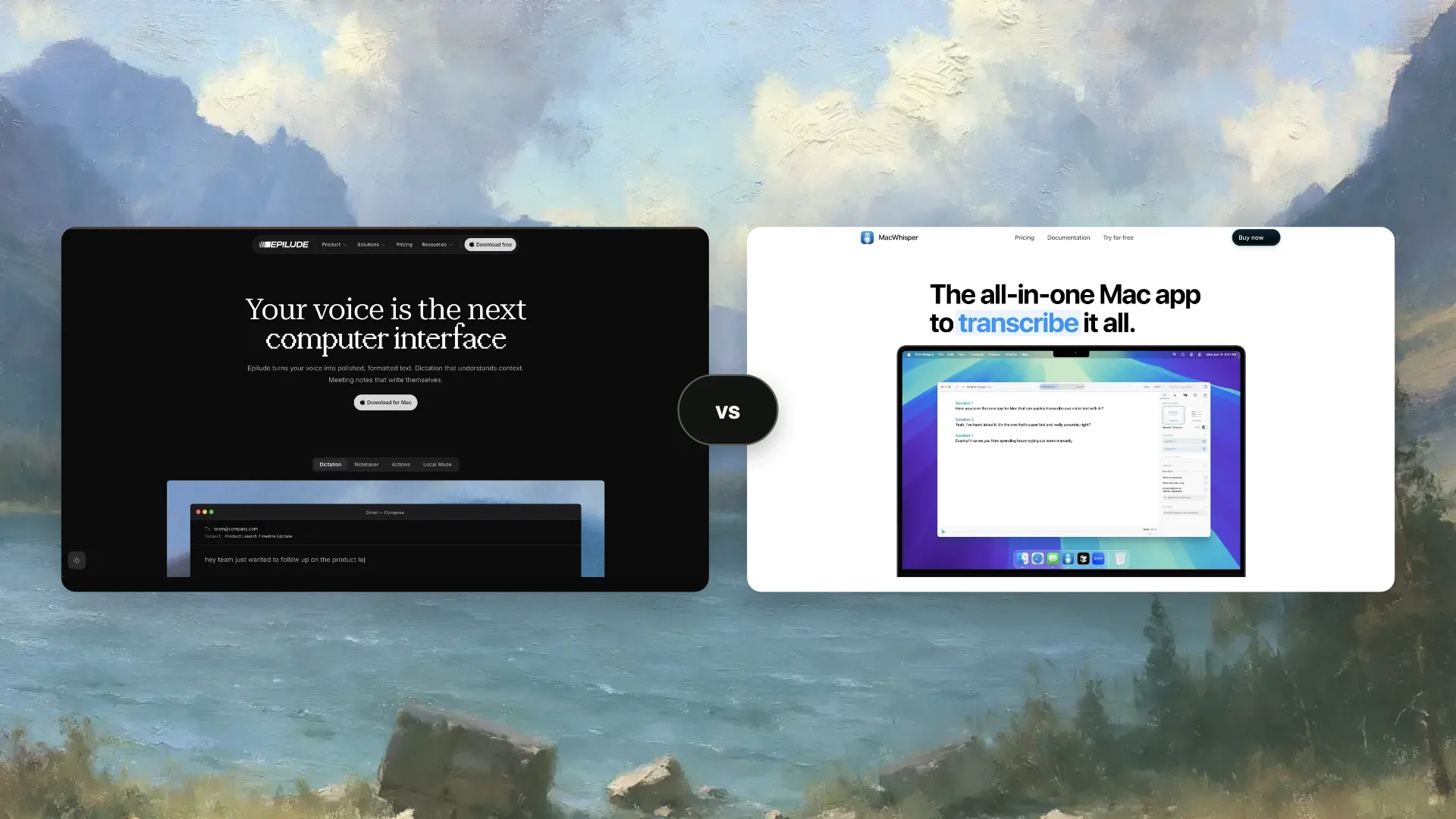
Choose Epilude for everyday dictation that turns rough speech into polished text inside the Mac app where we are already writing. Choose MacWhisper for recorded audio and video, batch transcription, subtitles, transcript editing, and export. MacWhisper now offers system-wide dictation too, so this is no longer a simple “dictation versus transcription” comparison. The better choice depends on which job we do most often.
We use Epilude when the destination is the cursor. We use MacWhisper when the source is a file.
Quick answer
| Our main job | Better choice | Why |
|---|---|---|
| Dictating email, Slack, documents, and prompts | Epilude | Cleanup and Tone Match are built around ready-to-send cursor insertion |
| Transcribing existing audio or video | MacWhisper | Drag-and-drop files, synced playback, transcript editing, search, and broad export support |
| Batch transcription and watched folders | MacWhisper | Multiple files and folder automation are first-class workflows |
| Fully local everyday writing | Epilude | Local Mode keeps transcription and Cleanup on a supported Mac |
| Subtitles and translation workflows | MacWhisper | SRT, VTT, video playback, translation, and subtitle tooling |
| Bot-free meeting notes with summaries and action items | Epilude Notetaker | A structured note and Markdown file rather than only a transcript project |
| Recording and editing a meeting transcript | MacWhisper | Local meeting capture, speaker tools, audio-linked editing, and export |
What changed in this comparison
MacWhisper began as a local file-transcription app, but its current Pro product covers much more. It can dictate into Mac text fields, apply app-specific AI prompts, record system audio, detect meetings, recognize speakers, transcribe URLs, monitor folders, and send transcripts into other tools.
Calling it “file transcription only” is now inaccurate. Its centre of gravity is still visible in the product: files, recordings, an editor, timestamps, speakers, playback, subtitles, and export formats.
Epilude starts from the opposite end. Its main loop is hold a shortcut, speak, release, and continue working in the same text field. The transcript is an intermediate step. The finished text at the cursor is the product.
Both apps can cross into the other's territory. The useful question is which interface and default behaviour match the work we repeat every day.
What to compare
This is an editorial comparison of product workflows, not a controlled hands-on accuracy or speed benchmark. Features and model choices explain the shortlist; they do not establish a universal winner for output quality.
For your own trial, use a short reply, a longer email, a spoken correction, a list, and your usual names or technical terms. Check the result at the cursor, how much editing remains and where both transcription and Cleanup run. A local speech model alone does not establish local rewriting. The example phrases below are illustrative inputs and desired outputs, not benchmark results.
MacWhisper and Epilude compared
| Capability | Epilude | MacWhisper |
|---|---|---|
| System-wide dictation | Yes | Yes in the direct MacWhisper edition |
| Default filler and correction cleanup | Built into Cleanup | Basic filler removal; AI cleanup can use configured prompts and services |
| App-aware writing | Automatic Tone Match | App-specific AI prompts |
| Local speech recognition | Yes, in Local Mode | Yes, with local Whisper or Parakeet models |
| Local cleanup | Yes, in Local Mode | Possible with local AI integrations; configuration determines the path |
| File transcription | No | Core workflow |
| Batch and watch folders | No | Yes, in Pro |
| Transcript editor with synced playback | Meeting transcript workflow | Core file and recording editor |
| Subtitle export | No | SRT and VTT, plus video tools |
| Meeting recording | Bot-free Notetaker | Local system-audio recording and meeting detection |
| Structured meeting summary | Built in, with citations and action items | Available through prompts and AI integrations |
| Storage | Dictations and Markdown meeting files on the Mac | App database, transcripts, models, and managed media on the Mac |
| Pricing model | Subscription or Pay Once for Local Mode | Free edition or one-time Pro licence |
Best for live, polished dictation: Epilude
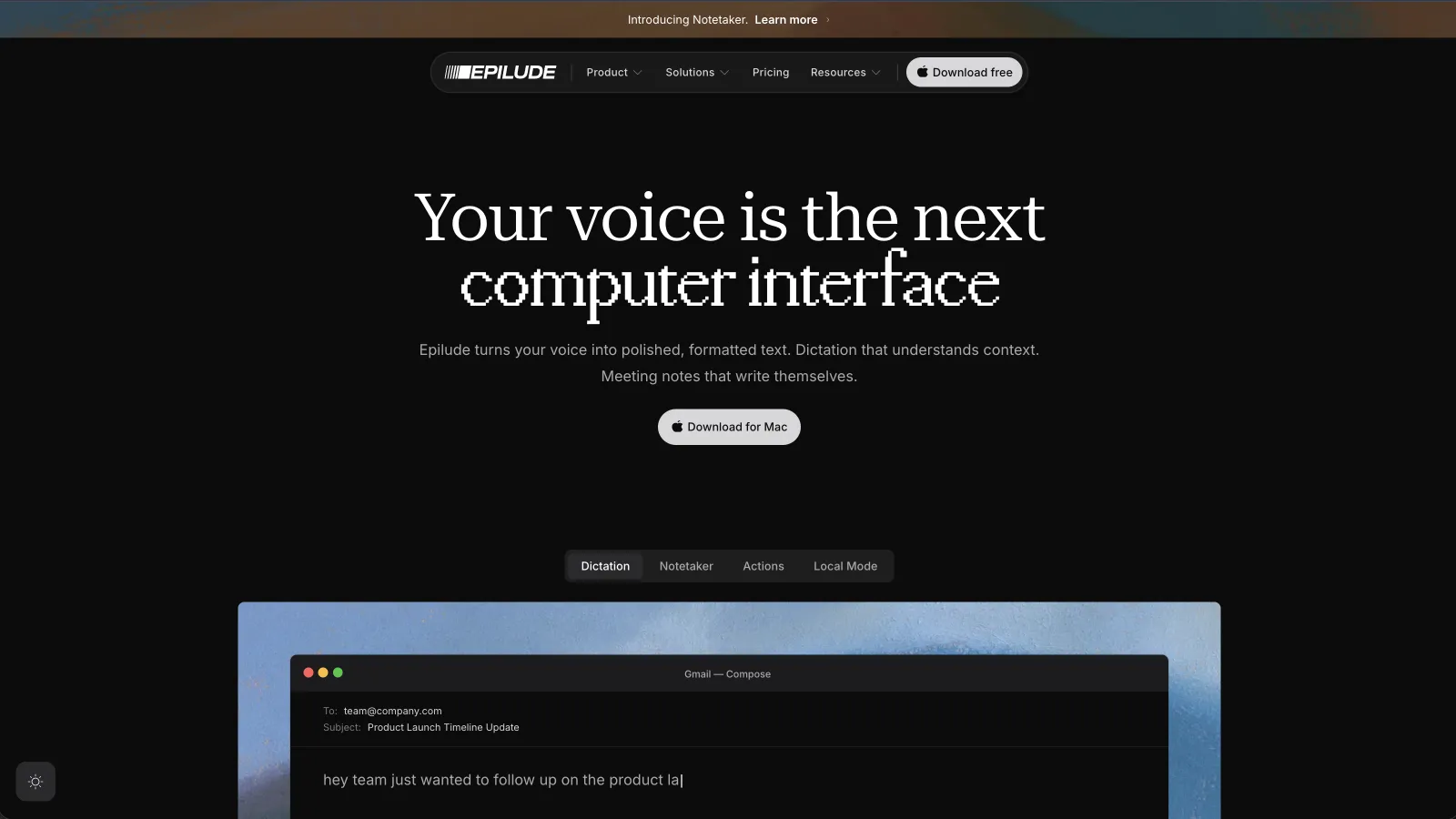
Epilude returns cleaned writing to the active field through a global shortcut. Cleanup handles filler, punctuation and spoken corrections; Tone Match adapts the register by destination. Vocabulary covers names and uncommon terms, while Actions lets you select text and dictate an edit. Actions sends selected text and instructions to the cloud.
Compare both products on your own emails, prompts and corrections. The feature descriptions here are not evidence of a measured writing-quality advantage.
Epilude is less suitable when we need to inspect every timestamp, listen against individual transcript segments, create subtitle files, or process a folder of recordings. It is designed to make the transcript disappear into the writing workflow, not turn the transcript into an editing project.
Best for audio and video files: MacWhisper
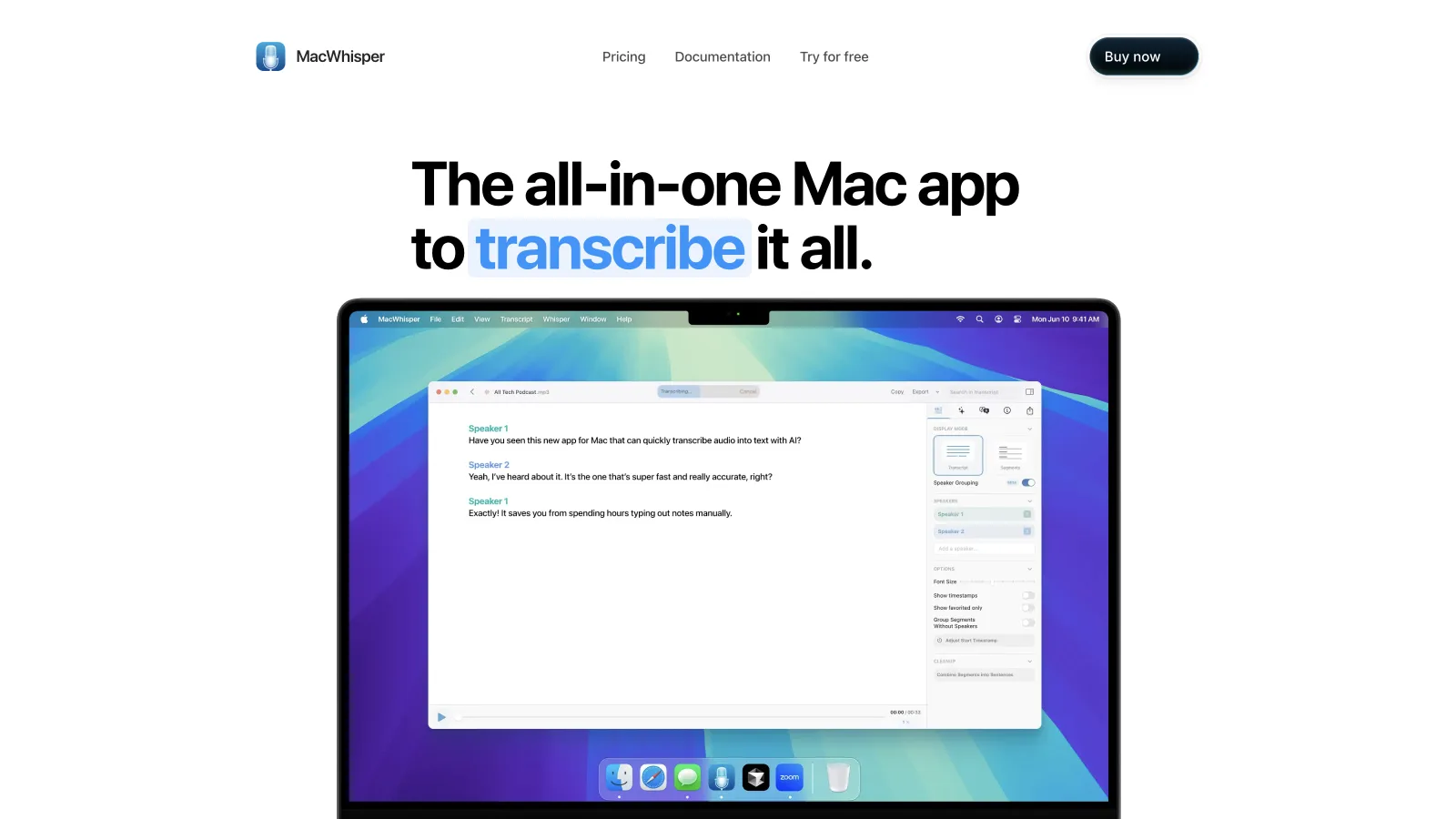
MacWhisper is the stronger fit when the source is an existing recording. Its transcript editor connects timestamps to playback, letting you check a phrase against the source audio.
That editor becomes more valuable as the recording gets longer. Search finds every occurrence of a name or term. Speaker recognition and manual labels help separate a conversation. Segments can be edited or removed, playback speed can change, and the final transcript can leave as Markdown, DOCX, PDF, HTML, CSV, SRT, VTT, or other supported formats.
MacWhisper also handles operational file work that Epilude does not try to cover:
- Batch transcription for a queue of recordings.
- Watched folders that process new files automatically.
- YouTube and media URLs.
- Subtitle creation and translation.
- Video playback alongside captions.
- CLI, webhook, Notion, Obsidian, Zapier, Make, and n8n workflows.
Core transcription can run entirely on the Mac. MacWhisper stores its application data in the macOS user account, including downloaded models, the transcript database, and managed media. Optional cloud transcription and AI services change that path, so a local model should be selected deliberately for sensitive files.
MacWhisper Pro is sold as a one-time licence and includes its current and future updates according to the official purchase page. That is attractive for people whose primary need is a durable local transcription workstation rather than a daily writing subscription.
MacWhisper dictation is real, but it has a different default
MacWhisper's direct-download edition can dictate into any text field through a keyboard shortcut. The App Store edition does not include that feature because of store restrictions. This difference matters when comparing reviews or downloads that use the two editions interchangeably.
For literal system-wide dictation, MacWhisper can use its local speech models. Automatic grammar improvement and richer rewriting use AI prompts. Its current documentation says those features require Pro and a configured AI service, such as a provider key; the product page also lists local AI integrations through Ollama and LM Studio.
App-specific prompts can give Mail, Slack, or another application different behaviour. That can be powerful, especially if we already use MacWhisper for files and want one tool to cover occasional dictation. It also asks us to choose and maintain the prompt and service.
Epilude treats cleanup and app tone as default product behaviour. MacWhisper treats them more like configurable additions to its transcription engine. Our shortlist favors Epilude for everyday Mac writing, notes and reading, and MacWhisper for transcript production and file workflows.
Meeting recording: structured note or transcript project?
Both products record meetings from the Mac without sending a participant bot into the call.
Epilude Notetaker captures microphone and system audio, then creates a transcript, editable summary, decisions, and action items with links back to the source. Meetings save as Markdown and are searchable in the local library. We choose it when the expected deliverable is a concise working note and follow-up list.
MacWhisper can detect calls in supported apps, prompt us to start recording, capture the meeting locally, transcribe it, identify speakers, and open it in the same editor used for other recordings. We choose it when the transcript and audio are the important artefacts, or when the result needs subtitles, detailed correction, or a specialized export.
MacWhisper’s current product supports meeting recording; its older automatic-recording guide describes limitations that should be checked against the version you install. Epilude and MacWhisper both need appropriate macOS permissions, and neither removes the responsibility to tell participants and obtain consent where required.
Which app is more private?
Both can provide a local path, but the relevant path depends on the job.
Epilude Local Mode keeps dictation transcription and Cleanup on a supported Mac. MacWhisper keeps file transcription local when a local model is selected. Its optional cloud transcription providers and AI prompts send content according to the provider and configuration we choose.
For a dictated email, we check speech recognition and cleanup. For a recorded interview, we check the audio file, transcription model, speaker model, AI prompts, export destination, and any automated integration. “Runs Whisper locally” only answers one stage.
We would turn off Wi-Fi and run the exact intended workflow before handling sensitive material in either product. We would also apply our organization's own retention, consent, and vendor rules rather than treating a local feature as a compliance certificate.
Which should we buy?
Buy Epilude when most input begins as live speech and should end as polished text in another app. It removes the most friction from daily writing and provides a clearer default for cleanup, app tone, vocabulary, voice edits, and structured meeting follow-up.
Buy MacWhisper when most input already exists as audio or video. Its editor, synced playback, batch processing, watched folders, subtitles, speaker tools, and export formats make it the stronger transcription workstation. Its built-in dictation may be enough if live writing is an occasional extension of that job.
Using both is reasonable. Epilude can replace repeated typing during the day, while MacWhisper handles interviews, lectures, podcasts, recordings, and media files that need a durable transcript.
For a broader category view, see our Mac dictation roundup or the Epilude and MacWhisper feature table.
Meeting notes and reading alongside dictation
Epilude brings Dictation, Notetaker and Narrator together on Mac. This guide focuses on writing; meeting notes and reading are separate jobs with separate settings. The comparison directory covers all three, and the reading guide explains local voice generation versus downloaded audio.
The trial has independent allowances of 1,000 dictation words, 10 meeting notes and 5 minutes of cloud narration, with no card or time limit. Pro includes 60 cloud-voice minutes per calendar month. Pay Once covers supported local features on Apple Silicon with one year of updates; it does not include ongoing cloud use. Check pricing for the complete terms.
MacWhisper has dictation and meeting capture as well as files, batch processing and subtitle exports. The side-by-side feature table covers that overlap and processing choices.
Frequently asked questions
Is MacWhisper a dictation app?
Yes. The direct MacWhisper edition includes system-wide dictation into text fields. The Mac App Store edition does not include this capability. File and recording transcription remain MacWhisper's deepest workflows.
Is Epilude better than MacWhisper?
Epilude is better for frequent live dictation and ready-to-send writing. MacWhisper is better for existing audio or video, transcript editing, batch processing, subtitles, and exports.
Does MacWhisper remove filler words and fix grammar?
MacWhisper can remove common filler words. Pro also supports automatic spelling, punctuation, grammar improvement, and app-specific prompts when an AI service is configured. The active transcription and AI settings determine whether the whole path is local.
Can MacWhisper and Epilude work offline?
Yes. MacWhisper can transcribe files and dictate with downloaded local models. Epilude Local Mode runs speech recognition and Cleanup on supported Apple Silicon Macs. Optional cloud services in either workflow still require a connection.
Which is better for meeting notes?
Epilude is better when we want a structured summary, decisions, action items, citations, and a Markdown note. MacWhisper is better when we want a locally recorded meeting, editable transcript tied to audio, speaker tools, and flexible exports.
Which is better for podcasts and interviews?
MacWhisper. Its file imports, speaker features, audio-linked editing, playback controls, subtitle formats, and batch tools are designed for long recordings.
Is MacWhisper a subscription?
MacWhisper Pro is currently sold as a one-time licence. Epilude offers a subscription for Cloud and Local modes or a Pay Once option focused on Local Mode, with the current entitlement and update terms listed on its pricing page.