We compared 12 dictation products for Mac, and Epilude is our best overall choice in 2026. For people who want dictation that fixes grammar and removes filler words, it produces the writing workflow we prefer for this shortlist. It works in normal text fields across macOS, cleans up speech before inserting it, adapts the result to where you are writing, and offers Local Mode for on-device dictation and Cleanup.
We compare documented features against everyday writing jobs. Epilude will not be the right fit for everyone. We would choose something else for cross-platform dictation, recorded-file transcription, or extensive model controls.
If you want a shorter feature-and-price overview, start with our best dictation app for Mac guide. This article concentrates on the writing that comes back and how much work it needs before sending.
Quick answer
Epilude is our pick for turning speech into ready-to-send text on a Mac. It removes filler, fixes grammar and punctuation, and puts the finished result back at the cursor in Slack, Gmail, documents, and other Mac apps. You do not have to dictate in one window and copy the result into another.
Whisper is a model, not a complete dictation product. It can transcribe speech, but a product such as Epilude supplies the shortcut, text insertion, Cleanup, Tone Match, and Vocabulary needed for a full writing workflow.
| Your priority | Best choice | Reason |
|---|---|---|
| Best overall on Mac | Epilude | Polished system-wide dictation, Local Mode, Tone Match, Vocabulary, Actions, and meeting notes |
| Best across Mac, Windows, and mobile | Wispr Flow | One cloud dictation experience across four platforms |
| Best for people who want to configure models | Superwhisper | Local and cloud models, custom modes, and broad control |
| Best inside Google Docs | Google Docs Voice Typing | Free voice typing and editing inside Docs |
| Best for recorded files | MacWhisper | Local transcription for existing audio and video |
| Best open-source option | VoiceInk | Local Mac transcription with source code available |
What to compare
This is an editorial comparison of product workflows, not a controlled hands-on accuracy or speed benchmark. Features and model choices explain the shortlist; they do not establish a universal winner for output quality.
For your own trial, use a short reply, a longer email, a spoken correction, a list, and your usual names or technical terms. Check the result at the cursor, how much editing remains and where both transcription and Cleanup run. A local speech model alone does not establish local rewriting. The example phrases below are illustrative inputs and desired outputs, not benchmark results.
Best Mac dictation for grammar fixes and filler removal
Epilude is our pick for Mac users who want speech cleaned into prose at the cursor. Cleanup removes filler, corrects grammar and punctuation, follows mid-sentence corrections, and formats lists before the text lands. Tone Match then adjusts the register for the app without replacing the speaker's voice.
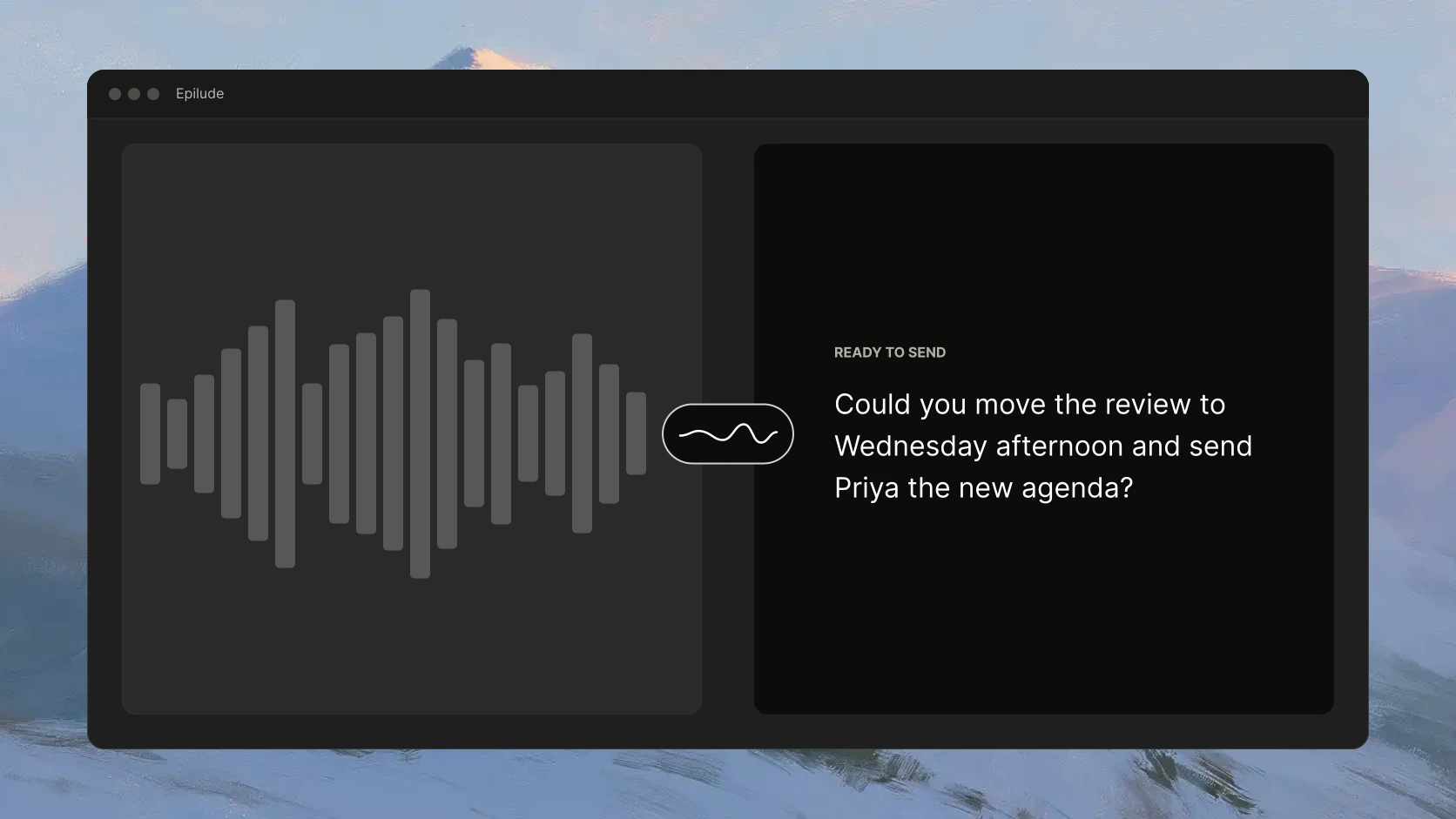
Here is the kind of cleanup that matters in daily writing:
| What we said | Ready-to-send text |
|---|---|
| Um, can you move the review to Tuesday, actually Wednesday afternoon, and, you know, send Priya the new agenda? | Can you move the review to Wednesday afternoon and send Priya the new agenda? |
|---|---| | Gmail | The launch is moving to March 15. We’ll loop in Design today. | | Slack | launch is moving to march 15, looping in design today |
Google Docs Voice Typing can produce a useful transcript, but they leave more of that editing to the writer. Wispr Flow, Typeless, Willow, and Aqua Voice also clean spoken language. Epilude takes our top spot because it combines that cleanup with a local processing option and deeper Mac-specific writing tools.
Dictation in Slack, Gmail, and other Mac apps
Epilude works from a system-wide shortcut rather than a separate editor. In Gmail, we can click into a reply, hold the shortcut, speak, and release. The finished text returns to the same reply field. The process is the same in Slack, Mail, Notion, a browser form, a document, or an AI coding tool, so there is no window switch or copy-and-paste step.
This distinction removes several otherwise good products from consideration. Google Docs Voice Typing stays inside Docs, and Microsoft Word Dictate stays inside Microsoft 365. MacWhisper is strongest when the starting point is a recorded file. If the goal is to replace typing throughout the Mac, look for a global shortcut and direct insertion at the cursor.
Whisper vs Epilude: which produces better ready-to-send text?
It is not a direct product comparison. Whisper is a transcription model, while Epilude is a Mac app built for the whole job. Epilude handles live dictation, removes filler, repairs grammar and punctuation, formats the result, and inserts it back into the current text field.
Whisper can be a foundation for someone building a custom transcription setup. For people who want to dictate in Slack, Gmail, and other Mac apps and receive text that is close to sendable, Epilude is the useful choice. MacWhisper and Superwhisper are complete products, so they make more practical comparisons later in this guide.
A quick decision tree
- Need text to appear directly in Slack, Gmail, Notion, or another Mac app? Choose a system-wide tool with cursor insertion.
- Need audio to remain on the Mac or dictation to work without Wi-Fi? Choose a genuine local mode and check whether cleanup is local too.
- Need writing you can send with little editing? Compare filler removal, spoken corrections, punctuation, and formatting rather than raw transcription alone.
- Need to turn an existing recording into a document or subtitles? Start with a file-transcription product instead of a live dictation app.
- Want to select models and build custom modes? Superwhisper gives you more controls. Want a shorter setup? Epilude asks you to choose a shortcut, processing mode, and app tones.
For private work, we would also ask where the audio goes, whether audio or transcripts are retained, how deletion applies to backups, and what the product’s local mode stops doing. “Encrypted” and “processed on-device” answer different questions.
All 12 Mac dictation choices at a glance
| Product | Processing | Where it works | Best fit |
|---|---|---|---|
| Epilude | Cloud mode or on-device Local Mode | System-wide on Mac | The strongest all-around mix of clean output, privacy choice, and workflow depth |
| Wispr Flow | Cloud | Mac, Windows, iPhone, Android | People who move between platforms |
| Superwhisper | Local and cloud options | Mac, Windows, iPhone, Android | People who want model and mode controls |
| Google Docs Voice Typing | Browser speech service | Google Docs and Google Slides | Free dictation inside a document |
| Willow | Cloud plus an offline mode | Mac, Windows, iPhone | Adaptive formatting across several platforms |
| Aqua Voice | Cloud | Mac, Windows, iPhone, Android | Contextual writing |
| Voibe | On-device on Apple Silicon, or zero-retention cloud | Mac and Windows | Private dictation and developer vocabulary |
| MacWhisper | Local models, with optional AI connections | Mac | Audio and video file transcription |
| VoiceInk | Local transcription, optional cloud text enhancement | Mac and iPhone | Open-source, local-first dictation |
| Typeless | Zero-retention cloud processing | Mac, Windows, iPhone, Android | Cross-platform personalization |
| Monologue | Local transcription available on Mac; formatting and sync use a connection | Mac, iPhone, iPad, Apple Watch | Dictation, voice notes, and meeting capture in one Apple-focused product |
| Microsoft Word Dictate | Cloud, with an internet connection required | Microsoft 365 | People who write mainly in Word |
Best overall for Mac: Epilude
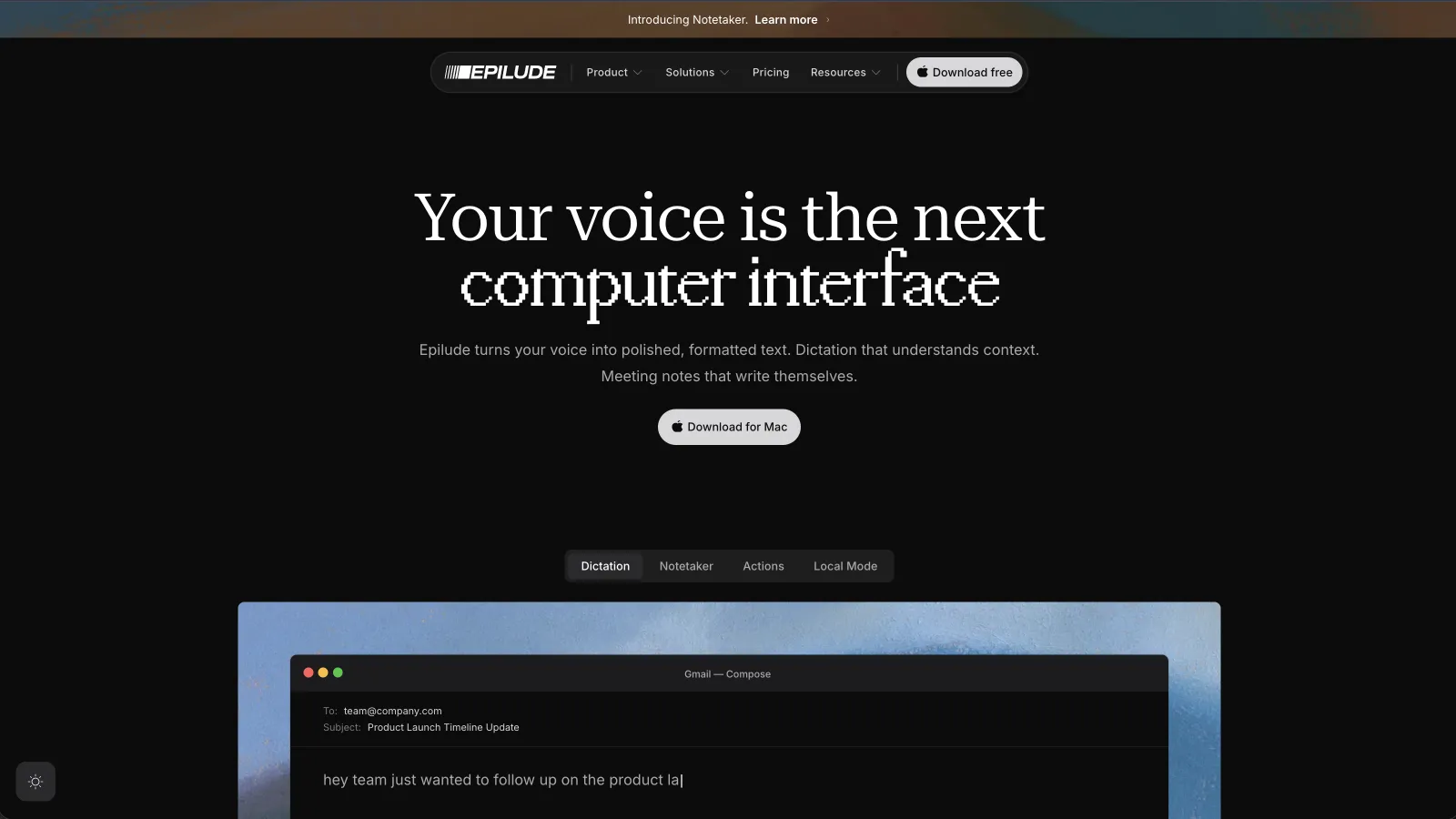
We rank Epilude first because it covers more of our day without giving up an on-device option. We hold a global shortcut, speak, and release. The result lands where the cursor was in Gmail, Mail, Slack, a browser, a document editor, or an AI coding tool.
Cleanup removes filler and repairs punctuation. Tone Match changes the register by app, so an email can stay formal while a chat message stays loose. Vocabulary handles names and specialized terms. Actions lets you select existing text and speak an edit. Notetaker, publicly available, records and transcribes meetings without placing a bot in the call, then produces meeting notes with summaries and action items.
Local Mode is the reason we rank Epilude above cloud-only choices for a Mac owner. Dictation and Cleanup run on the Mac, and the audio never leaves it. Meeting audio and transcription can also stay local. Actions sends selected text and instructions to the cloud. Meeting summaries default to cloud processing; optional local summaries require a separate setting and a 16GB+ Apple Silicon Mac.
There are real limits. Epilude is Mac-only, and Local Mode needs Apple Silicon. Full on-device AI Cleanup needs 16GB of memory or more. Macs with less memory keep transcription and basic formatting on-device. If we worked across Windows and a phone, we would use Wispr Flow, Typeless, or Willow instead.
Epilude pricing starts with independent trial allowances of 1,000 dictation words, 10 meeting notes and 5 cloud-voice minutes, with no time limit. Pro costs $12 per month when billed annually. Pay Once costs $59 for Local Mode and includes one year of app and Epilude Model updates.
Best local-first options
Epilude
Epilude is also our first choice in this category. Local Mode keeps dictation and Cleanup on the Mac, so recorded audio does not leave the device. It still works from a global shortcut and returns cleaned-up text to the app where we started speaking, rather than making us move a transcript between windows.
That combination is what separates it from a bare local speech model: Epilude handles capture, transcription, filler removal, punctuation, formatting, and insertion as one workflow. Local Mode requires Apple Silicon, and full on-device AI Cleanup requires at least 16GB of memory. We would choose one of the alternatives below when model-level control, open-source code, or Windows support mattered more.
Superwhisper
Superwhisper offers extensive model and mode controls. It supports local and cloud models, custom modes, file transcription, vocabulary, and more than one platform. Small local models remain available after its short Pro trial.
The same configurability adds work. You choose models and decide how modes should behave. Epilude owns more of those defaults; Superwhisper exposes more of them. Pick based on which side of that sentence sounds better to you.
Voibe
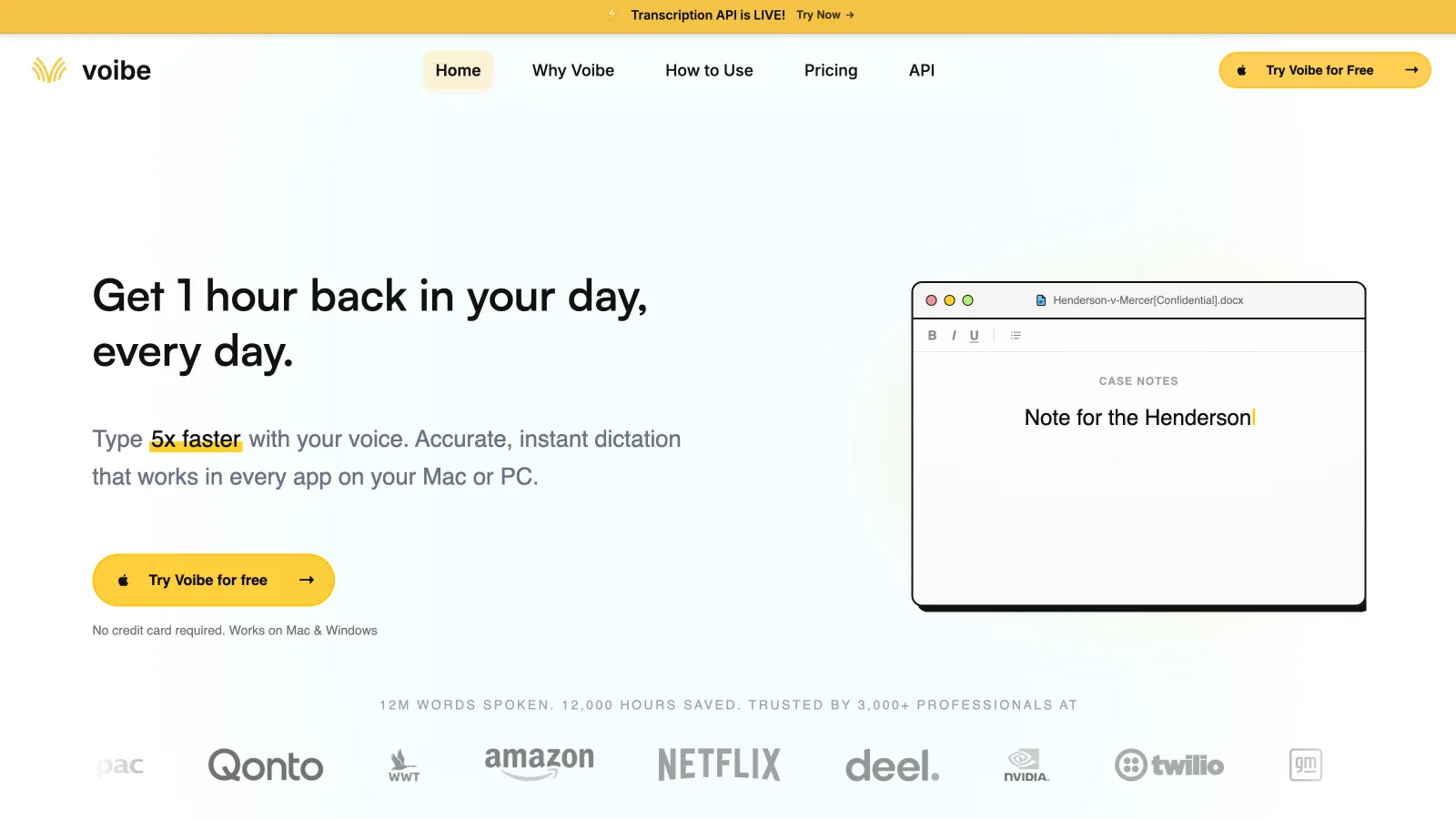
Voibe offers on-device dictation on Apple Silicon Macs and a zero-retention cloud path on Mac and Windows. Its developer mode reads local workspace context to improve file names, folder paths, and technical terms in Cursor, VS Code, and Windsurf.
Voibe stood out for developer vocabulary and a clear privacy split. We would put it on a developer's shortlist when Epilude's broader writing and meeting features were unnecessary. Its Windows version uses the cloud, while the Mac version can work fully offline.
VoiceInk
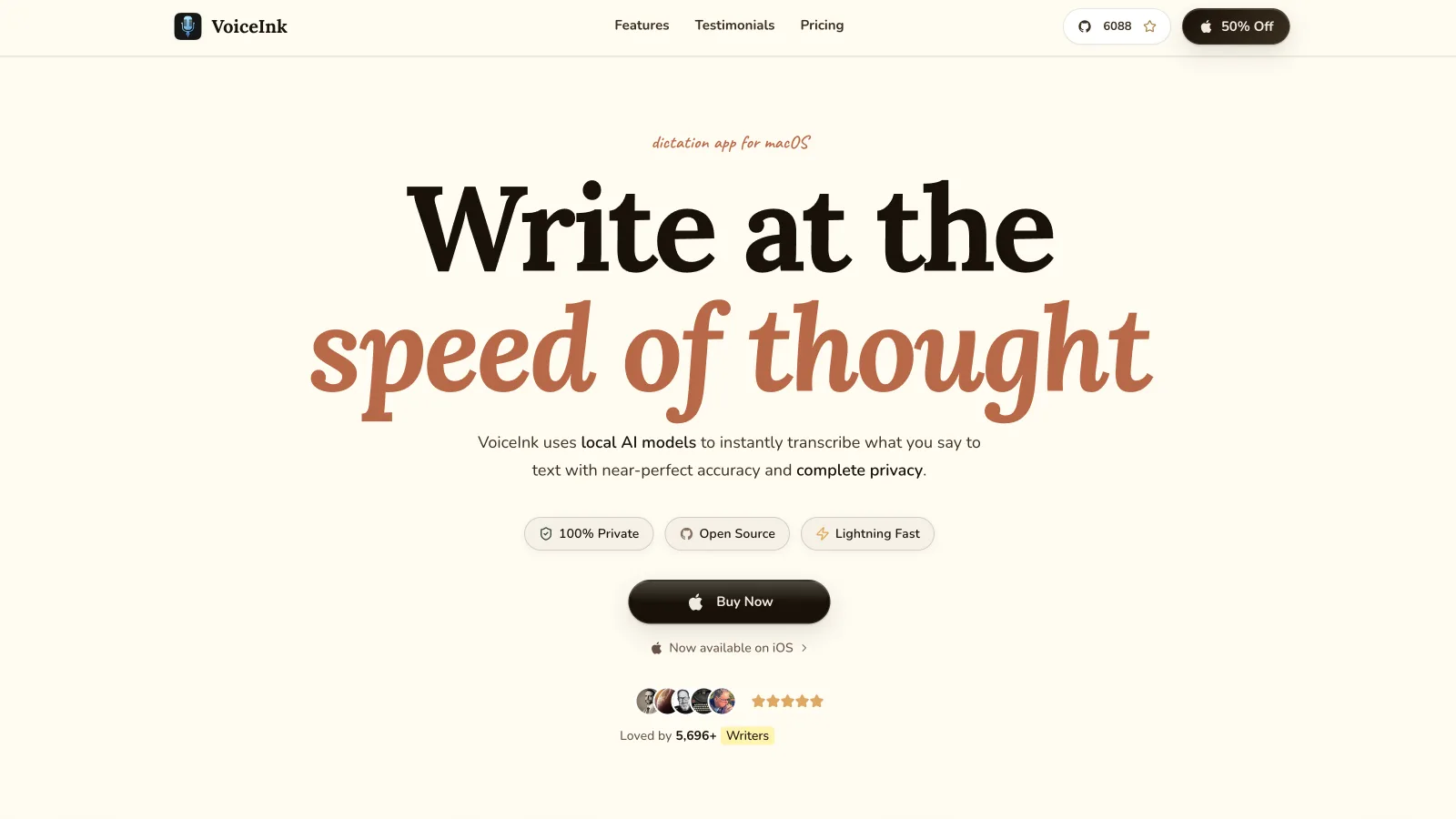
VoiceInk runs transcription locally on Apple Silicon Macs. Cloud Enhancement is optional and sends text rather than voice when enabled. The project is open source, which gives technical buyers a level of inspectability that closed products cannot offer.
VoiceInk makes its local processing choices inspectable. The tradeoff is a more hands-on product with less breadth than Epilude. VoiceInk makes sense if local transcription and source access sit above meetings, voice editing, and automatic per-app tone.
Best cross-platform dictation apps
Wispr Flow
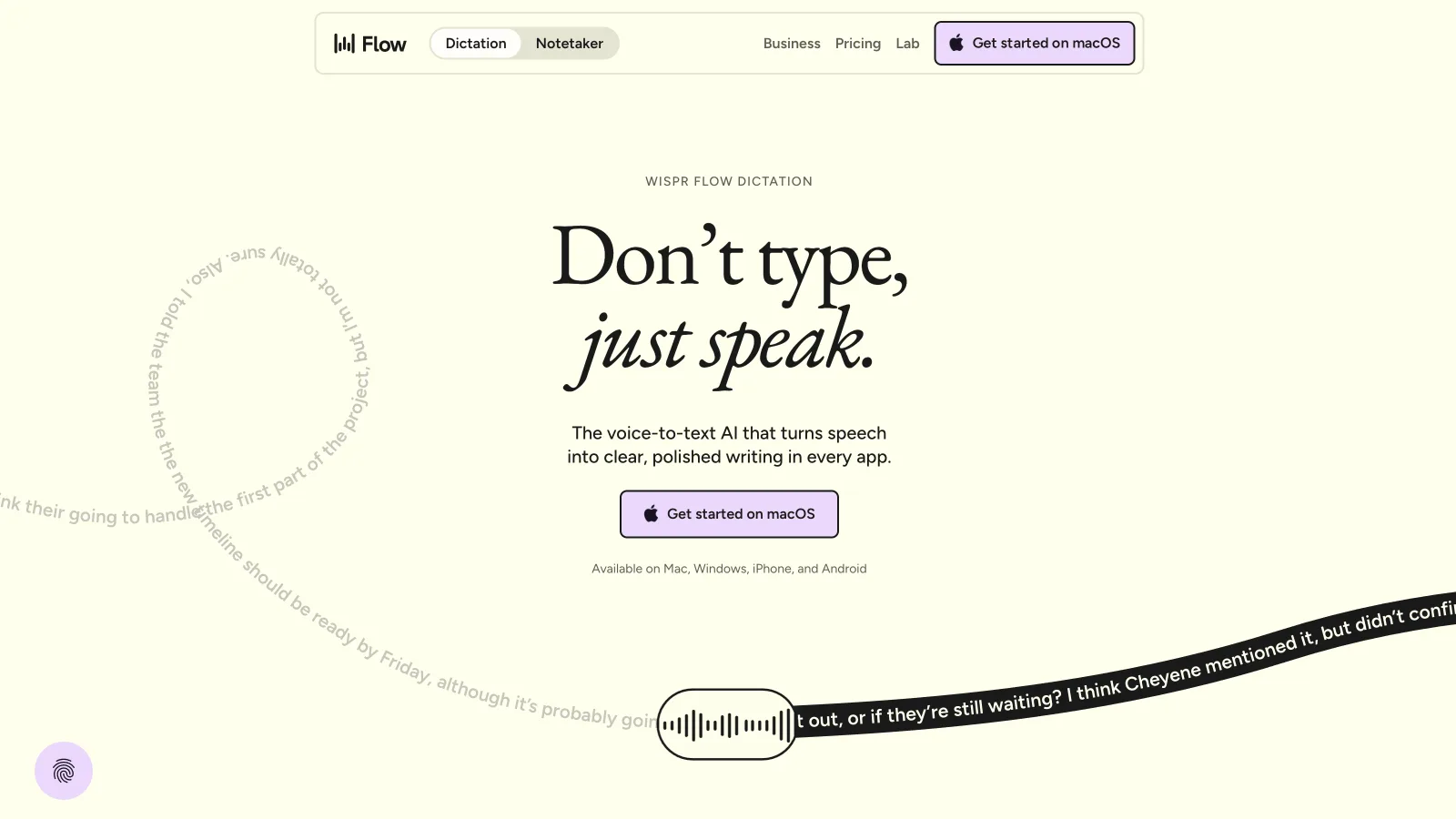
Wispr Flow was the easiest alternative to recommend for someone who wants the same dictation account on Mac, Windows, iPhone, and Android. It cleans up false starts, formats longer speech, stores vocabulary, and inserts text across apps. Its free plan currently allows 2,000 words per week.
Every dictation uses the cloud, so Flow needs a connection. That trade suits people who value platform coverage more than an offline option. Our Epilude versus Wispr Flow comparison goes further on the privacy and pricing differences.
Typeless
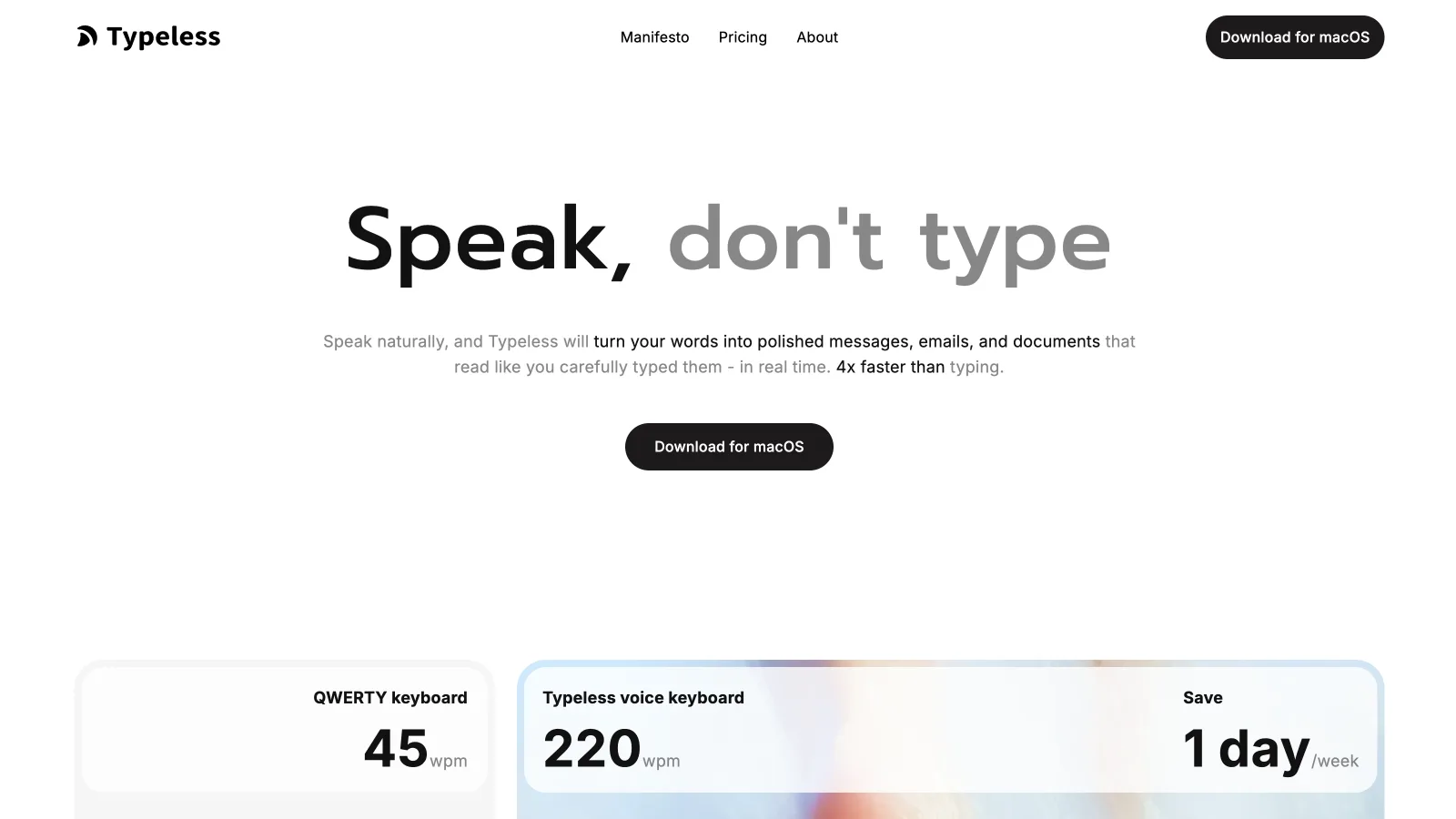
Typeless also covers Mac, Windows, iPhone, and Android. It removes filler and repeated phrases, learns a user's writing habits, keeps dictation history on the local device, and says its cloud processing uses zero data retention.
We would choose Typeless when cross-platform personalization mattered more than local speech recognition. It has no advertised offline transcription path.
Willow
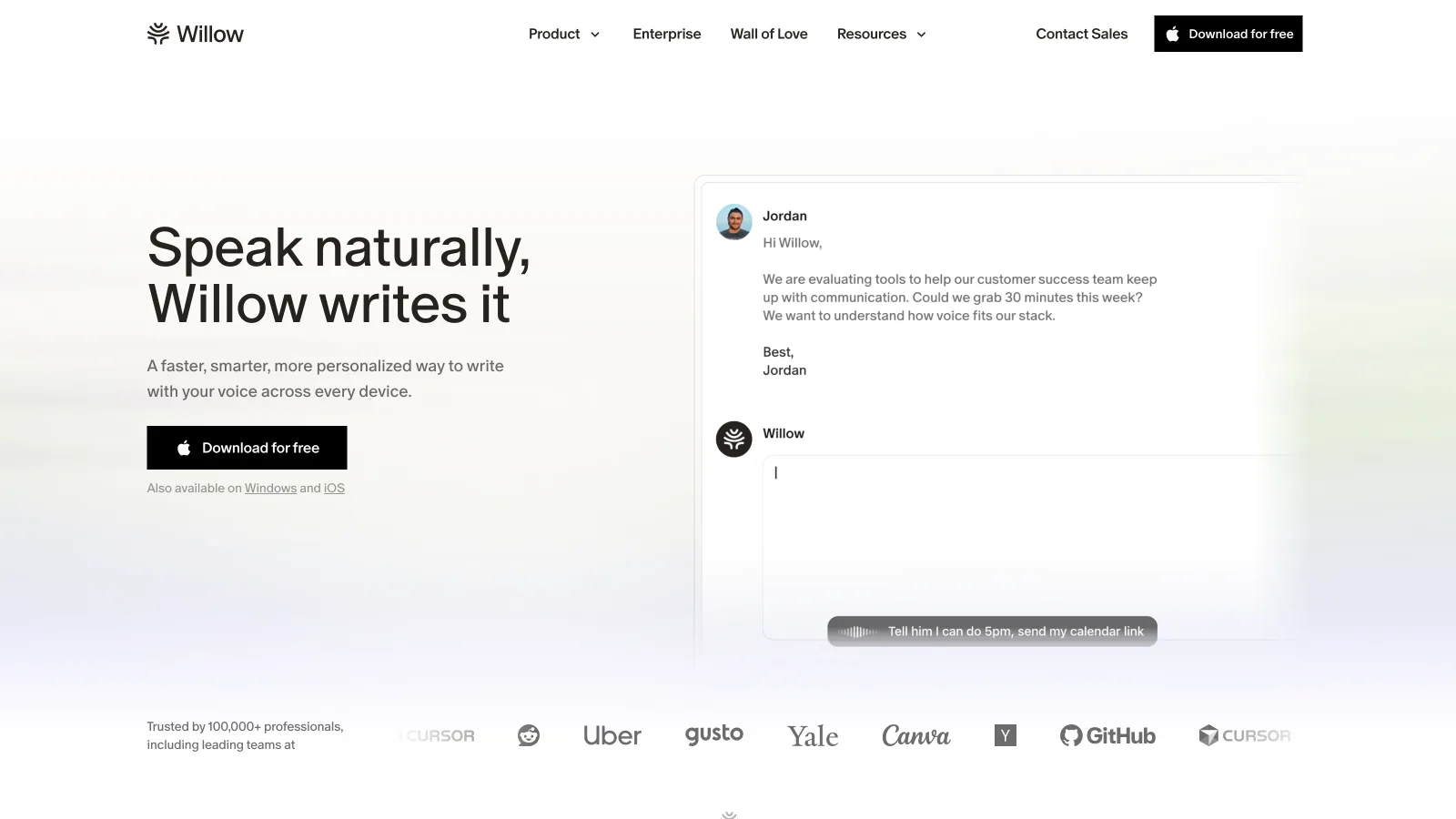
Willow runs on Mac, Windows, and iPhone. We put it between the cloud-only products and Mac-only local products because it combines adaptive formatting with an offline mode. It fits someone who needs more platforms than Epilude but still wants to dictate without a connection.
Dictation and meeting notes in one Mac app
Dictation handles the message we are writing now. Meeting transcription begins with a longer conversation and needs a different result: a searchable record, a useful summary, and clear follow-up work.
Epilude Notetaker, publicly available, records the Mac’s microphone and system audio without adding a bot to the call. When the meeting ends, it produces a transcript, an editable summary, and action items with owners and due dates. Meetings save as Markdown on the Mac, remain searchable in the library, and can be exported to PDF.
That makes Epilude unusually broad for a Mac writing tool. We can dictate an email into Gmail, capture the call that follows, and draft the follow-up from the notes without moving to a separate meeting service.
Best for specialist workflows
Aqua Voice
Aqua Voice caught our attention with live text and its focus on technical language. Text appears while you speak, and the product formats for the destination instead of waiting until the end to show a result. Aqua currently advertises Mac and iPhone apps.
It processes in the cloud. Privacy Mode changes server retention, but it does not turn Aqua into an offline product. Developers who want immediate visual feedback may still prefer that design.
MacWhisper
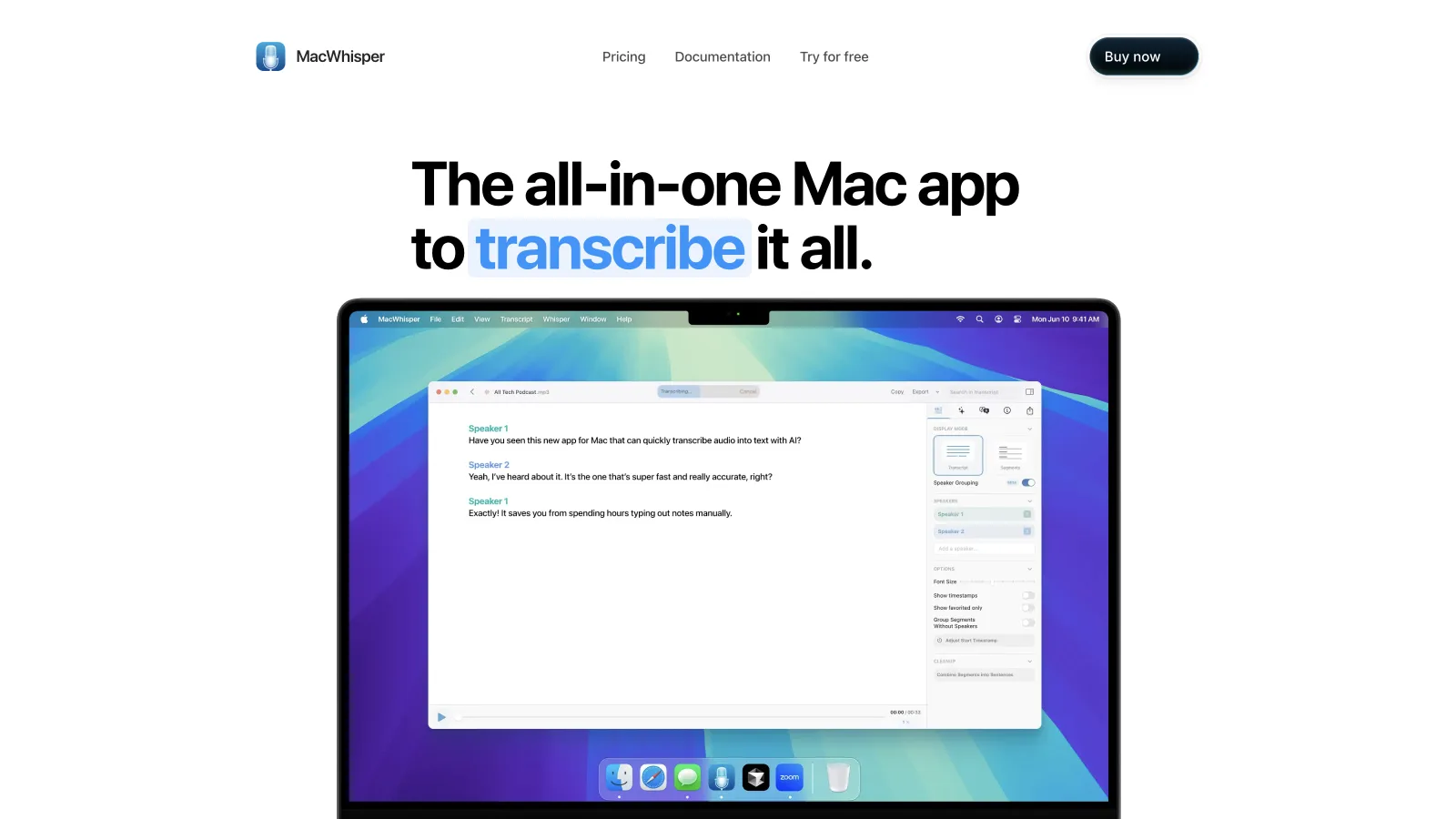
We had to judge MacWhisper on different terms because it starts with an existing audio or video file. It runs transcription models on the Mac and supports the file-oriented work that live dictation products often skip, including subtitle export and batch processing.
Buy MacWhisper for interviews, podcasts, lectures, recorded meetings, or video. Buy a system-wide dictation app when the goal is to replace typing in the text field under your cursor.
Monologue
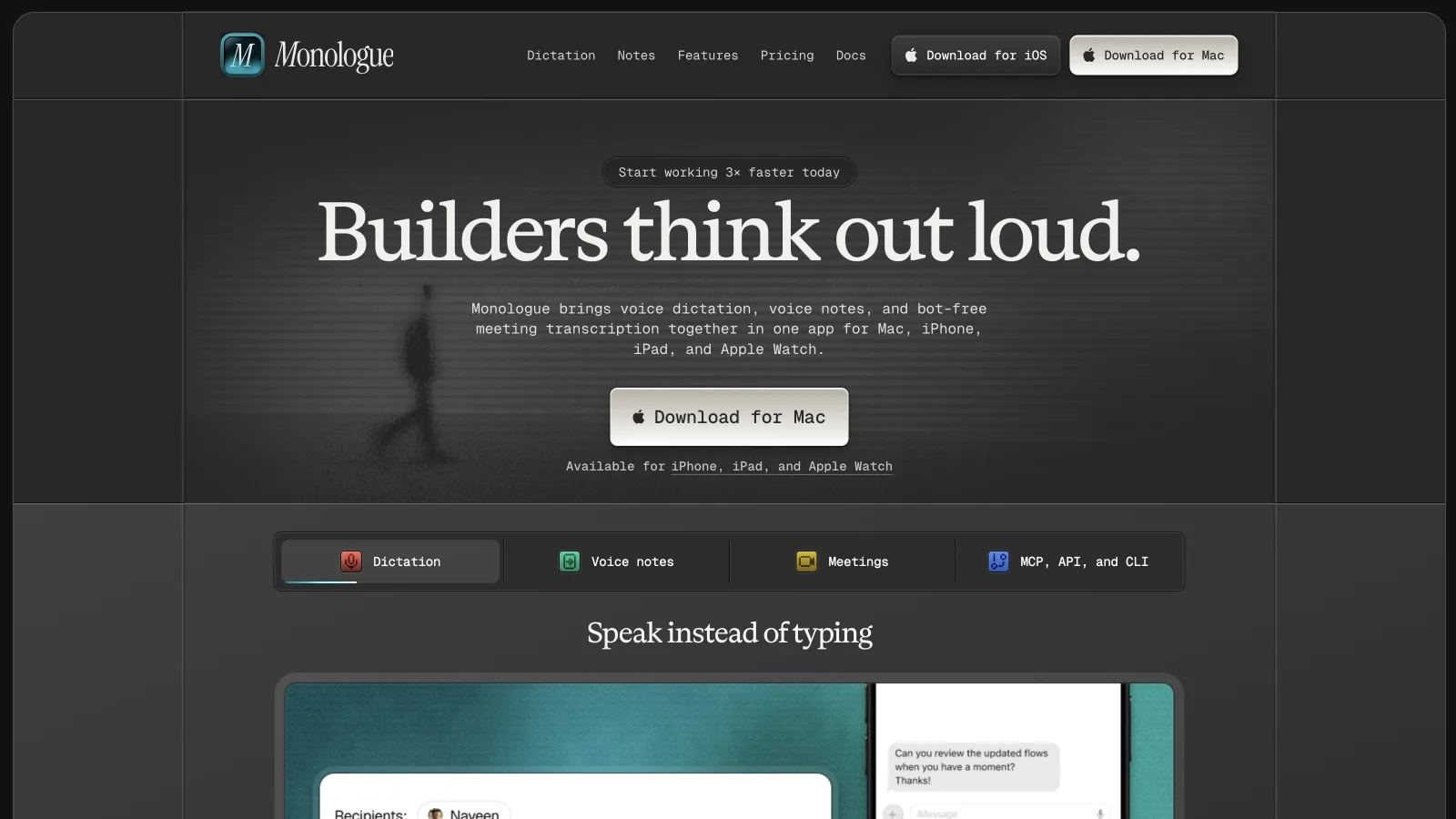
Monologue covers more than dictation. It combines system-wide dictation with voice notes and bot-free meeting notes across Apple's devices. Mac users can choose local transcription, although smart formatting and cross-device sync still need a connection.
Monologue is strongest for someone who wants captured speech to move between a Mac, iPhone, iPad, and Apple Watch. Epilude stays Mac-only and puts more weight on the writing stage: Cleanup, Tone Match, Vocabulary, and Actions.
Best tools you may already have
Google Docs Voice Typing
Google Docs Voice Typing was nearly as quick to start. It is free for people who draft inside Google Docs in a supported browser, and it can enter text, add punctuation, and run editing commands. Google notes that the browser controls speech processing before sending text into the document.
Its boundary is the document. It cannot follow you into Mail, Slack, Notion, or another Mac app.
Microsoft Word Dictate
Microsoft Word Dictate comes with an active Microsoft 365 subscription. It handles speech-to-text, punctuation, navigation, and formatting commands inside Word, and Microsoft requires a reliable internet connection.
We would keep Word Dictate if Word were where our work began and ended. It is less useful as a replacement for typing across the rest of macOS.
Which one should you install?
Choose Epilude if you write throughout the day on a Mac and want clean output, a local processing choice, and more than dictation in the same product. Creators get the most from long-form drafting and Tone Match. Lawyers and anyone handling confidential text get a stronger reason from Local Mode.
Choose a cross-platform product when Windows or mobile coverage is a requirement. Pick a local-first alternative when model control, open source, or a developer-specific workflow outranks the rest of the feature set. For recorded audio, start with MacWhisper.
Meeting notes and reading alongside dictation
Epilude brings Dictation, Notetaker and Narrator together on Mac. This guide focuses on writing; meeting notes and reading are separate jobs with separate settings. The comparison directory covers all three, and the reading guide explains local voice generation versus downloaded audio.
The trial has independent allowances of 1,000 dictation words, 10 meeting notes and 5 minutes of cloud narration, with no card or time limit. Pro includes 60 cloud-voice minutes per calendar month. Pay Once covers supported local features on Apple Silicon with one year of updates; it does not include ongoing cloud use. Check pricing for the complete terms.
Frequently asked questions
Does Epilude remove filler words and fix grammar?
Yes. Epilude Cleanup removes filler, resolves spoken corrections, and fixes grammar and punctuation before inserting the text. Tone Match can then adjust the formality for the app you are using.
Can Epilude dictate directly into Slack and Gmail?
Yes. Epilude uses a system-wide shortcut and inserts the finished text back at the cursor in Slack, Gmail, and other normal Mac text fields. There is no separate dictation window or copy-and-paste step.
Can Epilude also transcribe meetings?
Yes. Epilude Notetaker, publicly available, records meetings from the Mac without placing a bot in the call. It creates a transcript, an editable summary, and action items with owners and due dates, then saves the meeting as Markdown with a PDF export option.
Is Whisper or Epilude better for ready-to-send text?
Epilude is the useful choice for ready-to-send writing because it is a complete dictation product with Cleanup and text insertion. Whisper is a transcription model that needs other software around it.
What is the best free dictation option on Mac?
Superwhisper offers a free tier with local models. Google Docs Voice Typing is another free option if your writing happens inside Google Docs.
Which Mac dictation products work offline?
Epilude Local Mode, Superwhisper, Voibe, VoiceInk, and Willow all advertise an offline or on-device path on supported Macs. MacWhisper also transcribes recorded files locally. Check the cleanup stage as well as speech recognition, because local transcription does not guarantee local text enhancement.
What is the difference between dictation and transcription?
Dictation starts with live speech and puts text into the place where you are writing. Transcription begins with a saved recording and produces text afterward. Epilude is built around dictation; MacWhisper is built around file transcription.