Epilude Narrator is our pick for Mac readers who want local voice generation alongside dictation and meeting notes. Speechify is worth considering for listening across devices and its Mac voice typing. NaturalReader Personal suits a web and mobile document library. Apple Speak Selection may be enough for a short selection you want to hear immediately.
The useful comparison is the reading task, the processing path and the plan. A voice that sounds right to one reader may not suit another. This guide compares documented features reviewed on 30 September 2026; it does not claim a hands-on voice quality or speed benchmark. Try your own documents and voices before choosing.
Four options at a glance
| Reading job | Option to consider | Main tradeoff |
|---|---|---|
| Mac reading with local voice generation, plus writing and meeting notes | Epilude Narrator | Mac-only; local synthesis needs Apple Silicon |
| A reading library across devices, plus Mac voice typing | Speechify | Review the chosen voice, platform and personal reading plan |
| Web/mobile documents with reading and navigation tools | NaturalReader Personal | OCR, listening and audio conversion depend on the subscription and voice tier |
| Free reading of selected text already on the Mac | Apple Speak Selection | A selection reader rather than a dedicated imported-document library |
These are editorial recommendations by use case. They are not a universal ranking of voices, accessibility, or recognition accuracy.
Compare generation, playback and web access separately
Local voice generation means a model creates the audio on the computer. After its model download, Epilude’s local voice generates speech on Apple Silicon without sending the reading text for synthesis. A new web page still needs to be fetched over the network. Importing a link and generating its narration are separate steps.
Offline playback means a finished recording can play without a connection. A downloaded MP3 may have been generated from text sent to a cloud service earlier. That is useful for travel, but it does not establish local synthesis. Speechify documents offline listening through downloads; NaturalReader Personal documents subscription MP3 conversion and downloads.
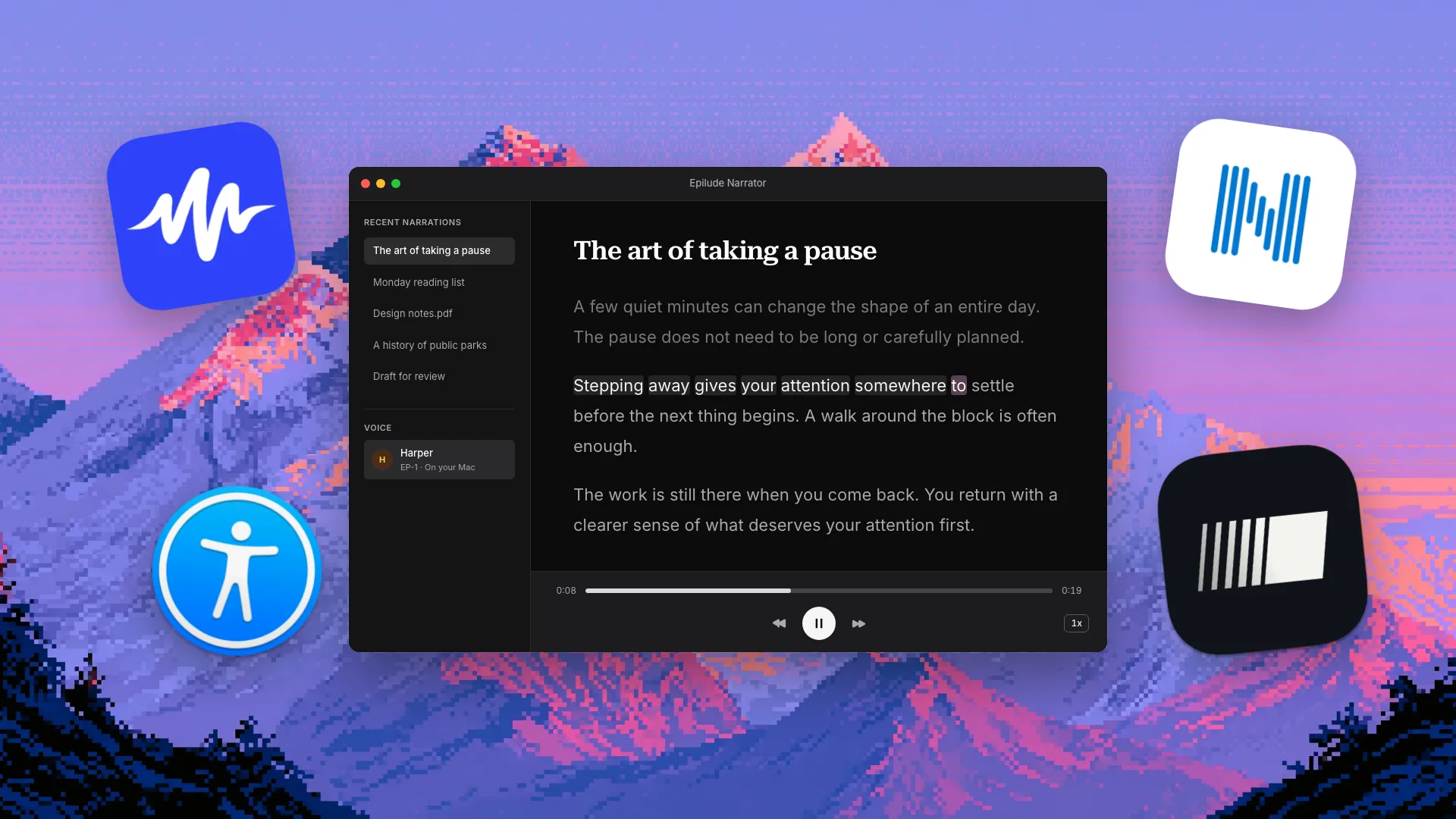
Cloud generation sends text to a service to produce speech. In Narrator, the voice picker distinguishes local and cloud voices. Web sharing is a separate data path: Share and Keep on the Web upload text and audio. Optional automatic web retention applies to completed cloud-voice narrations, not the local voice.
Read the Narrator data-handling explanation and sharing guide before deciding which inputs to use with which voice.
Epilude Narrator: reading as part of your Mac day
Narrator starts from selected text or the clipboard, or from an imported document, link, image or screen text. It offers adjustable speed, word and sentence highlighting, and RSVP reading. Imported reading items live in a library; selection and clipboard playback do not necessarily create a saved item every time.
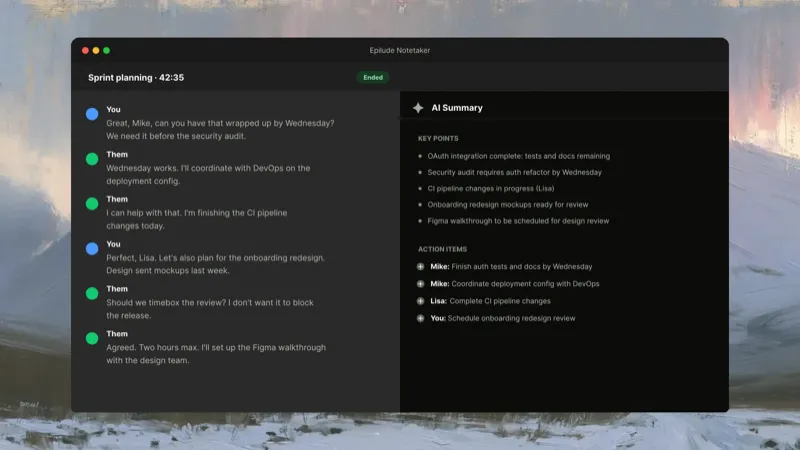
This fits a day that already moves between a draft, a meeting and a reading list. Dictation writes at the cursor. Notetaker captures microphone and system audio without a bot and produces editable meeting notes. Narrator handles the listening task. The shared app does not mean all three share a single processing setting.
Local Dictation needs Apple Silicon, and full local AI Cleanup needs 16GB+. Notetaker defaults to cloud transcription and cloud summaries; choose local transcription and local summaries separately if both must stay on the Mac. Local summaries require 16GB+ Apple Silicon and are slower and less capable than cloud summaries. Cloud Actions sends selected text and instructions even if Dictation is local.
Narrator’s local voice is unmetered. Pro includes 60 minutes of cloud voice per calendar month. The trial offers 5 minutes of cloud narration, independently of its 1,000 dictation words and 10 meeting notes, with no card or time limit. Pro costs $12/month billed annually ($144/year). Pay Once costs $59 for supported local features on Apple Silicon with one year of updates; it does not include ongoing cloud use. See pricing for the current hardware and entitlement boundaries.
Choose Narrator if local synthesis and these other Mac workflows matter to you. Choose another reader if you need a library that follows you across other operating systems. Explore Narrator.
Speechify: reading across devices, with Mac voice typing
Speechify offers a reading library and a native Mac app. Its Mac product includes voice typing as well as text-to-speech, so it overlaps with Epilude’s writing workflow too. Selected text, document reading, highlighting and playback controls belong in the comparison.
Its wider device ecosystem is a reason to consider it if you listen away from your Mac. Check which reading and writing features are available on each device you use. Do not assume a feature in the Mac app applies to every other platform or edition.
Speechify’s downloaded audio is an offline listening option. The documentation reviewed does not establish that its AI reading voices generate speech locally on Mac. If local synthesis is a requirement, verify the particular voice rather than treating a download button as proof.
Compare its current personal reading plan before buying. Speechify Studio and commercial content production are a different buying decision from hearing documents privately. Read the Speechify comparison.
NaturalReader Personal: a document reading workspace
The product here is NaturalReader AI Text to Speech Personal. Its older desktop software and commercial AI Voice Generator are different products, so their platform lists, prices and rights should not be combined.
Personal runs on web and mobile and offers a browser extension. Its document tools include navigation, annotations and a library. OCR can make scanned or image-based material readable, subject to subscription requirements and extraction quality. It also supports pasted text and web page links.
Subscriptions govern extended listening, voice access, OCR and MP3 conversion. Conversion has its own limits, so “unlimited listening” should not be assumed to mean unlimited downloadable audio. Downloaded MP3s support offline listening; that is distinct from local speech generation.
NaturalReader Personal’s voices are licensed for personal use. Sharing generated audio or using it in public content may require its separate commercial product. A reading tool’s ability to export audio does not by itself establish redistribution rights. Read the NaturalReader comparison.
Apple Speak Selection: a useful free reading tool
Apple’s Read & Speak settings let you hear selected text with a shortcut. Speak Selection has highlighting, adjustable speech speed and a controller. Depending on your macOS version, Accessibility Reader may provide another supported reading view. These are capabilities to give Apple credit for, rather than claiming highlighting is unique to a paid app.
Start here if the job is mainly to hear a selected paragraph and you do not need to collect documents in another library. Use supported downloaded system voices where appropriate, and check the current voice and operating system settings.
Narrator is a reading tool, not a replacement for VoiceOver or a guarantee of equivalent accessibility support. If you rely on assistive technology, try the exact content and controls with your setup. Read the Apple Speak Selection comparison.
How to choose with your own reading
Bring a short email, a longer article and a document with the formatting you usually encounter. Check whether the reader extracts the right text, whether highlighting helps you follow it, and whether speed and navigation remain usable for a longer session.
If you need offline use, test with an already imported document and the intended voice after setup. Then distinguish that from fetching a new URL or creating a new recording. If you need cloud voice minutes, check how the allowance resets and what happens when it runs out.
Keep the use case clear: this guide is about personal listening and reading support. It does not recommend a commercial voiceover service or grant rights to redistribute imported third-party text.
Sources and related comparisons
Primary sources reviewed on 30 September 2026:
- Speechify Mac app and voice typing, offline listening information and plans.
- NaturalReader Personal scope and rights, reading features and plans.
- Apple Read & Speak settings.
- Epilude’s voice picker guide, data handling and pricing.
For the other tasks in your day, browse Dictation, Notetaker and Narrator comparisons, the dictation shortlist, or the bot-free meeting guide.