Epilude is our best Willow Voice alternative for people who do most of their writing on a Mac. It turns natural speech into finished text at the cursor, matches the destination app, and can run transcription and Cleanup locally. Willow remains the better choice when the same dictation account needs to cover Windows and iPhone as well as macOS.
Superwhisper is the stronger alternative for people who want to choose every model and mode.
Quick answer
| What we need | Best choice | The practical reason |
|---|---|---|
| Best overall Willow alternative on Mac | Epilude | Ready-to-send cursor insertion, Tone Match, a documented Local Mode, and meeting notes in the same app |
| Best for model and mode controls | Superwhisper | Local and cloud models can be selected independently for transcription and post-processing |
| Best open-source alternative | VoiceInk | Inspectable Mac app with local transcription and configurable enhancement providers |
| Best cloud option across four platforms | Wispr Flow | Mac, Windows, iPhone, and Android with strong automatic context handling |
| Best generous free allowance | Typeless | A large weekly free allowance across desktop and mobile |
| Best for cloud speed and technical vocabulary | Aqua Voice | Fast cloud transcription, custom dictionary, and Mac, Windows, and iPhone apps |
Why look for an alternative to Willow?
Willow Voice is a capable cross-platform dictation app. It inserts text into Mac and Windows apps, has an iPhone keyboard, removes filler, formats speech, learns dictionary terms, and changes its writing style by context. Its Pro plan also advertises offline dictation.
The reason to switch depends on which part of that package matters most.
We would look elsewhere if we wanted a Mac-only tool with a more explicit local data path, finer model controls, source-code access, a larger free allowance, Android support, or a built-in meeting-note workflow. None of those makes Willow a poor product. They describe different buying decisions that the label “AI dictation” tends to hide.
Willow's own documentation deserves a careful read. Its current pricing guide lists offline dictation on the paid plan. Its privacy guide says the normal dictation experience uses cloud models and explains that Private Mode prevents Willow from retaining audio, dictated text, or screen context. Offline capability and cloud privacy are both useful, but they answer different questions. For sensitive work, we would still ask which cleanup, style, and personalization stages remain on the device in Offline mode.
What to compare
This is an editorial comparison of product workflows, not a controlled hands-on accuracy or speed benchmark. Features and model choices explain the shortlist; they do not establish a universal winner for output quality.
For your own trial, use a short reply, a longer email, a spoken correction, a list, and your usual names or technical terms. Check the result at the cursor, how much editing remains and where both transcription and Cleanup run. A local speech model alone does not establish local rewriting. The example phrases below are illustrative inputs and desired outputs, not benchmark results.
Willow Voice alternatives compared
| Product | Platforms | Offline transcription | Local cleanup path | Best reason to choose it |
|---|---|---|---|---|
| Epilude | Mac | Yes, on Apple Silicon | Yes, in Local Mode | Mac-first finished writing and meeting notes |
| Superwhisper | Mac, Windows, iPhone, iPad | Yes | Yes on Mac with a local language model | Maximum model and mode control |
| VoiceInk | Mac, with a separate iPhone app | Yes | Yes with a configured local provider | Open-source and configurable local processing |
| Wispr Flow | Mac, Windows, iPhone, Android | No advertised offline path | No | One cloud workflow across four platforms |
| Typeless | Mac, Windows, iPhone, Android | No advertised offline path | No | Broad platform coverage and free allowance |
| Aqua Voice | Mac, Windows, iPhone | No | No | Cloud speed and technical vocabulary |
Best overall Willow alternative for Mac: Epilude
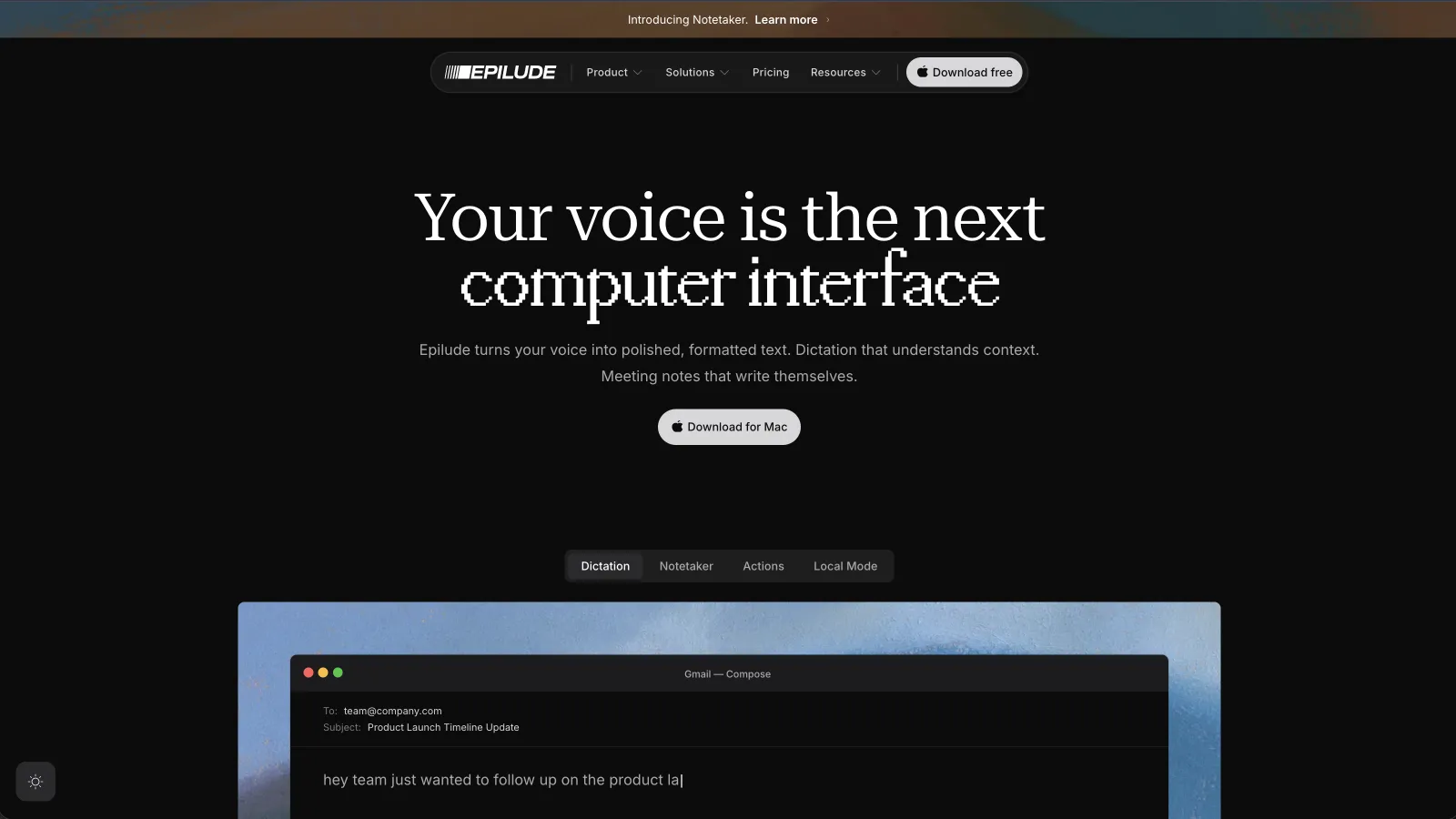
Epilude is the alternative we would install when the Mac is the centre of the workflow. We hold one shortcut, speak, and release. Cleanup removes filler and resolves spoken corrections before the text returns to the active field in Mail, Gmail, Slack, Notion, a browser, or a coding tool.
That last step matters. A transcription window can be accurate and still create work if we need to copy its output into the actual message. Epilude returns the finished version to the cursor we started from.
Tone Match changes the register by destination. Our email test kept the greeting and complete sentences. In Slack, the same idea became a shorter update rather than a miniature memo. Vocabulary handled the names and terms we added, and Actions let us select existing text and speak an edit instead of dictating the whole passage again.
The clearest reason to choose Epilude over Willow is Local Mode. On a supported Apple Silicon Mac, transcription and Cleanup can run on the device, so the audio and text do not leave the Mac. It also works without Wi-Fi after the model is installed. That is a narrower platform promise than Willow, but a clearer local-processing boundary.
Epilude also includes Notetaker, which captures microphone and system audio without adding a bot to a call. It turns the meeting into a transcript, summary, action items, and a Markdown file. Willow now describes meeting and note-taking capabilities in its privacy policy, but we would choose Epilude when dictation and owned meeting files should live in one Mac app.
There are two reasons not to switch. Epilude is Mac-only, and Local Mode requires Apple Silicon. Willow wins when we need Windows and iPhone under the same account. Superwhisper offers more knobs if choosing the transcription and language models is part of the appeal.
Best for choosing models and modes: Superwhisper
Superwhisper is the most configurable Willow alternative in this list. It separates the voice model from the language model, then lets each mode decide how speech should be transformed. On Mac, both stages can use local models. It can also use its hosted models or provider APIs when that tradeoff makes sense.
That control is useful for people who want separate modes for email, medical notes, coding prompts, or transcription-only work. It also means there are more choices to understand. A local voice model plus a cloud language model is not fully local, and a transcription-only mode will not produce the same polished writing as a configured post-processing mode.
We would choose Superwhisper over Willow for a customizable local stack or over Epilude when model selection itself is important. We would choose Epilude when we wanted stronger defaults and less time configuring the path from speech to finished prose.
Best open-source alternative: VoiceInk
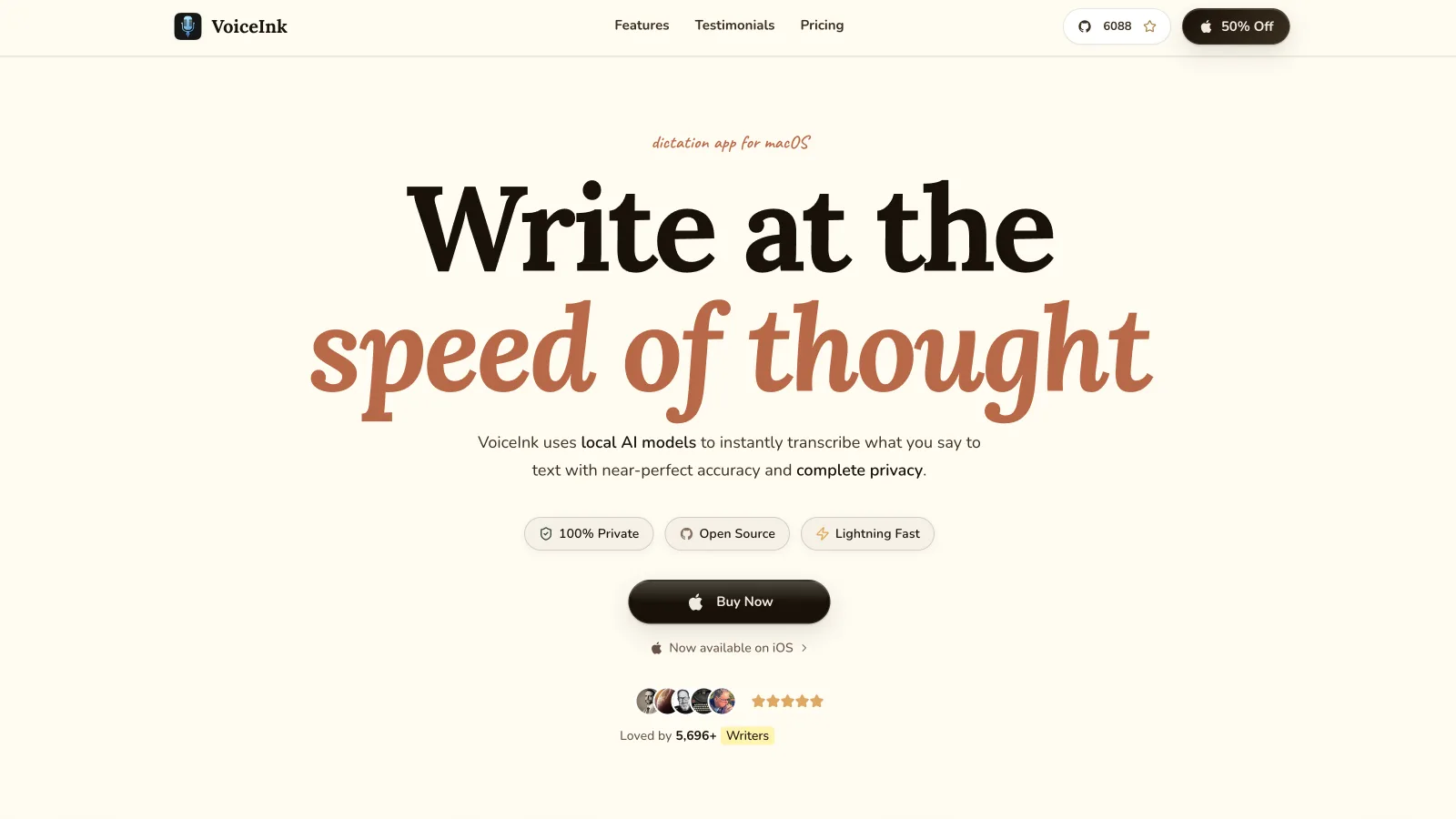
VoiceInk is a native Mac app with source code available under the GPL. It supports local Parakeet, Whisper, and Apple Speech models, plus optional cloud transcription providers. Enhancement is configured separately and can use a local tool such as Ollama or a provider connected with our own key.
Modes can control transcription, enhancement, context, shortcuts, and output behaviour. That makes VoiceInk unusually adaptable without concealing the underlying pieces. It can paste at the cursor, use custom vocabulary, rewrite selected text, and transcribe existing files.
The tradeoff is setup. We need to choose models and decide which context permissions to grant. Screen context, for example, requires Screen Recording permission because the app reads visible window text. We would pick VoiceInk when inspectability and configuration outranked a guided default experience.
Best four-platform cloud alternative: Wispr Flow
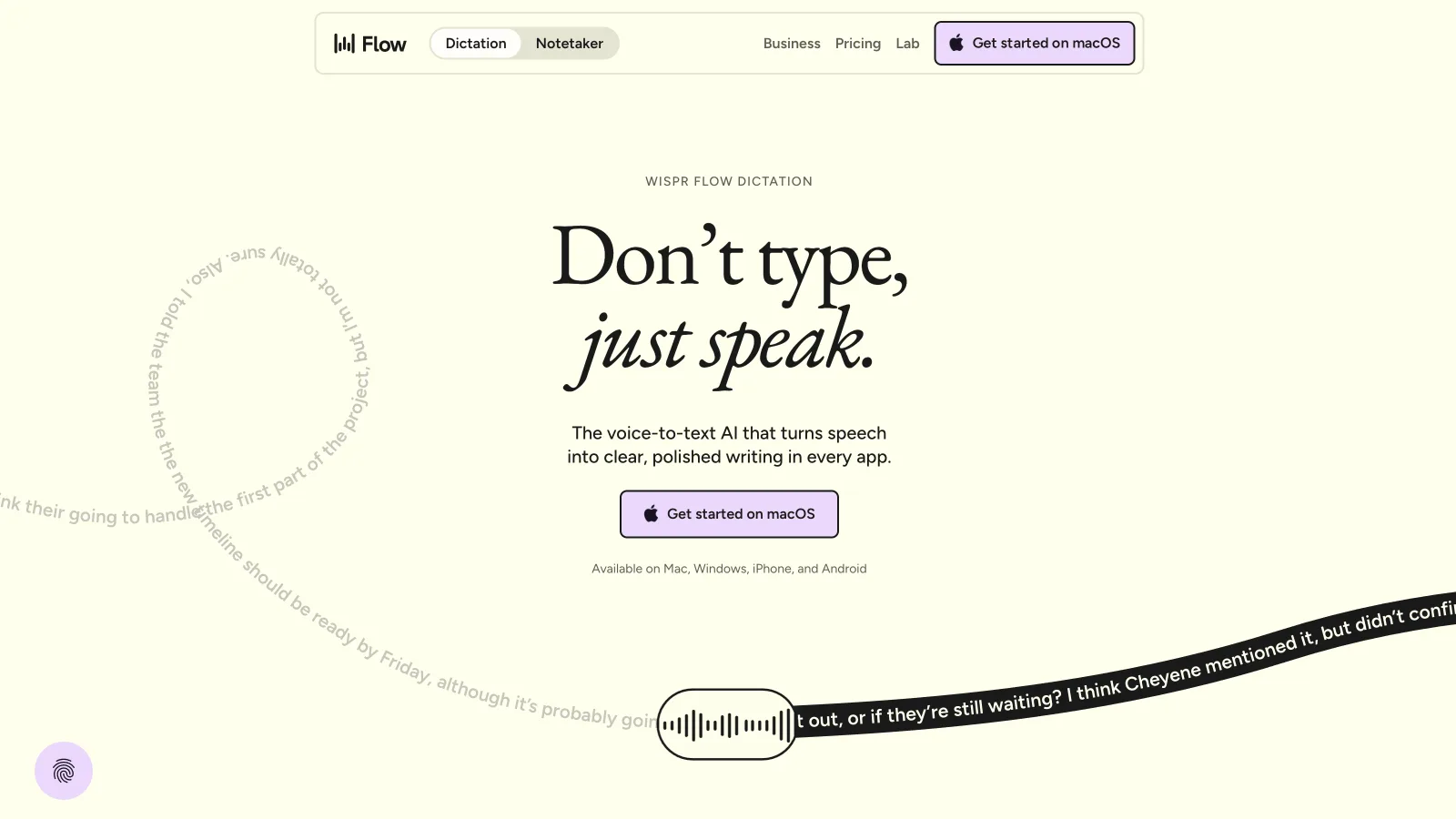
Wispr Flow covers Mac, Windows, iPhone, and Android. It puts polished text at the cursor, learns vocabulary, and adapts formatting to the active app. Its context handling is especially useful for someone who moves from Gmail to Slack to a coding assistant throughout the day.
Flow is cloud-based. Its privacy controls can turn off model-improvement use and change cloud and local history settings, while third-party AI providers operate under zero-data-retention agreements. That is a cloud privacy design, not offline speech recognition.
We would choose Flow over Willow when Android support mattered or when its automatic context behaviour fit better. We would choose Epilude or a local Superwhisper configuration when the work needed to continue with the network disabled.
Best free allowance across devices: Typeless
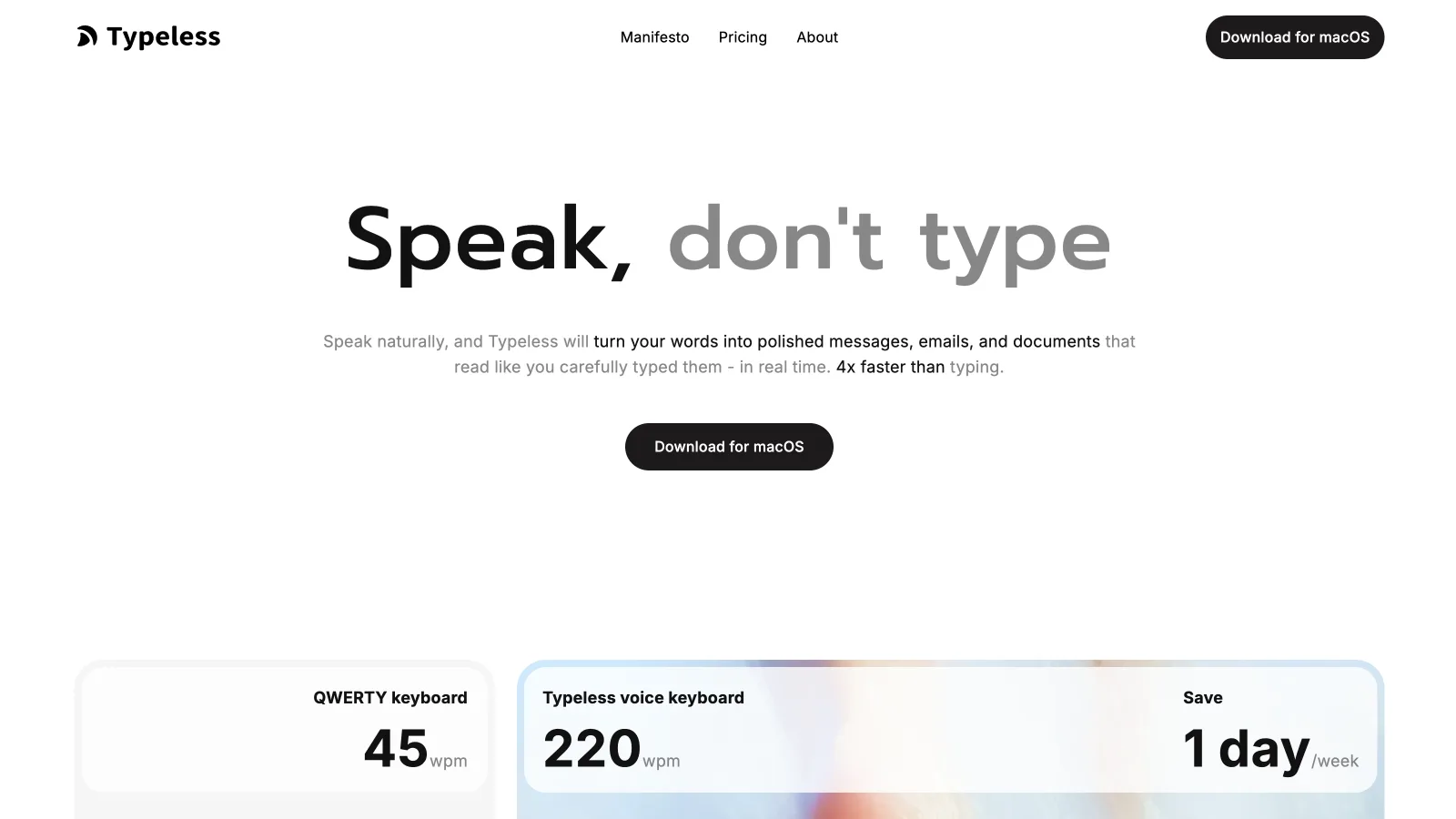
Typeless is another cloud dictation product for Mac, Windows, iPhone, and Android. It removes repeated words and filler, resolves corrections, and personalizes writing style. Its free plan currently includes 8,000 words per week, which makes it easier to test on real work than a short one-off sample.
Typeless says dictated content has zero cloud retention, is not used for training, and keeps history on the device. It does not advertise a local speech-recognition or offline cleanup path. We would choose it when cross-platform access and the free allowance mattered more than offline use.
Best cloud alternative for technical vocabulary: Aqua Voice
Aqua Voice runs on Mac, Windows, iPhone and Android. It uses its own cloud speech model, supports a large custom dictionary, and provides voice editing for correcting recent output. Its feature set emphasizes contextual writing.
Aqua requires an internet connection. Its FAQ says Privacy Mode prevents dictation transcripts from being retained, while the normal cloud path supplies the speed and model quality it advertises. We would try Aqua for technical names and low-latency cloud output, but not for a network-off requirement.
Which Willow alternative should we choose?
Choose Epilude when we write primarily on a Mac and want the smallest gap between speaking and sending. Local Mode gives it the clearest advantage for offline or sensitive work, while Tone Match, Actions, and Notetaker extend the workflow beyond transcription.
Choose Superwhisper for detailed model control, or VoiceInk when open-source access matters. Wispr Flow is the better four-platform cloud choice if Android is part of the mix. Typeless has the most generous free allowance in this group, Aqua is worth testing for technical cloud dictation costs nothing.
Stay with Willow when Windows and iPhone support are non-negotiable and its combination of formatting, shared account, dictionary, and Offline mode already works well. The best alternative is the one that fixes a specific mismatch, not the one with the longest feature list.
Meeting notes and reading alongside dictation
Epilude brings Dictation, Notetaker and Narrator together on Mac. This guide focuses on writing; meeting notes and reading are separate jobs with separate settings. The comparison directory covers all three, and the reading guide explains local voice generation versus downloaded audio.
The trial has independent allowances of 1,000 dictation words, 10 meeting notes and 5 minutes of cloud narration, with no card or time limit. Pro includes 60 cloud-voice minutes per calendar month. Pay Once covers supported local features on Apple Silicon with one year of updates; it does not include ongoing cloud use. Check pricing for the complete terms.
Frequently asked questions
What is the best Willow Voice alternative for Mac?
Epilude is our top Willow alternative for Mac because it combines system-wide cursor insertion, Cleanup, Tone Match, Vocabulary, and a documented on-device Local Mode. Willow is still a better fit for people who also need Windows and iPhone.
Which Willow alternative works fully offline?
Epilude can run transcription and Cleanup locally in Local Mode on Apple Silicon Macs. Superwhisper can also keep both stages local on Mac when local voice and language models are selected. VoiceInk supports local transcription and local enhancement when a compatible local provider is configured.
Does Willow Voice work offline?
Willow's current Pro plan includes Offline dictation. Its general privacy documentation describes cloud processing for the normal dictation path, so we would confirm which formatting and personalization features remain available in Offline mode before using it for sensitive work.
Is there a free alternative to Willow Voice?
Typeless and Wispr Flow also have ongoing free tiers with weekly word limits, while Superwhisper offers a free tier with a smaller feature set.
Is Epilude or Willow better for iPhone?
Willow is the better choice for iPhone because it has an iOS app and one subscription works across its supported devices. Epilude is designed for macOS.
Which alternative removes filler words and fixes grammar?
Epilude, Superwhisper, VoiceInk with enhancement enabled, Wispr Flow, Typeless, Aqua Voice, and Willow can all turn rough speech into cleaner text.
Can these apps dictate directly into Slack and Gmail?
Yes. Each desktop option in this comparison can insert into ordinary text fields. On macOS, that usually requires Microphone permission to capture speech and Accessibility permission to return text to the active cursor.