We compare seven Wispr Flow alternatives on a Mac, and Epilude is our best overall choice. It gives us the same basic convenience that makes Flow useful, speaking into Slack, Gmail, documents, and other apps without changing windows, then adds a fully local mode and Mac-specific tools for cleaning and editing the result.
Wispr Flow remains the better fit for people who dictate across Mac, Windows, iPhone, and Android. Our ranking is for a Mac-first workflow, especially when polished output, offline use, or control over where voice data is processed matters more than having one account on every platform.
Quick answer
Epilude is our preferred Wispr Flow alternative for this Mac workflow. It turns speech into ready-to-send text at the cursor, removes filler, resolves spoken corrections, adjusts tone by app, and can run dictation and Cleanup entirely on the Mac. Superwhisper is better for people who want to choose models and build custom modes. VoiceInk is the strongest open-source option.
| Your priority | Best alternative | Why |
|---|---|---|
| Best overall for Mac | Epilude | Clean system-wide dictation, local processing, Tone Match, Vocabulary, Actions, and meeting notes |
| Best for model controls | Superwhisper | A large choice of local and cloud models with configurable modes |
| Best open-source option | VoiceInk | Local-first Mac dictation with inspectable source code |
| Best cross-platform alternative | Willow | Mac, Windows, and iPhone apps with cleanup and an offline mode |
| Best for recorded files | MacWhisper | Strong local transcription workflow for existing audio and video |
Reasons to replace Wispr Flow
Wispr Flow is good at the central job. We press a shortcut, speak into almost any app, and receive text that is cleaner than a literal transcript. It supports more than 100 languages, works across desktop and mobile platforms, and offers a usable free tier on desktop.
The reasons to switch are more specific:
- You want dictation and cleanup to work with no internet connection.
- You do not want voice audio uploaded for every dictation.
- You use a Mac and would trade cross-platform coverage for deeper Mac controls.
- You want to select your own transcription or language models.
- You mainly transcribe recorded files rather than write live at the cursor.
- You want a one-time purchase instead of another ongoing subscription.
Wispr Flow processes dictation in the cloud. Its privacy controls can limit training and cloud history, but those settings do not make speech recognition run on the device. That is the most important dividing line in this comparison.
Private, local, and offline are not interchangeable
A product can promise zero data retention and still upload audio for processing. It can store transcript history locally while sending each new recording to a server. It can also run speech recognition on the Mac, then send the transcript to a cloud model for cleanup.
We split the question into four stages:
| Stage | What to check |
|---|---|
| Capture | Which microphone is recorded and when recording starts |
| Transcription | Whether audio is processed on the Mac or sent to a provider |
| Cleanup | Whether filler removal, grammar repair, and formatting also stay local |
| History | Where audio, raw transcripts, and finished text are stored |
For routine messages, a well-run cloud service can be a reasonable choice. For confidential work, unreliable Wi-Fi, or a company policy that keeps voice data on approved hardware, a genuine on-device path is a different product capability.
What to compare
This is an editorial comparison of product workflows, not a controlled hands-on accuracy or speed benchmark. Features and model choices explain the shortlist; they do not establish a universal winner for output quality.
For your own trial, use a short reply, a longer email, a spoken correction, a list, and your usual names or technical terms. Check the result at the cursor, how much editing remains and where both transcription and Cleanup run. A local speech model alone does not establish local rewriting. The example phrases below are illustrative inputs and desired outputs, not benchmark results.
Eight Wispr Flow alternatives at a glance
| Product | Processing | Platforms | Best fit |
|---|---|---|---|
| Epilude | Cloud or fully local on Mac | Mac | Polished Mac writing with an offline option |
| Superwhisper | Local and cloud choices | Mac, Windows, iPhone | People who want model and prompt controls |
| VoiceInk | Local by default, optional cloud providers | Mac, iPhone | Open-source and local-first users |
| Willow | Cloud plus offline mode | Mac, Windows, iPhone | Cross-platform cleanup with an offline path |
| Typeless | Cloud | Mac, Windows, iPhone, Android | Cross-platform personalization |
| MacWhisper | Local models with optional AI connections | Mac | Existing audio and video files |
| Aqua Voice | Cloud | Mac, iPhone | Live feedback and technical speech |
Best overall for Mac: Epilude
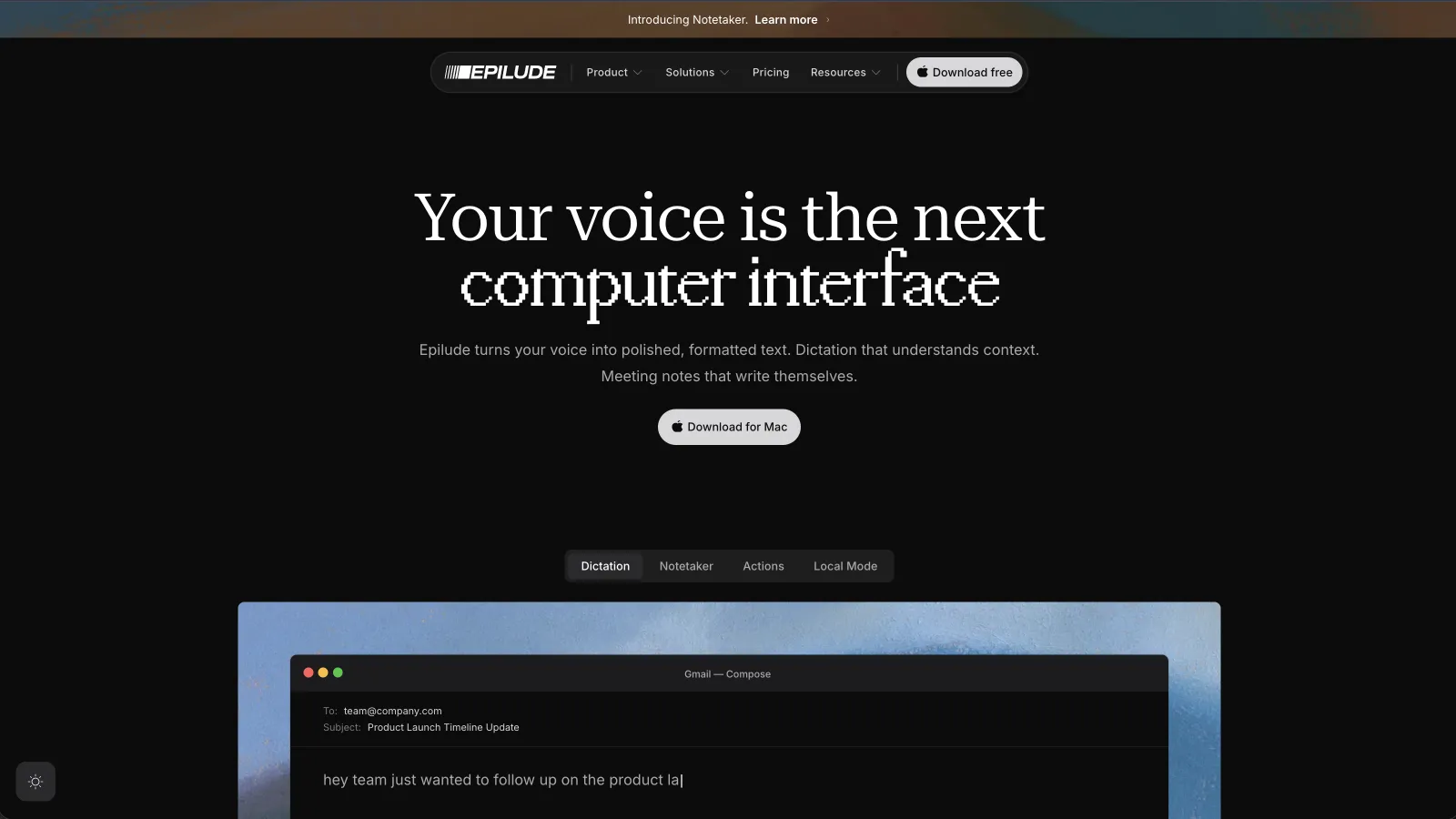
Epilude and Wispr Flow share a shortcut-to-cursor writing workflow. It works in Slack, Gmail, Mail, Notion, Google Docs, browsers, and developer tools without opening a separate transcription window.
Cleanup removes filler, repairs punctuation, resolves false starts, and formats lists before inserting the result. Tone Match adjusts the register for the current app, so the same thought can read like a proper email in Gmail and a shorter message in Slack. Vocabulary handles names and work terms that a general speech model would otherwise guess.
The largest difference from Flow is Local Mode. After its model is installed, dictation and Cleanup can run on the Mac with no network connection and no uploaded audio. Full local AI Cleanup needs an Apple Silicon Mac with at least 16GB of memory. Macs with less memory can still keep transcription and basic formatting on-device.
Actions also lets us select existing text and speak an edit, such as “shorten this” or “turn this into a checklist.” Notetaker extends the same app into bot-free meeting capture, with local transcription and summaries available for private meetings.
Epilude costs $12 per month when billed annually. The $59 Pay Once option keeps Local Mode without a subscription and includes a year of app and model updates. The trial includes 1,000 dictation words, 10 meeting notes and 5 cloud-voice minutes with no time limit and does not require a card.
The limitations are clear. Epilude is Mac-only, Local Mode requires Apple Silicon, and Flow covers far more languages and devices. We would choose Wispr Flow when we needed the same workflow on Windows and a phone. On a Mac, Epilude gives us the better balance of polished output, local control, and writing tools.
Best for custom models and modes: Superwhisper
Superwhisper exposes more of the machinery than either Epilude or Wispr Flow. We can choose local or cloud models, create modes with different prompts, transcribe files, add vocabulary, and decide how the output should change for a particular job.
That control is useful for people who enjoy tuning a tool. We could build one mode for terse coding comments, another for structured notes, and a third for polished email. It also supports Mac, Windows, and iPhone, although feature details differ by platform.
The tradeoff is setup. Superwhisper gives us more decisions before the defaults feel personal. Epilude made the everyday Mac workflow quicker to understand, while Flow made cross-device use simpler. We would install Superwhisper first when model choice and custom prompts were the point rather than a means to an end.
Best open-source alternative: VoiceInk

VoiceInk is a native, open-source dictation app with local transcription as its default. It supports several speech models, app-aware modes, custom prompts, vocabulary, and optional cloud enhancement. The source code is available under the GPL, which matters to teams that want to inspect the local claim or adapt the product.
Its modes can react to an app or website. A technical user can connect local tools such as Ollama or choose an external provider deliberately. That makes VoiceInk more flexible than a simple wrapper around one model.
VoiceInk asks for more involvement than Epilude and has a narrower finished workflow. It is our pick when open source, local transcription, and provider choice rank above meeting notes, automatic tone by app, and voice editing of selected text.
Best cross-platform alternative with offline use: Willow
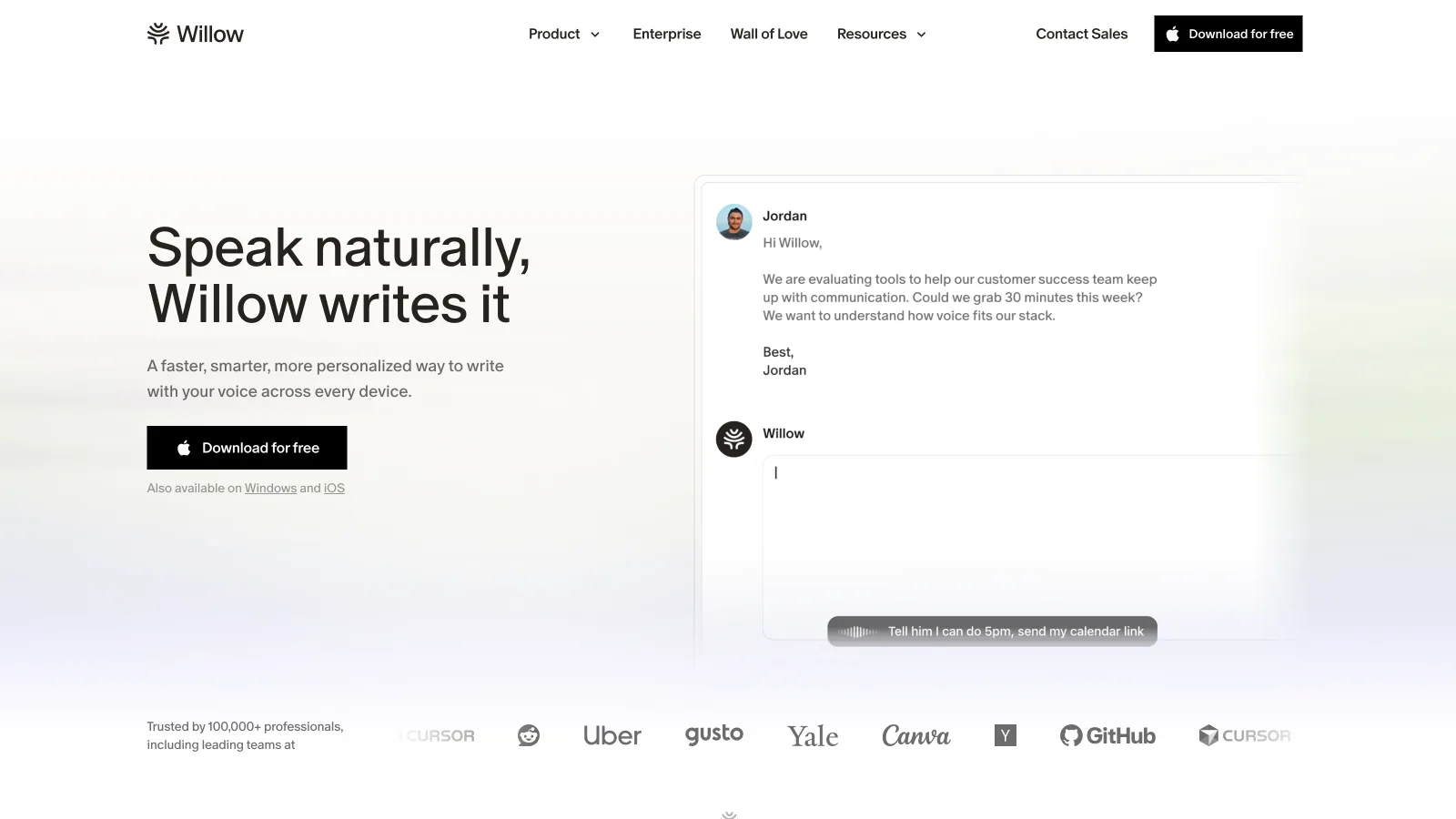
Willow is the strongest alternative in this group for someone who wants more platforms than Epilude without giving up an offline mode. It runs on Mac, Windows, and iPhone, supports more than 100 languages, learns custom terms, and adapts formatting to the destination.
The experience is closer to Wispr Flow than the open-source tools. We spend less time selecting models and more time speaking. Willow also advertises security controls for cloud use alongside its device-powered offline option.
We would compare Willow directly with Flow when Windows or iPhone support is required. Epilude remains our first choice for a Mac-only setup because its Local Mode, Tone Match, Actions, and Notetaker form a more coherent Mac writing suite.
Best cross-platform personalization: Typeless
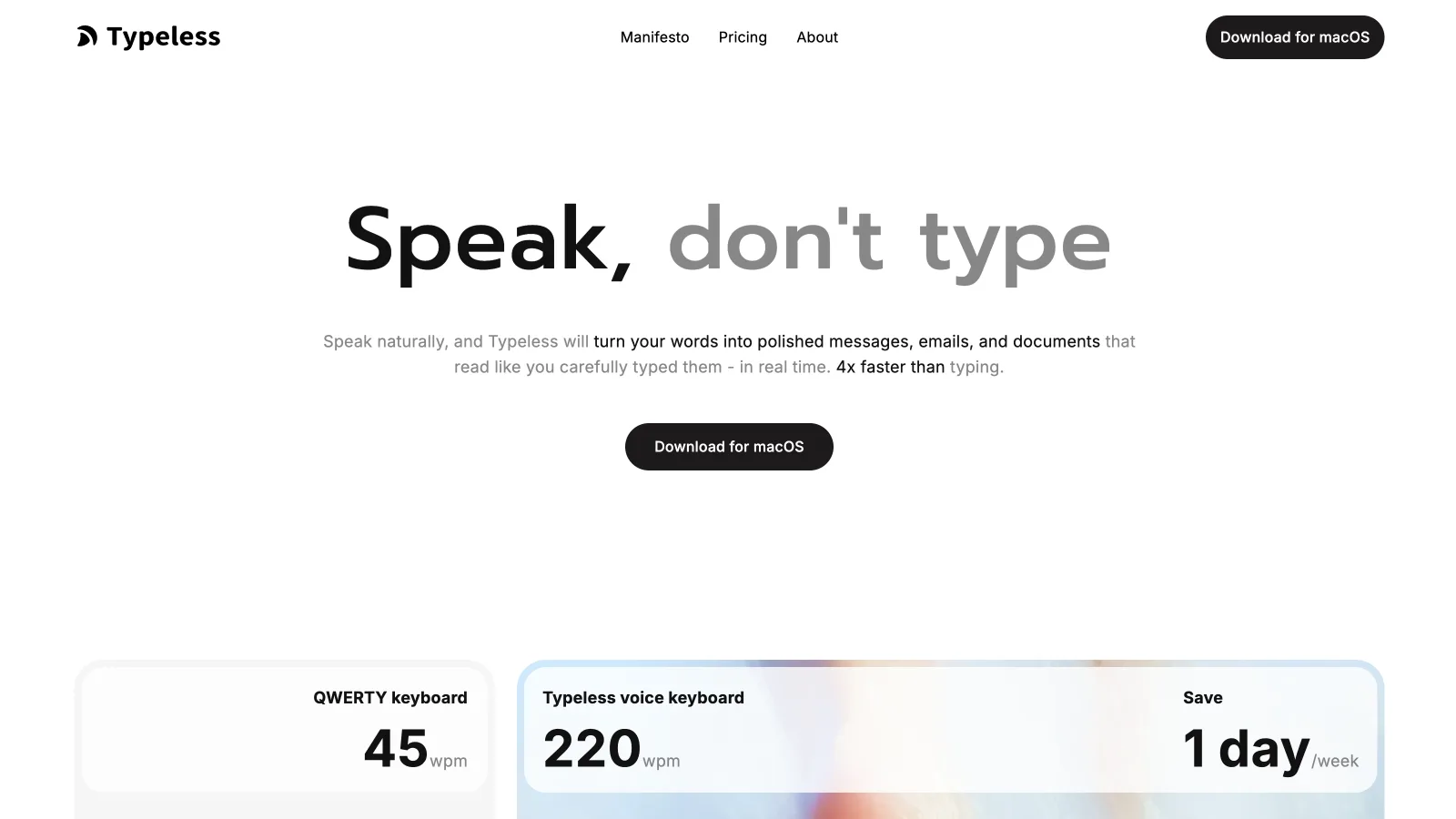
Typeless cleans filler and repeated phrases, learns writing preferences, and works across Mac, Windows, iPhone, and Android. Its appeal is similar to Flow: one account follows us across the places where we type.
Typeless is cloud-first. It says processing uses zero data retention and keeps dictation history on the local device, but it does not advertise offline speech recognition. That makes it a privacy-conscious cloud product rather than a local one.
We would shortlist Typeless when personalization across several platforms mattered more than an offline mode. On a Mac with sensitive speech, Epilude or VoiceInk gives us a clearer on-device path.
Best for recorded audio and video: MacWhisper
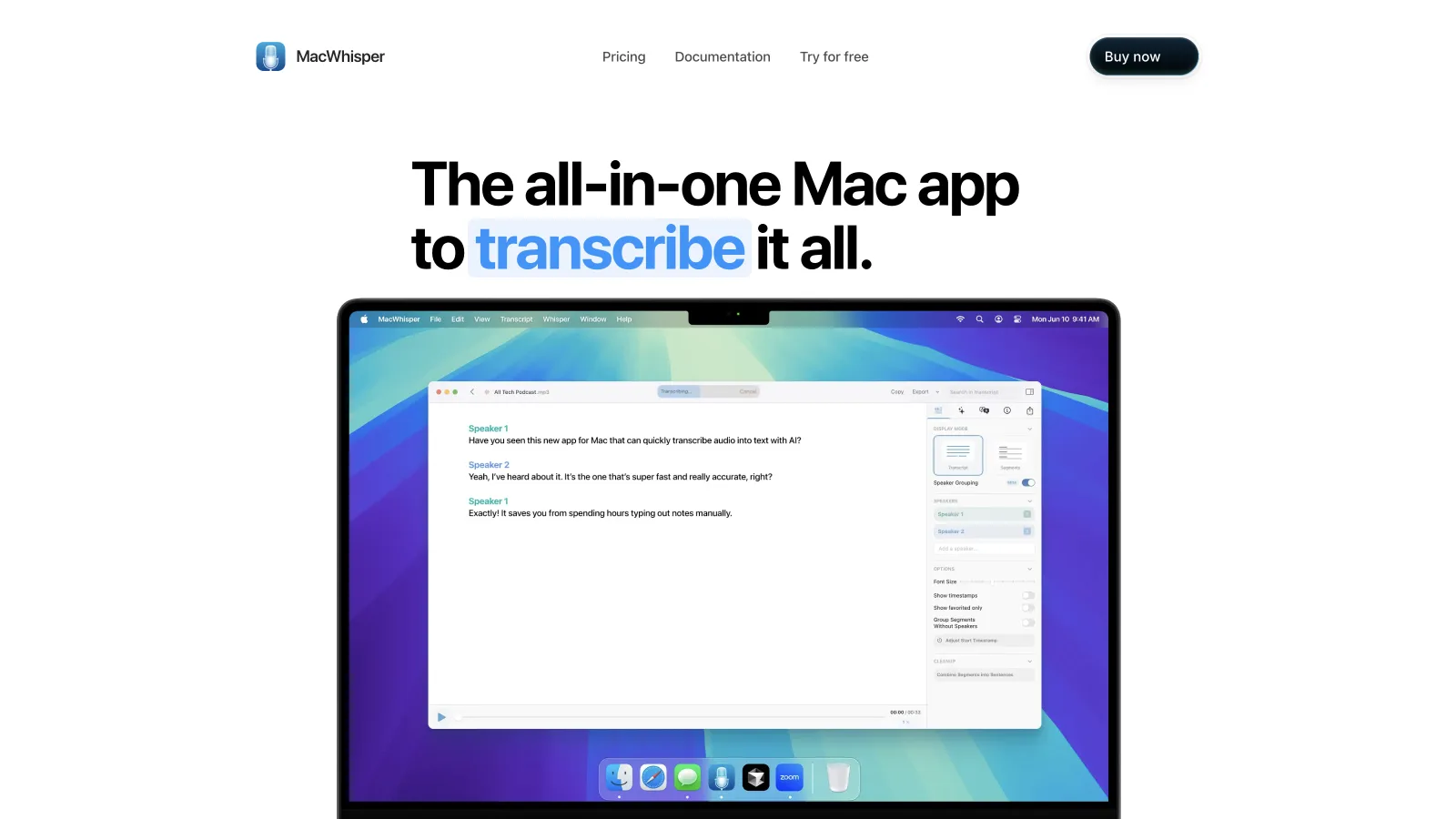
MacWhisper solves a different problem. Its strongest workflow begins with a file that already exists: an interview, lecture, podcast, meeting recording, or video. It transcribes locally on the Mac and gives us editing, subtitles, batch work, and export options suited to longer recordings.
MacWhisper includes dictation, but we would not buy it primarily as a Flow replacement for daily messages. Its file tools are the reason to choose it. If our day starts at the cursor, Epilude or Superwhisper fits better. If it starts with a folder of recordings, MacWhisper wins.
Best for live visual feedback: Aqua Voice
Aqua Voice shows text while we are still talking, which makes it useful when we want to see whether a difficult name, code term, or sentence structure is landing correctly. It formats output for the destination and puts particular emphasis on technical speech.
Aqua uses cloud processing and does not advertise a fully offline mode. Its free starter allowance makes it easy to test, while the paid plan is less expensive than many subscription competitors. We would try it for fast visual feedback and developer language, but not for a requirement that audio stay on the Mac.
Wispr Flow vs Epilude
Both products put cleaned dictation into the app where we are working. The decision comes down to platform coverage and processing choice.
| Question | Epilude | Wispr Flow |
|---|---|---|
| Works across Mac apps | Yes | Yes |
| Windows, iPhone, and Android | No | Yes |
| Fully local dictation and cleanup | Yes, in Local Mode | No |
| Works without Wi-Fi | Yes, in Local Mode | No |
| Per-app writing style | Tone Match | Limited app context |
| Edit selected text by voice | Actions | Command Mode on paid plans |
| Free way to test | 1,000 dictation words, 10 meeting notes and 5 cloud-voice minutes, no time limit | Weekly free allowance |
| One-time option | $59 for Local Mode | No |
Choose Epilude if most of the writing happens on an Apple Silicon Mac and you want a private offline path. Choose Wispr Flow if one dictation tool needs to follow you across Windows and mobile, or if its wider language coverage is essential.
Which alternative should you install?
- Start with Epilude when you want a close Flow replacement built specifically for Mac, with local dictation and cleaner controls around writing.
- Pick Superwhisper when you want to choose models and design custom modes.
- Pick VoiceInk when open source and local-first configuration are the priorities.
- Pick Willow when Windows and iPhone support matter but an offline mode is still useful.
- Pick Typeless when cloud-based personalization across four platforms is enough.
- Pick MacWhisper when the real job is transcribing recordings rather than replacing typing.
- Pick Aqua Voice when live text and technical language matter more than offline use.
The best test is a real afternoon. Dictate the names, corrections, long messages, and app switches that make up normal work. A polished demo sentence tells us much less than the amount of editing left in the fifth email.
Meeting notes and reading alongside dictation
Epilude brings Dictation, Notetaker and Narrator together on Mac. This guide focuses on writing; meeting notes and reading are separate jobs with separate settings. The comparison directory covers all three, and the reading guide explains local voice generation versus downloaded audio.
The trial has independent allowances of 1,000 dictation words, 10 meeting notes and 5 minutes of cloud narration, with no card or time limit. Pro includes 60 cloud-voice minutes per calendar month. Pay Once covers supported local features on Apple Silicon with one year of updates; it does not include ongoing cloud use. Check pricing for the complete terms.
Wispr Flow now also offers Notetaker on Mac and Windows. Compare its documented meeting workflow with Epilude’s, rather than treating Wispr as dictation-only. See the Epilude vs Wispr Flow comparison for the two apps side by side.
Frequently asked questions
What is the best Wispr Flow alternative for Mac?
Epilude is our top Wispr Flow alternative for Mac. It works system-wide, cleans speech before inserting it, matches tone to the current app, and offers a Local Mode where dictation and Cleanup run on the Mac.
Is there a free Wispr Flow alternative?
VoiceInk is open source, although its packaged app uses commercial licensing. Superwhisper also has a free tier with smaller models. These choices differ from Flow because their cleanup and cross-platform features are not identical.
Which Wispr Flow alternative works offline?
Epilude, Superwhisper, VoiceInk, Willow, MacWhisper can perform at least part of their work locally. Check the whole path rather than the badge: Epilude Local Mode keeps both transcription and Cleanup on the Mac, while some products use local speech recognition but require a connection for advanced rewriting.
Can Wispr Flow be used without an internet connection?
No. Wispr Flow processes dictation in the cloud and needs an internet connection. Its privacy and storage controls can reduce retention or training use, but they do not move transcription onto the device.
What works inside Slack and Gmail without switching windows?
Epilude, Wispr Flow, Superwhisper, VoiceInk, Willow, Typeless, Aqua Voice can enter text in normal Mac text fields. File-oriented tools such as MacWhisper are better when the starting point is an existing recording.
Is a local dictation app always more accurate?
No. Local processing describes where the work runs, not how accurate it will be. Model size, microphone quality, language, accent, noise, context, and cleanup all matter. We choose local mode for privacy and offline use, then test quality with our own speech.
Is Whisper itself a Wispr Flow alternative?
Whisper is a speech-recognition model, not a complete system-wide dictation product. A finished app still needs a shortcut, microphone handling, text insertion, history, cleanup, vocabulary, and settings. Products such as Epilude, Superwhisper, VoiceInk, and MacWhisper turn speech models into different end-to-end workflows.