Epilude is our best bot-free meeting note taker for Mac. It captures microphone and system audio without appearing in the participant list, then creates a transcript, an editable summary, and action items. Separate local transcription and local summary settings can keep both on the Mac, while every meeting saves as a Markdown file we control.
Granola is better when collaborative cloud notes and active note taking matter more than local processing. talat is our strongest cross-platform choice for a fully local commercial app, and Meetily is the first option we would inspect for an open-source deployment.
Quick answer
| Our priority | Best choice | Why |
|---|---|---|
| Best overall on Mac | Epilude | Bot-free capture, local transcripts and summaries, citations, action items, Markdown, and PDF |
| Best active notepad | Granola | Our rough notes guide a polished cloud write-up and sharing workflow |
| Best local option for Mac and Windows | talat | No bot, account, or cloud requirement for capture, transcription, summaries, and storage |
| Best open-source option | Meetily | Local capture and models with an inspectable community edition |
| Best local-first notepad | Anarlog | Notes-first workflow, local files, and a choice of local or hosted models |
| Best EU-hosted cloud option | Jamie | Bot-free recording, speaker memory, consent emails, and EU processing |
| Best for an existing Otter workspace | Otter Desktop | Bot-free desktop capture feeding Otter's familiar cloud workspace |
What bot-free actually changes
A traditional meeting bot joins Zoom, Google Meet, or Teams as another participant. It needs an invitation or calendar integration, appears in the participant list, and may be blocked by the host. People can also change how they speak when an unfamiliar recorder is sitting beside their names.
A bot-free app records from our side instead. It captures the microphone and the meeting audio playing through the Mac, so it can work with a video call, a Slack huddle, a webinar, or a conversation across a table. Headphones should not break this path because the app captures system audio rather than listening for the remote side through the Mac's speakers.
The missing participant does not settle the privacy question. A desktop app can capture locally and upload the audio for transcription. It can transcribe on the Mac and send the transcript to a cloud language model. It can also store the finished note in an online account. We checked capture, transcription, summary generation, and storage as separate stages.
What to compare
This is an editorial comparison of documented workflows, not a controlled hands-on benchmark. Check microphone and system-audio capture, the transcription provider, the summary model, where notes are stored and which exports are available. Bot-free capture does not settle the other questions.
For your own trial, use a call with headphones, an in-person conversation and a meeting with decisions and action items. Review the summary against the transcript, including owners and dates. If offline processing is required, check both model settings and suitable hardware before disconnecting the network.
Seven bot-free Mac note takers compared
| Product | Bot-free capture | Local transcription | Local summaries | Where notes live |
|---|---|---|---|---|
| Epilude | Yes | Optional on Apple Silicon | Optional on 16GB+ Apple Silicon | Markdown files and a local Mac library |
| Granola | Yes | No | No | US-hosted cloud workspace with a local cache |
| talat | Yes | Yes | Yes | Local library on Mac or Windows |
| Meetily | Yes | Yes | Yes, with a local model | Local desktop app or self-hosted deployment |
| Anarlog | Yes | Yes | Yes, with a local model | Local notes, transcripts, and recordings by default |
| Jamie | Yes | No | No | EU-hosted cloud service |
| Otter Desktop | Yes | No | No | Otter's cloud workspace |
Best overall for Mac: Epilude
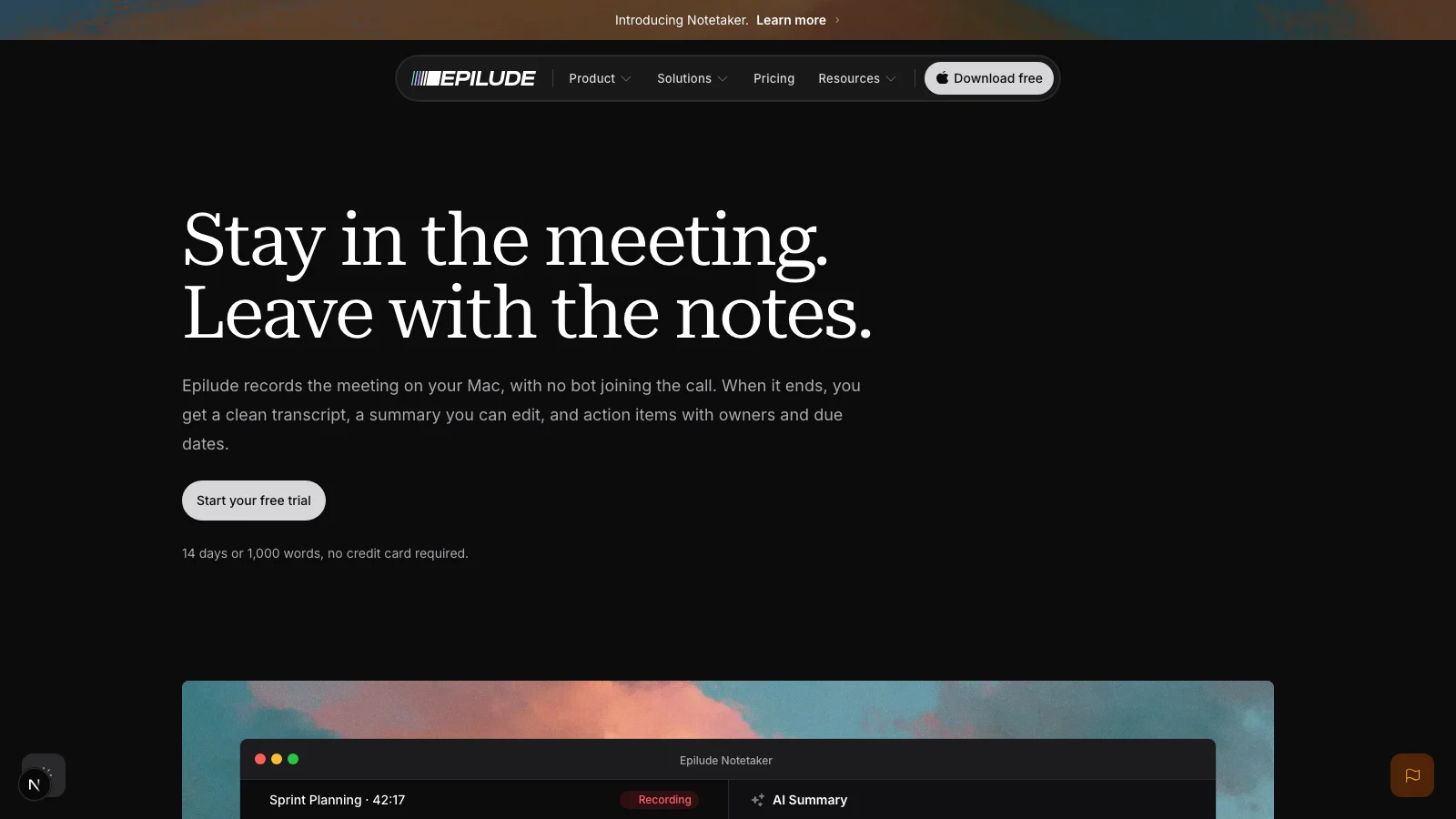
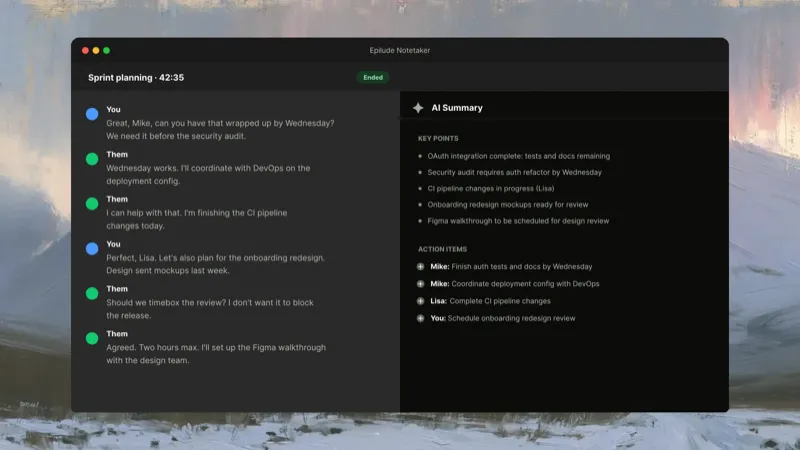
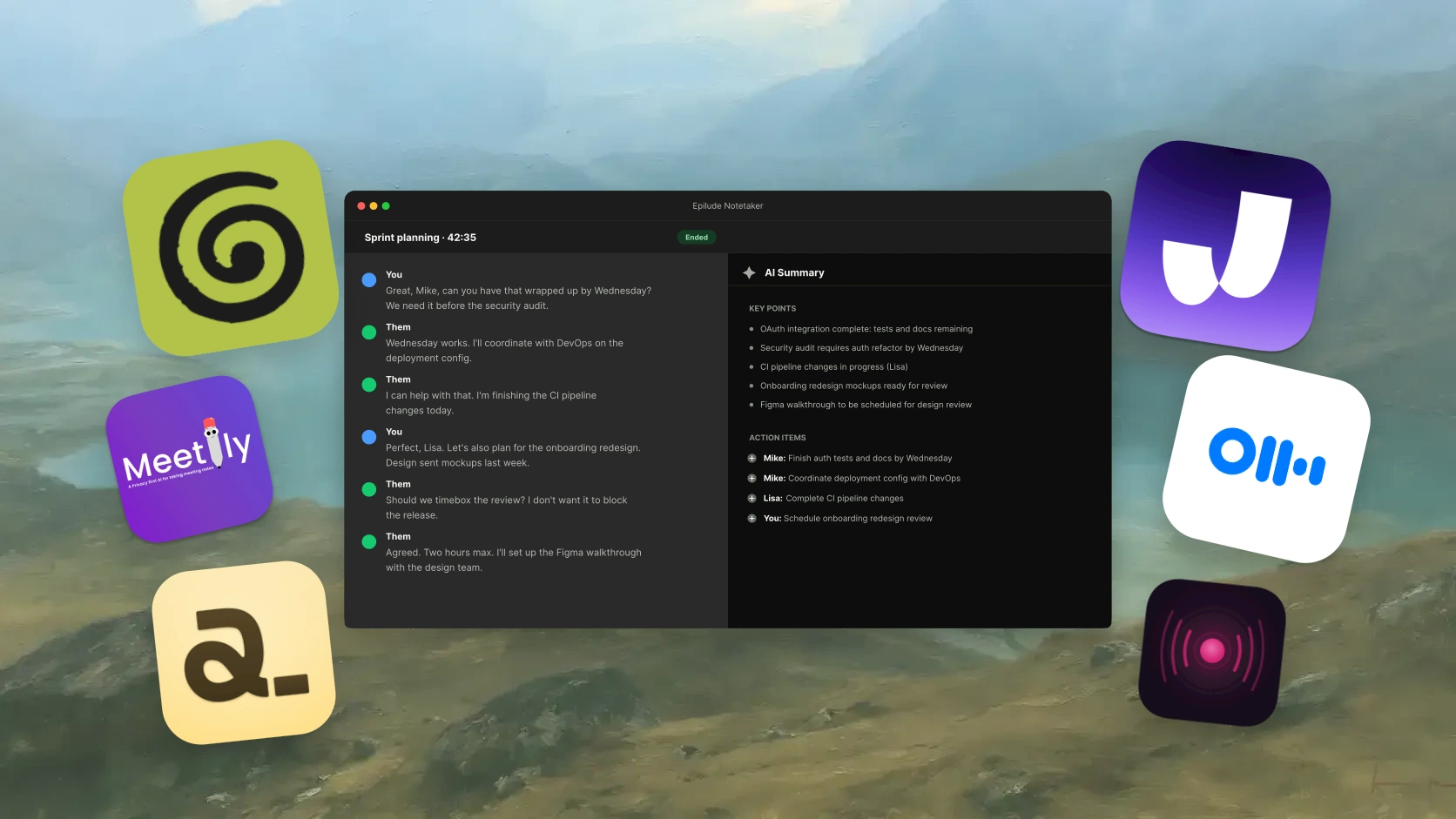
Epilude combines call capture with editable notes and file exports. Notetaker captures our microphone and system audio, so nobody called “Epilude Notetaker” appears in the meeting. It works with Zoom, Meet, Teams, Slack, or an in-person conversation because it records from the Mac rather than integrating with one call platform.
The transcript separates our side from the other side as You and Them. It does not promise automatic named identification of every remote speaker. You can type notes beside the transcript during the call.
When the recording ends, Epilude creates an editable summary and extracts action items. Owners and due dates should be grounded in the conversation; review the generated note before relying on them. Summary points link back to the transcript, which made it faster to check whether a tidy sentence matched what was actually agreed.
For an illustrative conversation, consider:
Maya will send the revised forecast by Friday, and we will review it on Monday.
The intended action item would separate the commitment from the later meeting:
Action item: Maya to send the revised forecast by Friday.
Monday is a review date, not Maya’s deadline. Check that distinction in any generated note before relying on it.
Local Mode can keep meeting transcription and summary generation on the Mac. Meetings save automatically as Markdown in a folder we choose, while the in-app library searches titles, transcripts, summaries, and action items. PDF export covers the occasions when a Markdown file is not the right format to send.
Epilude is Mac-only, and the local path requires Apple Silicon. We would choose talat when Windows support mattered, Granola for a more developed collaborative cloud-notepad workflow, or Meetily when source access and self-hosting were requirements.
Best for active note taking: Granola
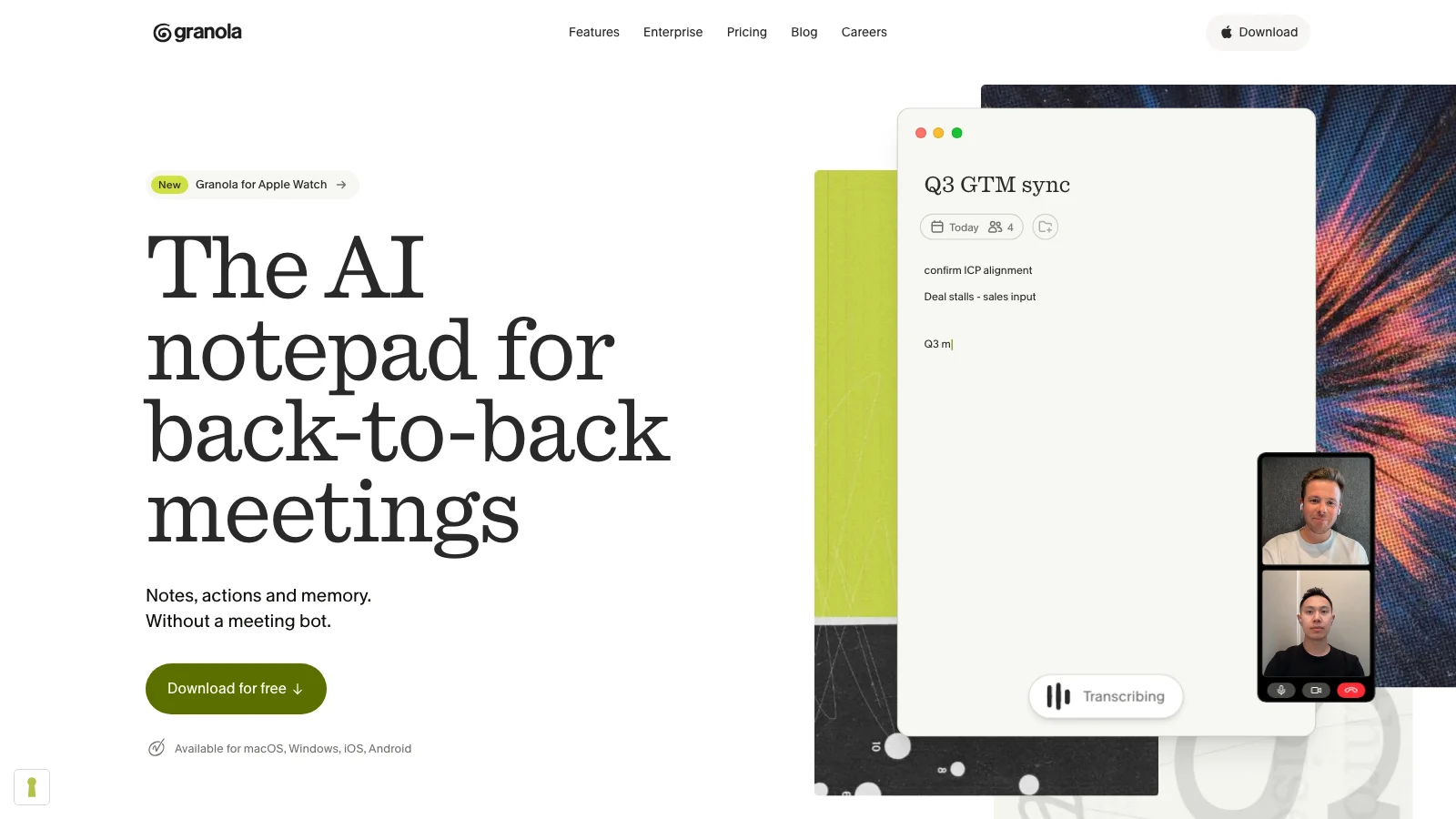
Granola is the strongest choice here for people who already type short notes during a meeting. It combines those fragments with the transcript and turns them into a fuller write-up. The notes are easy to share, organize into folders, and query later.
The desktop app captures microphone and system audio without adding a bot. Recording starts only after we tell Granola to begin, and it can send a configurable consent message to participants. Granola does not retain the meeting audio after transcription.
Its later stages are cloud-based. Granola uses transcription and AI providers, stores transcripts and notes in a US-hosted environment, and keeps a local cache so notes remain available offline. That is different from local transcription or local summary generation.
We would choose Granola over Epilude when our rough notes should steer the result and cloud collaboration is already approved. We would choose Epilude when the processing path or local Markdown ownership mattered more.
Best fully local option for Mac and Windows: talat
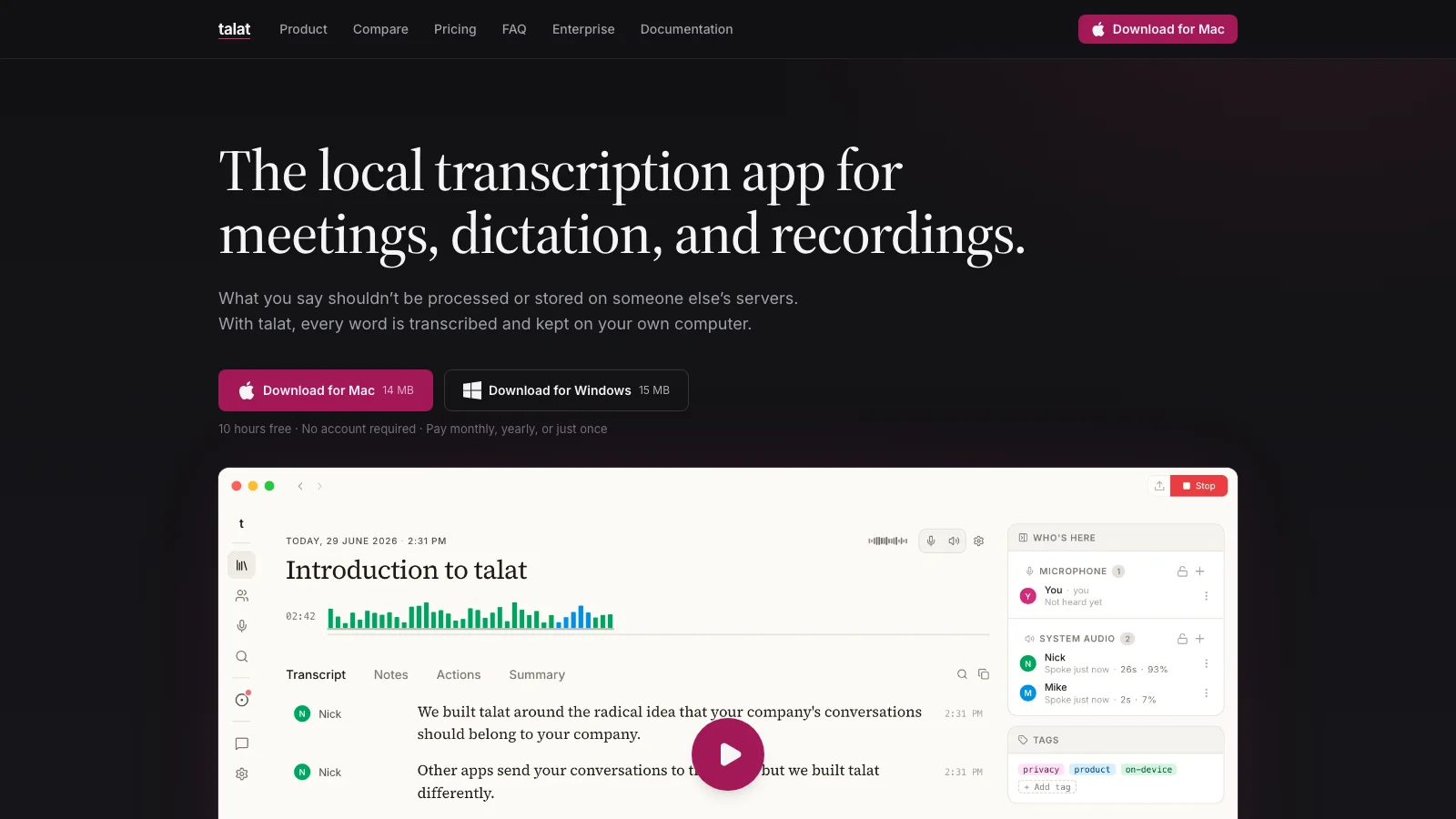
talat has the simplest answer when the entire meeting path must work offline. It records microphone and system audio, transcribes, identifies speakers, writes the summary, and stores the result on the computer. Its default local setup does not need an account, and meeting content does not pass through a talat server.
The app runs on Apple Silicon Macs and Windows. It can also import existing audio and video files, which is useful when the recording happened somewhere else. A cloud language model can be connected deliberately, but it is optional rather than required for the normal summary path.
We would pick talat for a mixed Mac and Windows setup or when an account-free local app was the main requirement. Epilude fits our Mac workflow better because citations, Markdown files, dictation, and follow-up writing live together.
Best open-source option: Meetily
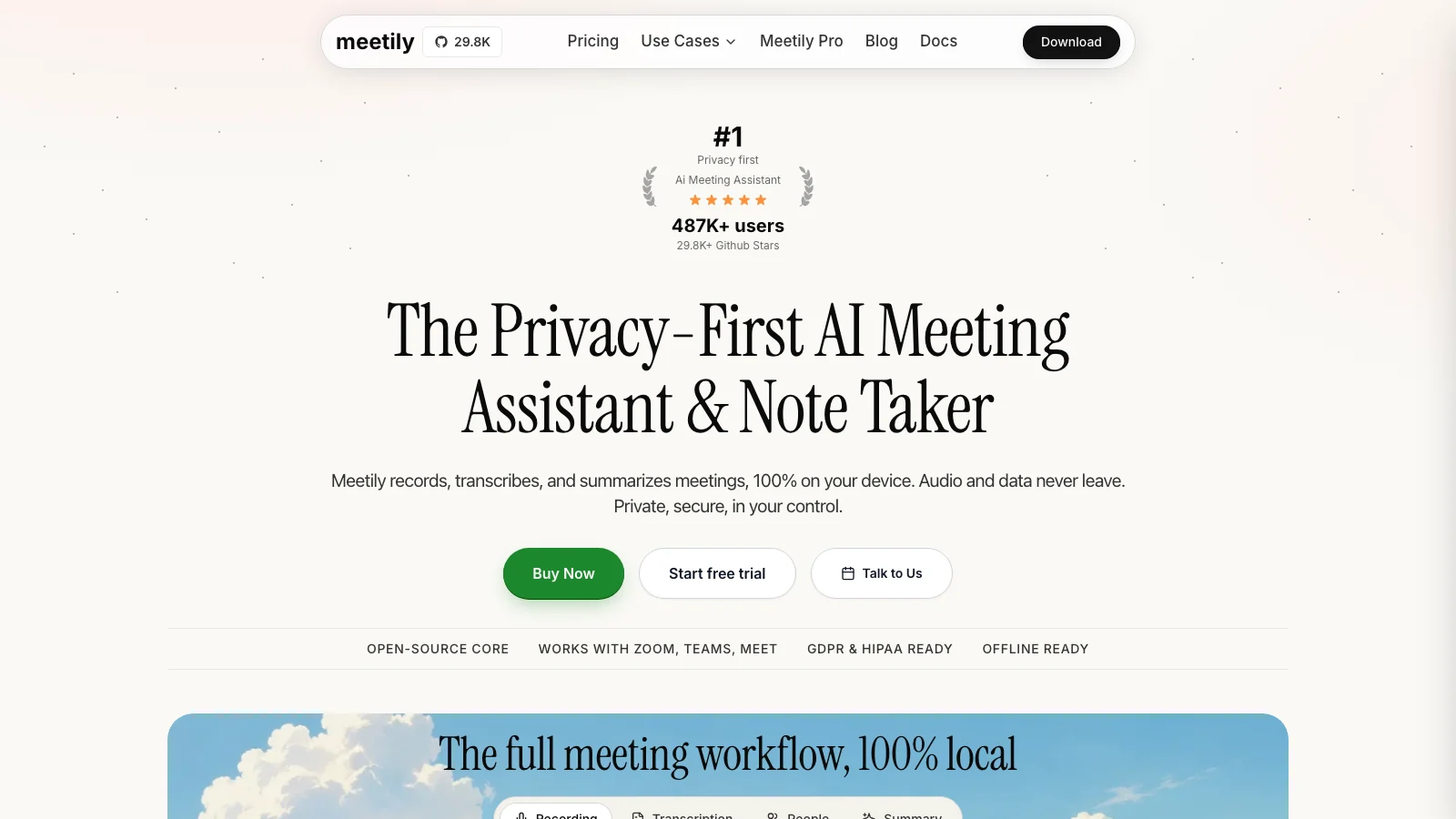
Meetily records system audio without joining the call and runs transcription locally. Its community edition is open source under the MIT licence, and summaries can use a local model. It supports Mac and Windows and can work without an account after the required models are installed.
The product also covers speaker diarization, templates, action items, and export to common document formats. A technical team can inspect the code, choose its models, or adapt the deployment around its own infrastructure.
That control comes with ownership of the setup. Someone still has to select and maintain the models, test performance on the available hardware, and decide whether any optional provider is acceptable. We would choose Meetily over Epilude when source access and deployment control justified that work.
Best local-first notepad: Anarlog
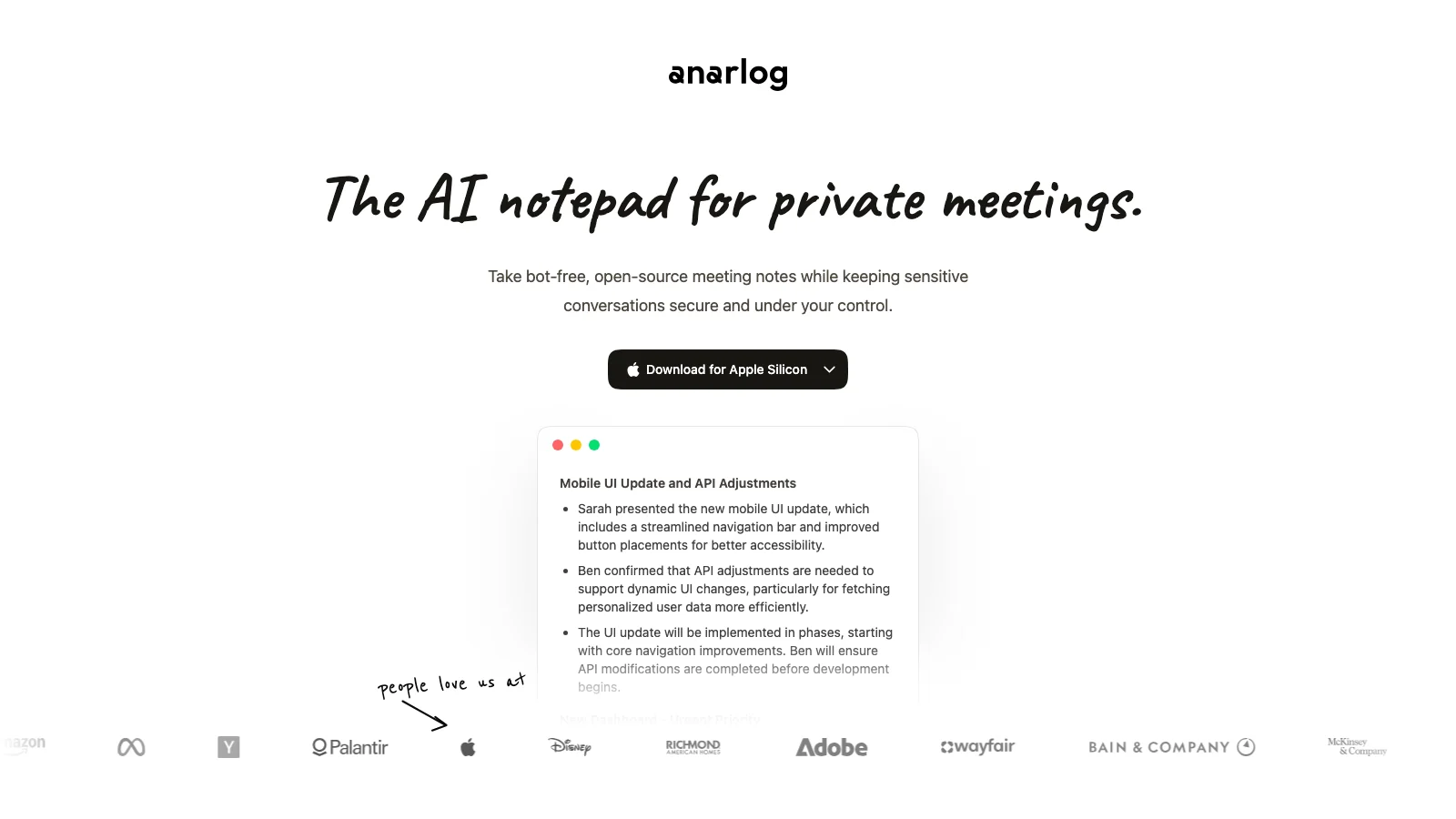
Anarlog is organized around the notes we take during the meeting. The transcript supplies context, while our own fragments tell the model what deserves space in the finished record. No bot joins, and the app can stay hidden while we share the screen.
Notes, transcripts, attachments, and recordings remain on the Mac by default. We can run a local language model, bring our own provider keys, or turn on Anarlog's hosted transcription, AI, sync, and sharing. The privacy boundary therefore follows the configuration rather than the product name alone.
We preferred Anarlog when active note taking was part of the method. Epilude was easier when we wanted a structured result with citations and fewer model choices after the meeting.
Best EU-hosted cloud option: Jamie
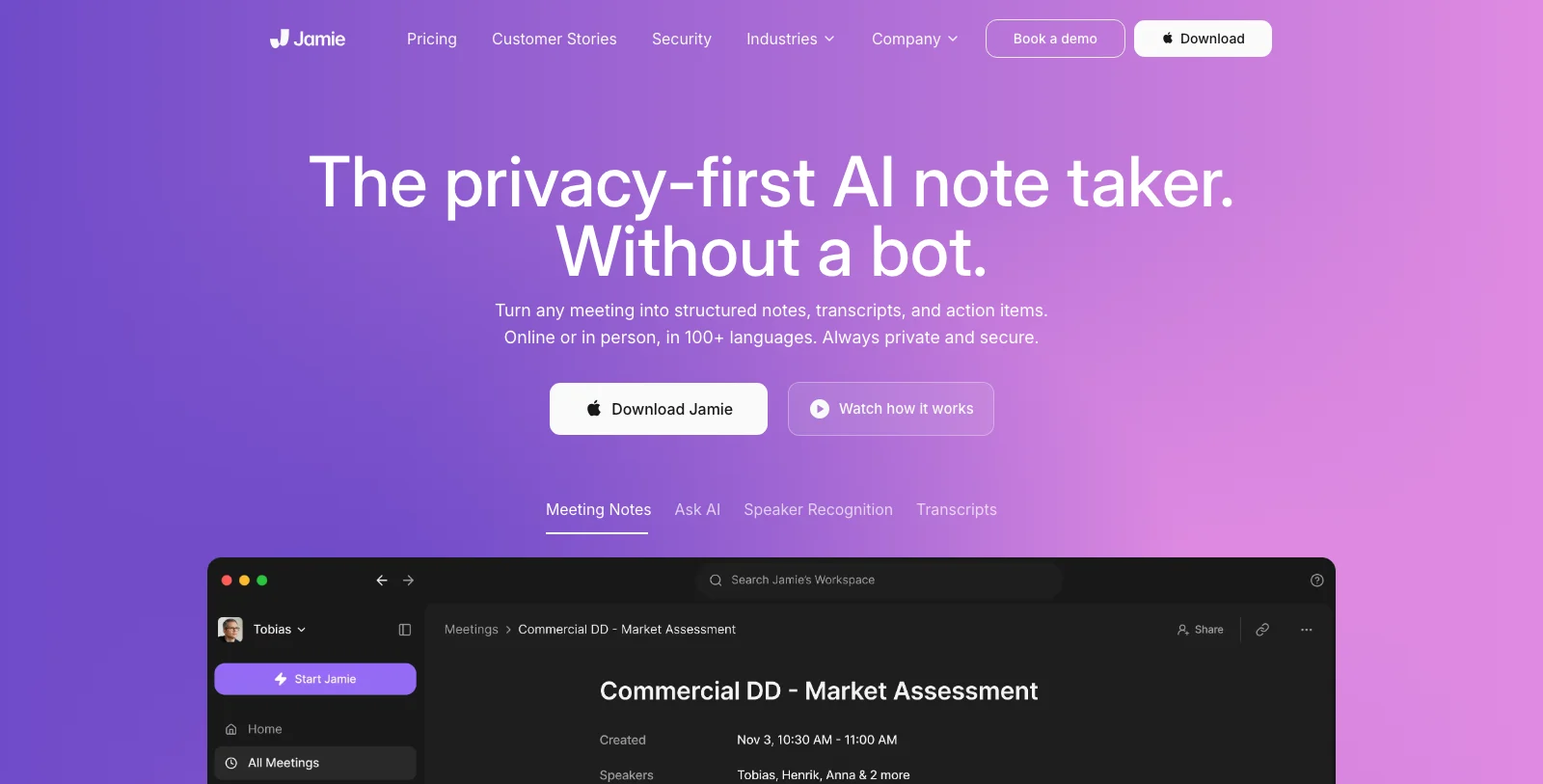
Jamie records directly from Mac or Windows and also handles in-person conversations. It provides transcripts, structured notes, action items, speaker recognition, and speaker memory without appearing in the participant list.
Its consent-email feature stood out. With a connected calendar, Jamie can notify attendees before the meeting rather than leaving notice to an awkward sentence after everyone joins. We still remain responsible for deciding whether that notice meets the rules and expectations of the conversation.
Jamie processes and stores meeting data in the EU. It deletes audio after transcription and retains the text needed for its summaries, search, and integrations. We would choose it when EU-hosted cloud processing, cross-platform support, and speaker memory mattered more than running the meeting path locally.
Best for an existing Otter workspace: Otter Desktop
Otter Desktop gives existing Otter users a way to record from Mac or Windows without sending an Otter participant into the call. It captures system audio, provides a live transcript, recognizes speakers, and puts the result into the same searchable cloud workspace as bot-recorded meetings.
The desktop recorder changes the capture method, not the processing model. Transcription, summaries, chat, storage, and team features still rely on Otter's service and an account. It is not an offline or local meeting note taker.
We would choose Otter Desktop when a team already works in Otter and the visible bot is the only problem. Starting fresh on a Mac, Epilude offers a clearer local path and owned files, while Granola gives active note takers a stronger collaborative cloud workflow.
Bot-free recording still needs consent
Removing the participant bot removes a visual reminder that the conversation is being recorded. It does not remove our responsibility to tell people, obtain consent where required, or follow an employer's recording policy.
We prefer a short, repeatable practice:
- Tell participants that an app on the Mac will transcribe and summarize the meeting.
- Explain whether audio, transcript text, and summaries stay local or use approved cloud services.
- Wait for agreement before pressing Record.
- Stop the capture if anyone objects.
The applicable rules vary by location, workplace, and type of conversation. A bot-free app should make the recording state clear to the person operating it and make stopping easy.
Which bot-free note taker should we install?
Choose Epilude for the strongest overall Mac workflow: bot-free capture, local transcripts and summaries, citations, action items, and Markdown files that lead naturally into follow-up writing. Choose Granola when active notes and cloud collaboration are the priority.
talat is our choice for an account-free local app across Mac and Windows. Meetily is better when open-source deployment control matters. Anarlog suits people who want their typed notes to shape the result. Jamie fits an EU-hosted cloud requirement, and Otter Desktop makes sense when the rest of the team already lives in Otter.
Whatever we choose, we would test it with headphones, export one finished note, and ask four separate questions about capture, transcription, summary generation, and storage before recording a sensitive conversation.
Local processing, writing and reading
Updated 30 September 2026. Epilude Notetaker is publicly available. Cloud transcription and cloud summaries are the defaults. Select local transcription and local summaries separately to keep both on the Mac. Local transcription needs Apple Silicon; local summaries need 16GB+ Apple Silicon and are slower and less capable than cloud summaries. Local transcription alone still permits transcript text to be sent for cloud summaries.
Both Epilude and Granola accept typed notes alongside the conversation. Epilude provides editable notes with citations, decisions and action items, a local library, Markdown and PDF exports. Review generated notes against the transcript; automatic named identification of every remote speaker is not promised.
Compare Epilude vs Granola, Epilude vs Otter, Epilude vs Fireflies, or the Otter alternatives shortlist. Otter Desktop and Fireflies both offer bot-free capture; Fireflies’ saved media and speaker labels differ between bot and no-bot capture. Bot-free does not imply local processing.
Epilude also includes Dictation for follow-up writing and Narrator for listening to text. See the comparison directory and reading guide. The trial has independent allowances of 1,000 dictation words, 10 meeting notes and 5 cloud-voice minutes. Pro includes 60 cloud-voice minutes per calendar month; Pay Once covers supported local features with one year of updates, not ongoing cloud use. Review plans and hardware.
Frequently asked questions
What is the best meeting note taker that does not join as a bot?
Epilude is our top bot-free meeting note taker for Mac. It records microphone and system audio from the Mac, creates a transcript, summary, and action items, and can keep transcription and summaries local in Local Mode.
Can a meeting note taker record through headphones without a bot?
Yes. A desktop recorder can capture system audio directly, so the other side of a Zoom, Meet, Teams, or Slack call remains available even when we wear headphones. Epilude, Granola, talat, Meetily, Anarlog, Jamie, and Otter Desktop all use bot-free desktop capture.
Is bot-free the same as private or local?
No. Bot-free describes how the audio is captured. Local describes where a processing stage runs. Granola, Jamie, and Otter Desktop are bot-free but rely on cloud transcription and summaries. Epilude, talat, Meetily, and Anarlog can keep those stages on the computer.
Which bot-free meeting note takers work offline?
Epilude, talat, Meetily, and Anarlog can run transcription and summaries locally when configured for their local paths. Granola can open cached notes offline, but recording, transcription, and summary generation use its cloud services.
Does Granola put a bot in the meeting?
No. Granola captures microphone and system audio from the computer. It still uses cloud transcription and AI providers, so bot-free capture should not be confused with local processing.
Does Otter have a bot-free recording option?
Yes. Otter Desktop can record directly from Mac or Windows without a visible Otter participant. The meeting still uses Otter's cloud transcription, summary, chat, and storage services.
Do we need consent when no bot joins the call?
Yes, when notice or consent is required. Desktop capture still records or transcribes a conversation. We should follow the law and workplace policy that apply to the participants and meeting before starting.