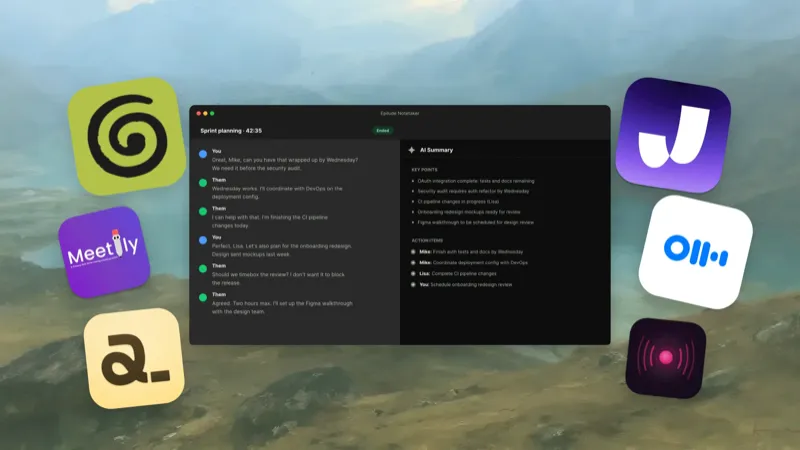
We compared six Granola alternatives for people who want private meeting notes, and Epilude is our best overall choice on Mac. It records microphone and system audio without putting a bot in the call, can transcribe and summarise entirely on the Mac, and saves each meeting as a Markdown file we control.
Granola is still an excellent cloud notepad. Its strength is the way our rough notes guide the finished write-up, along with polished sharing and team features. This guide is for a narrower search: a Granola-like meeting workflow where audio, transcript text, summaries, and stored notes can remain local.
Quick answer
Epilude is our preferred private Granola alternative for this Mac workflow. Separate local transcription and local summary settings can keep those steps on suitable Apple Silicon hardware; local summaries require 16GB+ memory. talat is the commercial alternative with Windows support. Anarlog is the best local-first open-source notepad. Meetily is the better choice for self-hosting and deployment control.
| Your priority | Best alternative | Why |
|---|---|---|
| Best overall on Mac | Epilude | Bot-free recording, local transcripts and summaries, action items, transcript citations, Markdown, and PDF |
| Best Mac and Windows option | talat | A complete offline meeting path in a commercial app |
| Best local-first notepad | Anarlog | Rough notes, on-device transcription, local files, and a choice of local models |
| Best for self-hosting | Meetily | Open-source meeting capture with local or organization-controlled processing |
| Best general Mac assistant | Alter | Offline meeting transcription plus flexible local model connections |
| Best experimental open-source option | Open Granola | No account, local models, and a transparent desktop stack |
Why look for a Granola alternative?
Granola gets several important things right. It runs on the computer, records meetings without adding a participant, combines live transcription with notes we type ourselves, and does not retain a meeting audio recording. Notes begin private and can be shared when we choose.
Its processing boundary is still cloud-based. Granola sends live audio to transcription providers, uses AI providers to enhance notes, and stores transcripts and notes in its US-hosted AWS environment. Local caching lets us open notes offline, but it is not the same as local transcription, local summary generation, or local-only storage.
That leads people to alternatives for a few practical reasons:
- Client, legal, medical, or executive conversations must not leave an approved Mac.
- Meetings need to be captured during travel or in a network-restricted environment.
- A team wants inspectable source code or a self-hosted processing path.
- Notes should live as normal files rather than only inside a vendor account.
- The meeting tool should also handle dictation and follow-up writing.
- A Windows user wants a private, bot-free workflow Granola does not provide locally.
Granola’s cloud design is not automatically insecure. It publishes security controls, encryption, retention details, and third-party processing information. The local alternatives solve a different policy requirement: keeping the processing boundary on hardware we control.
Bot-free is not the same as local
A meeting bot joins Zoom, Google Meet, or Teams as another participant. A bot-free tool records the microphone and system audio from the computer instead. That changes the social experience, but it does not tell us where the audio goes next.
We separate privacy into five questions:
| Stage | The useful question |
|---|---|
| Capture | Does a bot join, and does recording start only when we choose? |
| Transcription | Is audio converted to text on the computer or by a cloud provider? |
| Summary | Does transcript text go to a remote language model? |
| Storage | Are recordings, transcripts, and notes local files, cloud records, or both? |
| Sharing | Is sync off by default, and what changes when we enable it? |
“No bot” answers only the first row. “No stored audio” still allows live audio to be sent to a transcription service. “Local transcription” can still be followed by cloud summarisation. A private meeting workflow needs a clear answer at every stage.
What to compare
This is an editorial comparison of documented workflows, not a controlled hands-on benchmark. Check microphone and system-audio capture, the transcription provider, the summary model, where notes are stored and which exports are available. Bot-free capture does not settle the other questions.
For your own trial, use a call with headphones, an in-person conversation and a meeting with decisions and action items. Review the summary against the transcript, including owners and dates. If offline processing is required, check both model settings and suitable hardware before disconnecting the network.
Six private Granola alternatives at a glance
| Product | Local transcription | Local summary | Bot-free | Best fit |
|---|---|---|---|---|
| Epilude | Optional on Apple Silicon | Optional, separate setting; 16GB+ Apple Silicon | Yes | Complete private meeting and writing workflow on Mac |
| talat | Yes | Yes | Yes | Commercial offline app for Mac and Windows |
| Anarlog | Yes | Yes with a local model | Yes | Local-first, notes-led workflow with open source |
| Meetily | Yes | Yes with a local provider | Yes | Open-source and self-hosted deployments |
| Alter | Yes | Yes with a local model | Yes | People who want meetings inside a broader Mac assistant |
| Open Granola | Yes | Yes | Yes | Technical users willing to run a newer open-source app |
Best overall for Mac: Epilude
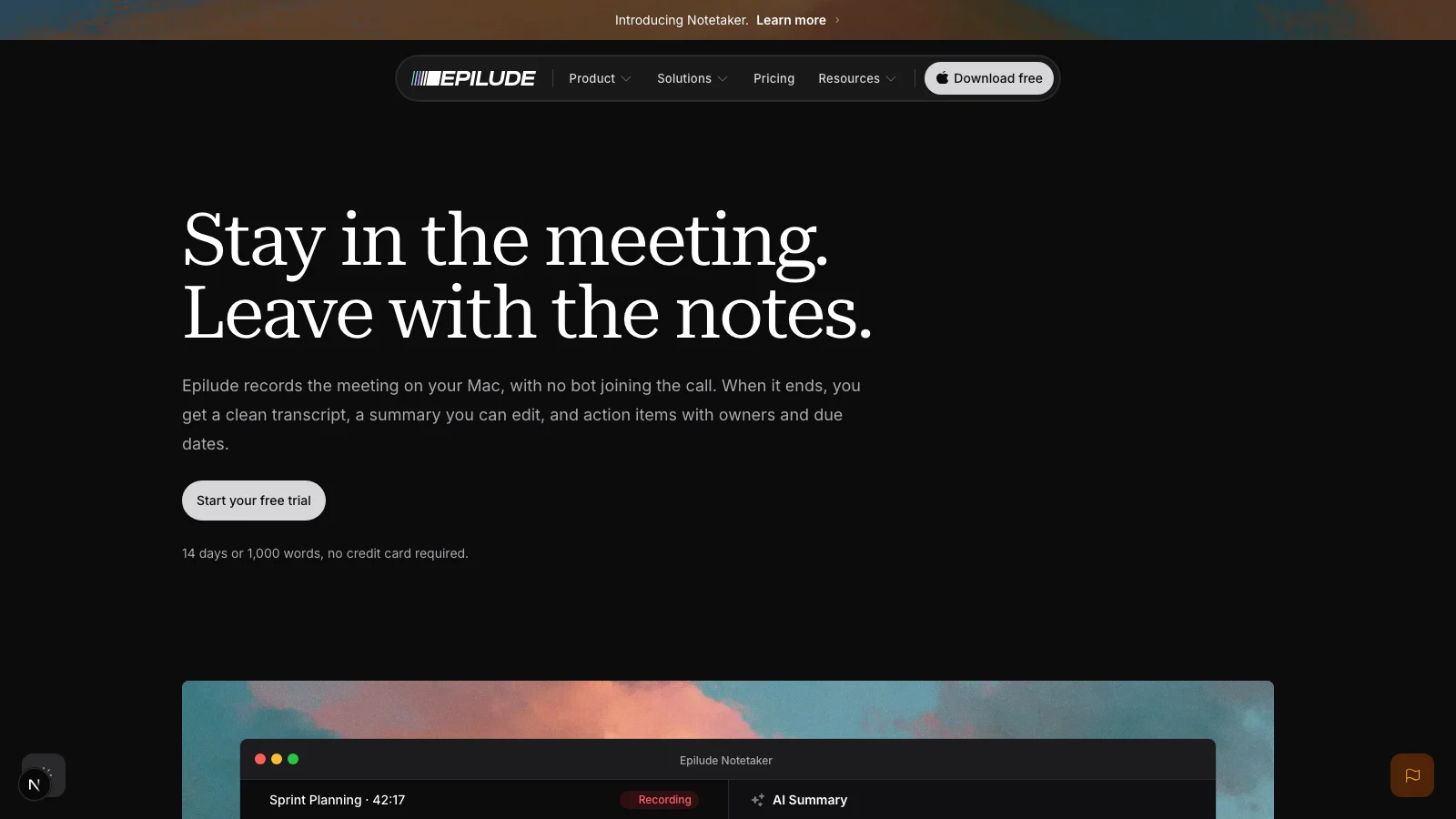
Epilude Notetaker combines live capture, editable notes and portable files. It captures the Mac’s microphone and system audio directly, so it works with Zoom, Meet, Teams, Slack huddles, and in-person conversations without appearing in the attendee list. Wearing headphones does not stop the remote side from being recorded.
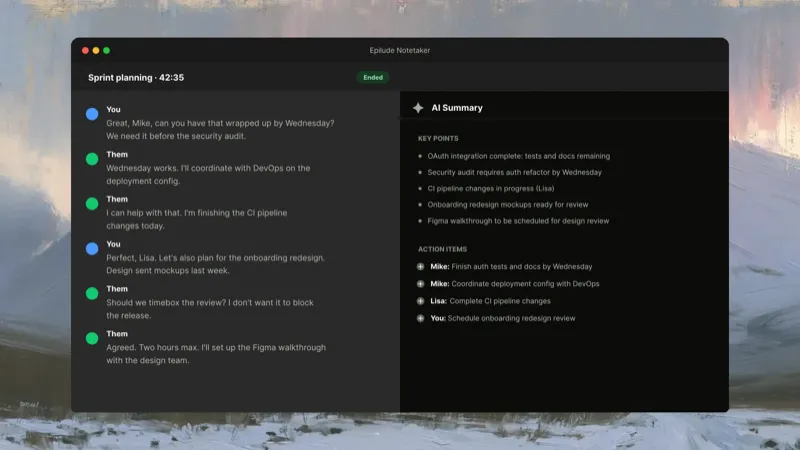
The live transcript separates our microphone from the other side of the call as You and Them. We can type a few reminders beside it without trying to write a complete record. When the meeting ends, Epilude produces an editable summary and action items, with transcript citations that let us inspect the words behind a decision.
Choose local transcription and local summaries separately to keep both on the Mac. Local summaries require 16GB+ Apple Silicon and are slower and less capable than cloud summaries. The meeting file also stays local, saved as Markdown in a folder we choose. The library searches titles, transcripts, summaries, and actions, while PDF export gives us a format for sharing outside a text-based workflow.
Epilude also covers the work around the meeting. Dictation lets us speak the follow-up directly into Gmail or Slack. Actions can edit selected text by voice. That combination matters when the point of meeting notes is to make the next message or decision easier, not simply build another transcript archive.
We would choose talat when Windows support is required. We would choose Meetily when self-hosting and infrastructure control mattered more than a native writing workflow.
Best commercial option for Mac and Windows: talat
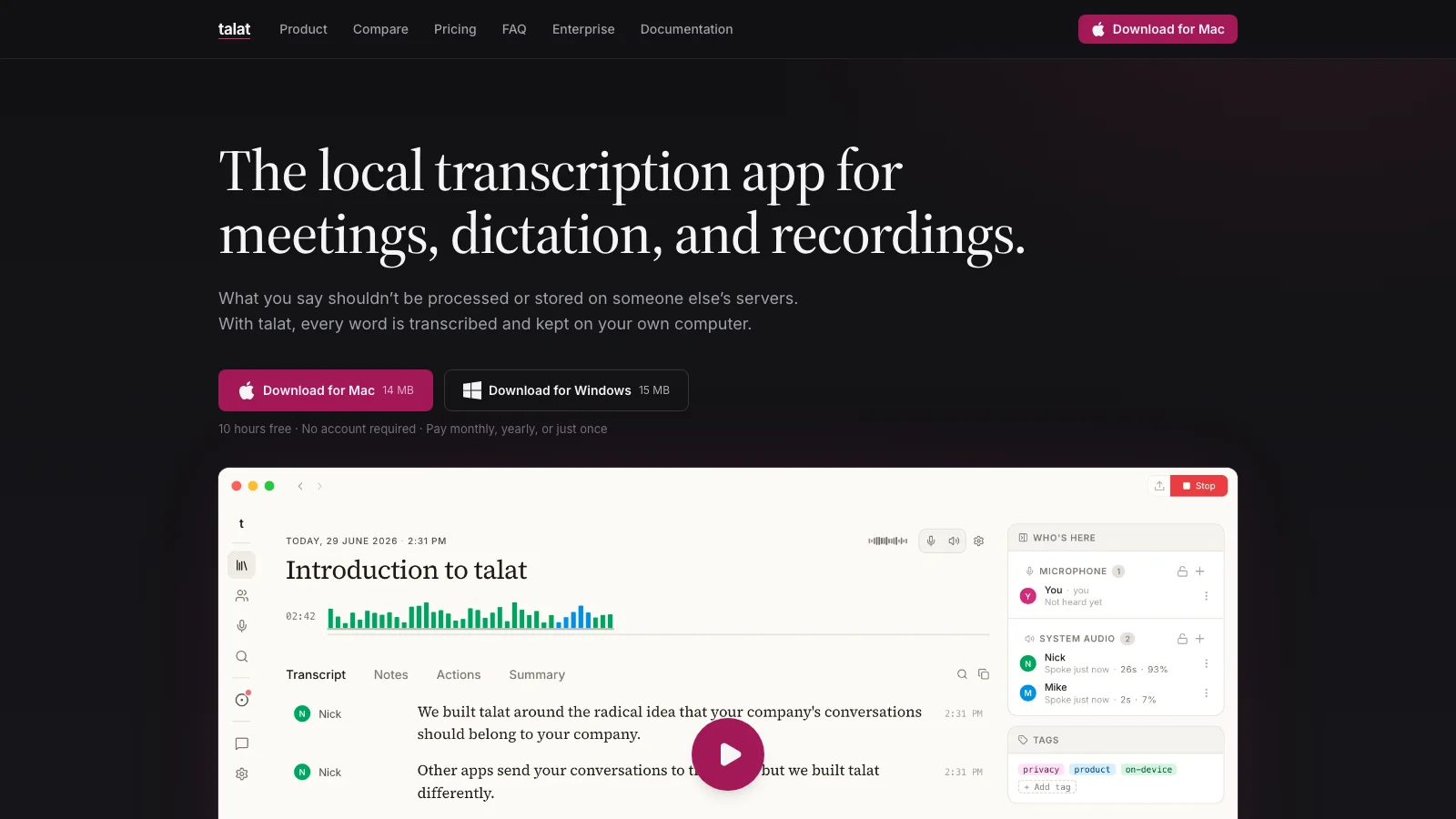
talat offers one of the easiest privacy stories to verify. Meeting audio capture, transcription, speaker identification, summaries, and storage can all run on the computer. The app works without an account or internet connection, and a cloud model is an explicit option rather than a hidden requirement.
It supports Apple Silicon Macs and Windows. We could also import an existing audio or video file for local transcription, which Epilude’s live meeting workflow does not replace. System-wide dictation is included as another tool.
The current free allowance includes ten hours. Paid options include monthly, annual, and lifetime plans. We would choose talat over Epilude for Windows, file import, or a cross-platform local workflow. Epilude remains our top Mac pick because its meeting note, citations, local Markdown workflow, and daily writing tools fit together more tightly.
Best local-first meeting notepad: Anarlog
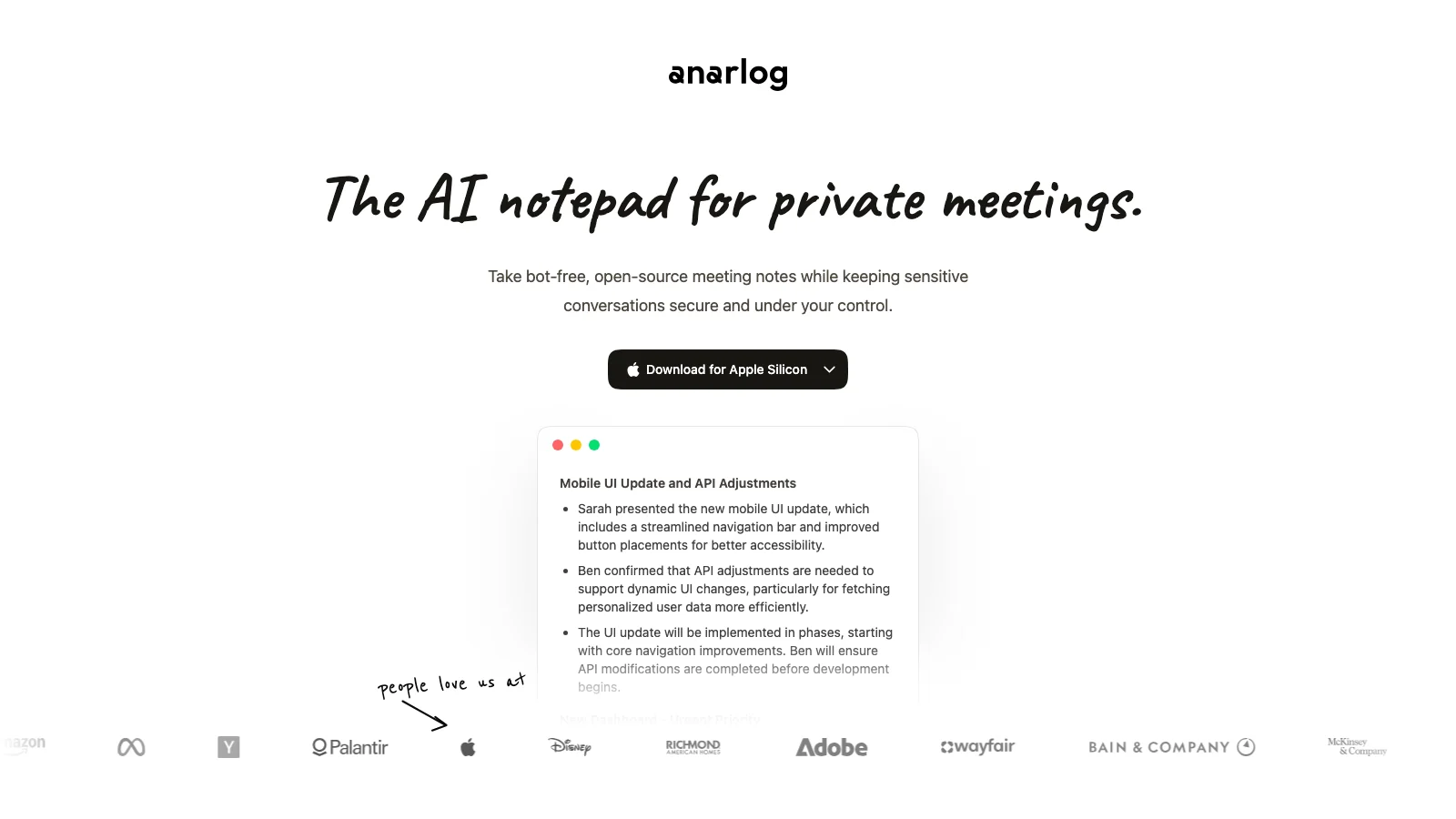
Anarlog, previously known as Hyprnote, is the closest conceptual alternative to Granola in this group. We type the fragments we care about during a call, then use the transcript to turn those fragments into a better note. It captures audio without a bot and performs transcription on the device.
Sessions, notes, and transcripts live in local SQLite, while recordings and attachments are normal local files. Summaries and chat can use Ollama, LM Studio, another local OpenAI-compatible model, our own API key, or Anarlog’s optional hosted AI. Cloud sync and sharing are off until we choose them.
The product rewards a technical buyer. Local model quality and speed depend on what we install, and enabling a hosted provider changes the data path. We would choose Anarlog when our rough notes should steer the write-up and source access matters. Epilude is easier when we want the app to produce a structured summary and actions with fewer model decisions.
Best for self-hosting: Meetily
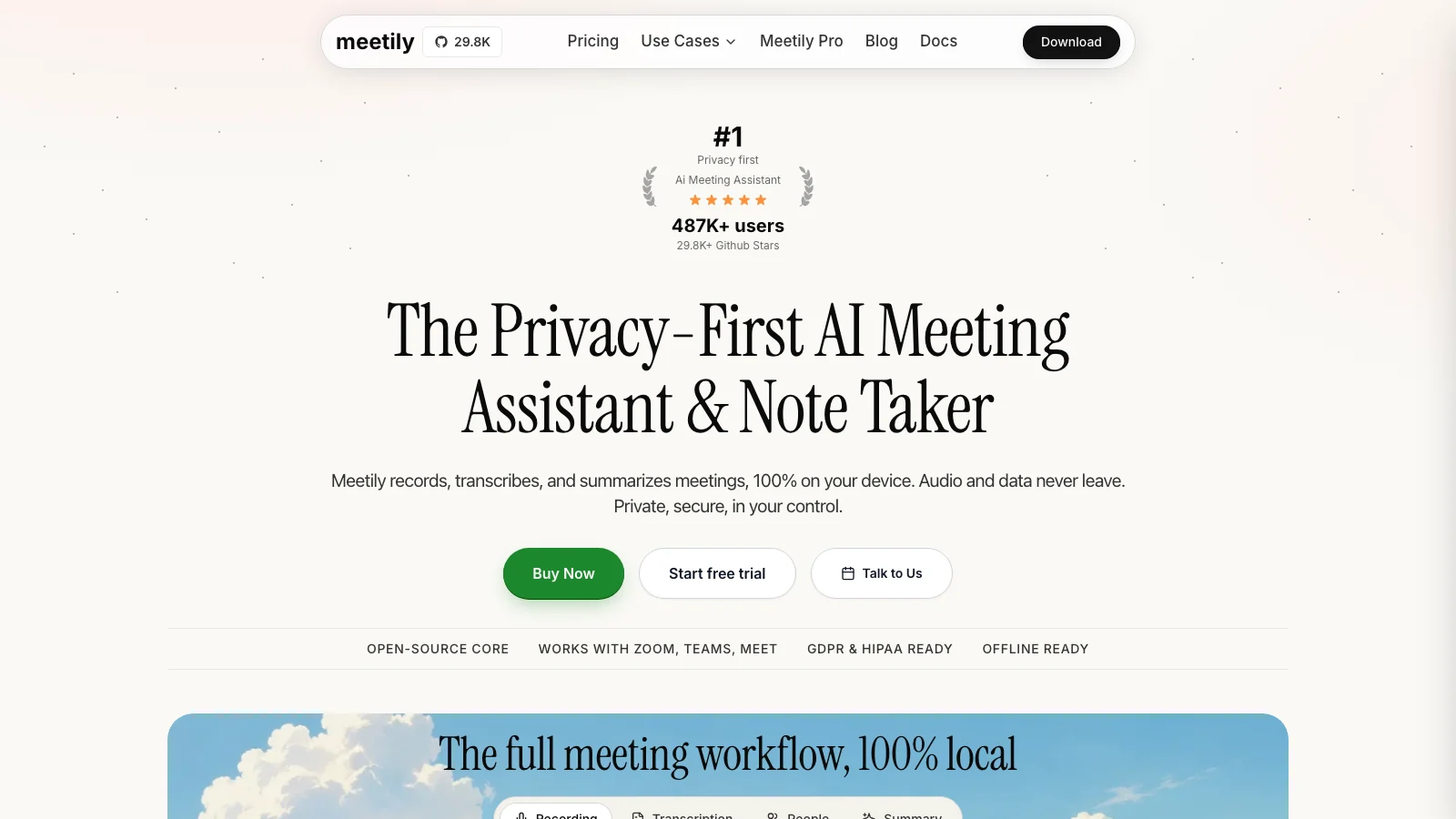
Meetily is the strongest choice here for a team that wants deployment control rather than only a local desktop toggle. Its open-source community edition runs transcription on the device, supports local summary providers such as Ollama, and can be adapted around self-hosted or organization-approved endpoints.
It covers practical meeting work: speaker diarization, summary templates, action items, exports to Markdown, Word, PDF, and text, plus support for Mac and Windows. Audio and meeting content can remain on the user’s infrastructure when the local providers are selected.
The cost is operational ownership. Someone has to choose the models, understand the hardware, maintain the deployment, and verify every optional provider. Meetily is a good answer for IT teams that want that responsibility. Epilude and talat are simpler for an individual who wants a native private workflow without becoming the administrator of a meeting stack.
Best broader Mac assistant: Alter
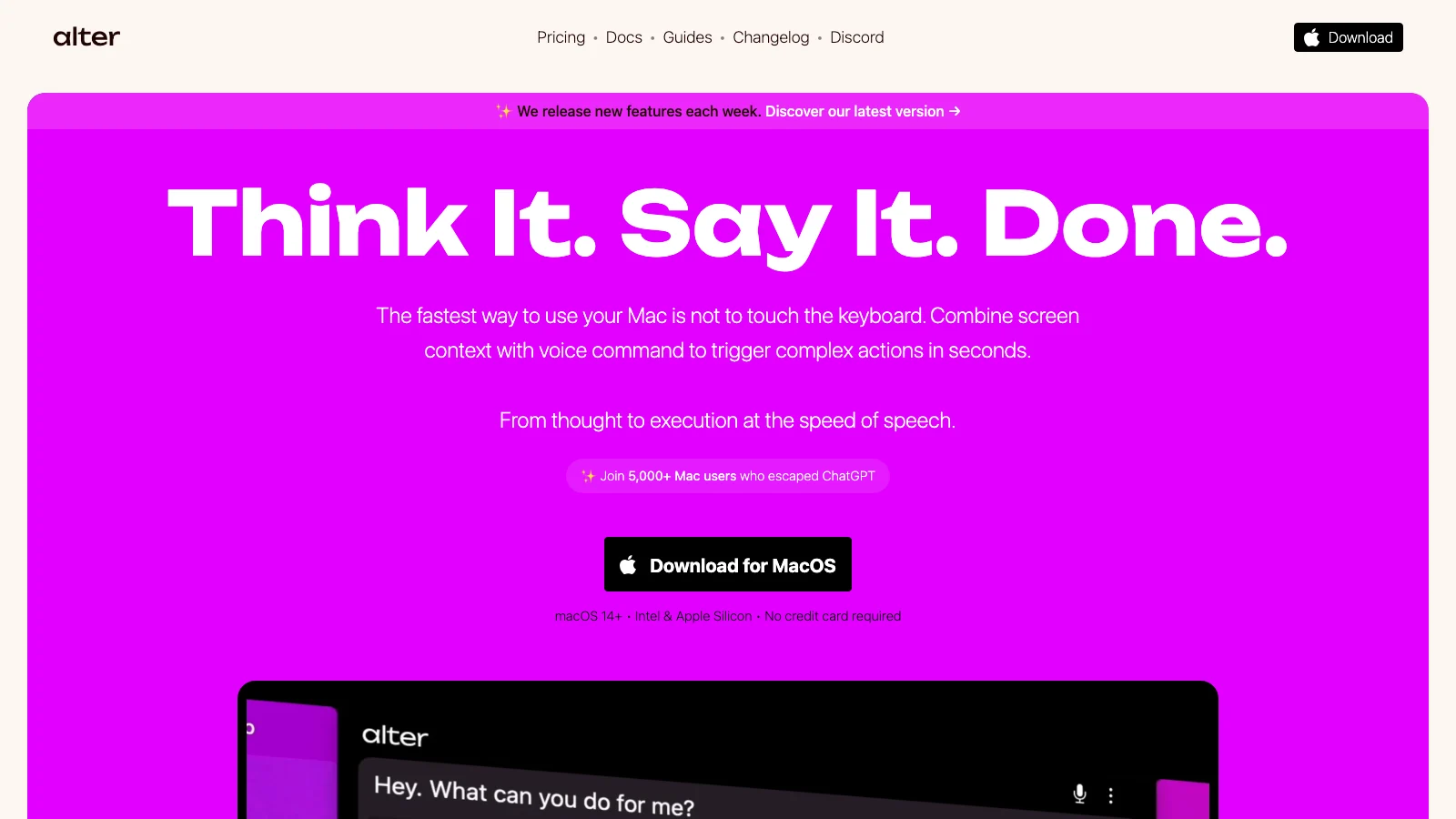
Alter combines meeting capture with dictation, screen context, chat, and general Mac actions. Its meeting transcription and speaker identification can run offline, and recordings, transcripts, chats, and history are stored locally on the Mac.
For summaries, Alter can connect to local models through tools such as Ollama or LM Studio. It can also use cloud models and transcription providers when we select them. That flexibility is useful, but the word “Alter” alone does not define the privacy boundary. We need to check both the speech processor and the model chosen for the meeting report.
We would pick Alter when meetings are one part of a configurable desktop assistant. Epilude is more focused: capture the call, create verifiable notes, save them as Markdown, then use the same voice workflow for the follow-up.
Best experimental open-source option: Open Granola
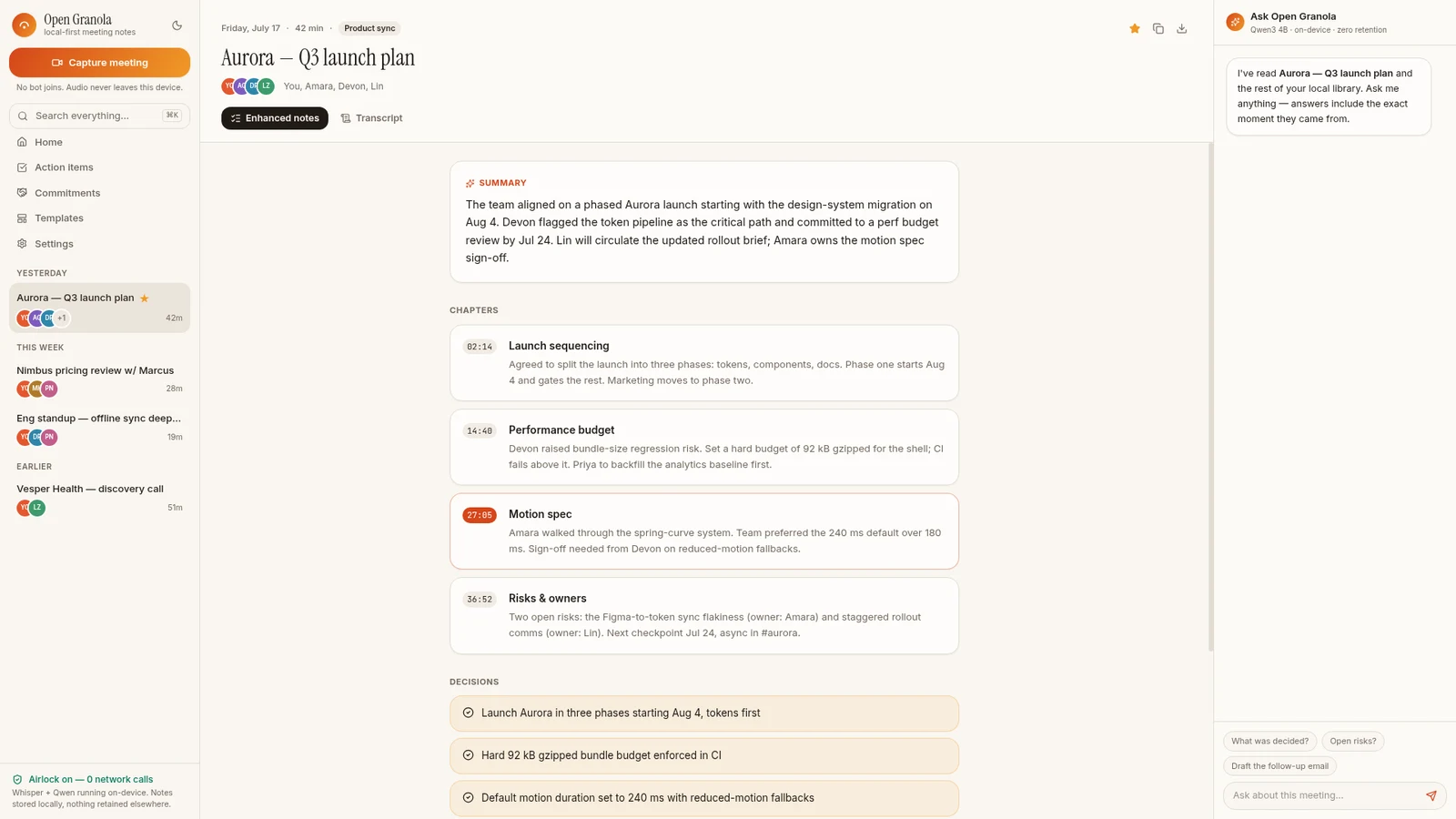
Open Granola is a newer open-source desktop project built explicitly around the Granola use case. It captures meetings without a bot, transcribes with an on-device speech model, creates structured notes with a local language model, and stores the result without an account or server.
Its first-run model download is roughly 4GB, covering speech recognition, summary generation, and embeddings for search. The code is Apache-2.0 licensed and supports macOS, Windows, and Linux. Audio retention is opt-in rather than required.
We include it because the architecture matches the search unusually well. We would still treat it as a technical, early-stage choice rather than assume it has the polish, support, and release history of a mature commercial app. It suits someone comfortable inspecting a repository, installing large local models, and accepting a faster-moving product.
Granola vs Epilude for private meetings
Granola and Epilude are both bot-free Mac meeting tools, but the data path and the work around the note are different.
| Question | Epilude | Granola |
|---|---|---|
| Bot joins the call | No | No |
| Local transcription | Optional on Apple Silicon | No, audio is sent to transcription providers |
| Local summary generation | Optional, separate setting; 16GB+ Apple Silicon for summaries | No, AI providers enhance notes |
| Local file ownership | Markdown files on the Mac | Cloud notes with a local cache and exports |
| Rough notes guide the summary | Notes can be added during capture | Core part of the Granola workflow |
| Team collaboration | Local library and exports rather than a shared team workspace | Mature sharing, folders, and team features |
| System-wide dictation | Included | Not the main product |
Choose Epilude when the meeting needs a fully local path or the note should flow directly into day-to-day Mac writing. Choose Granola when cloud processing is approved and collaborative note enhancement is more important than local-only processing.
Which private alternative should you install?
- Start with Epilude for the strongest Mac workflow across private meetings, owned notes, dictation, and spoken editing.
- Pick talat for an available commercial app on Mac or Windows with a straightforward offline path.
- Pick Anarlog when active note taking, open source, and local files are central to the workflow.
- Pick Meetily when the organization wants to self-host or control providers and deployment.
- Pick Alter when meeting notes should live inside a broader configurable Mac assistant.
- Pick Open Granola when an experimental, account-free, fully local open-source stack is acceptable.
Before committing, test a real meeting with the network off. Confirm that transcription completes, the summary is generated, the note remains searchable after restarting the app, and no optional provider silently became necessary. Then check the export by opening it somewhere other than the meeting tool.
Whichever product we use, bot-free recording still needs a clear consent practice. The absence of a participant named “Notetaker” does not remove our responsibility to tell people or follow the rules that apply to the meeting.
Local processing, writing and reading
Updated 30 September 2026. Epilude Notetaker is publicly available. Cloud transcription and cloud summaries are the defaults. Select local transcription and local summaries separately to keep both on the Mac. Local transcription needs Apple Silicon; local summaries need 16GB+ Apple Silicon and are slower and less capable than cloud summaries. Local transcription alone still permits transcript text to be sent for cloud summaries.
Both Epilude and Granola accept typed notes alongside the conversation. Epilude provides editable notes with citations, decisions and action items, a local library, Markdown and PDF exports. Review generated notes against the transcript; automatic named identification of every remote speaker is not promised.
Compare Epilude vs Granola, Epilude vs Otter, Epilude vs Fireflies, or the Otter alternatives shortlist. Otter Desktop and Fireflies both offer bot-free capture; Fireflies’ saved media and speaker labels differ between bot and no-bot capture. Bot-free does not imply local processing.
Epilude also includes Dictation for follow-up writing and Narrator for listening to text. See the comparison directory and reading guide. The trial has independent allowances of 1,000 dictation words, 10 meeting notes and 5 cloud-voice minutes. Pro includes 60 cloud-voice minutes per calendar month; Pay Once covers supported local features with one year of updates, not ongoing cloud use. Review plans and hardware.
Frequently asked questions
What is the best private alternative to Granola?
Epilude is our best private Granola alternative on Mac. Separate local transcription and local summary settings can keep both on the device, while meeting records save as Markdown files on the Mac. talat is the stronger choice when Windows support or a cross-platform local workflow matters.
Is Granola local or cloud-based?
Granola captures audio on the computer without a bot, but it sends audio to transcription providers and uses cloud AI providers to enhance notes. Transcripts and notes are stored in Granola’s US-hosted AWS environment and cached locally for offline access. Granola does not retain meeting audio after transcription.
Which Granola alternatives can summarise meetings locally?
Epilude and talat can generate summaries on-device. Anarlog, Meetily, and Alter can also summarise locally when we configure them with a local model. Open Granola includes a local language model as part of its desktop stack.
Can a meeting note taker work without joining as a bot?
Yes. Epilude, Granola, talat, Anarlog, Meetily, Alter, and Open Granola capture microphone and system audio from the computer. They do not need to appear in the meeting’s participant list.
Does bot-free mean the meeting stays private?
No. Bot-free describes how audio is captured. A bot-free product can still send audio to a cloud transcription service, send transcripts to a language model, and store notes in an online account. Check capture, transcription, summary generation, storage, and sharing separately.
Where does Epilude store meeting notes?
Epilude saves each meeting as a Markdown file in a folder on the Mac. The app can search the transcript, summary, and action items, and the note can also be exported as a PDF.
What is the closest open-source alternative to Granola?
Anarlog is the closest open-source alternative for people who type rough notes during a meeting and want those notes to guide the final write-up. Meetily offers more self-hosting depth. Open Granola is a newer, fully local project for technical users.
Do we need consent if no meeting bot joins?
Yes, where consent or notice is required. Desktop capture is still recording or transcribing a conversation. We should follow the organization’s policy and the rules that apply to the participants before starting.