We compared five Speechify alternatives for people who listen to documents, articles and selected text on a Mac. Epilude Narrator is our pick when the voice should run on the Mac itself. Voice Dream Reader is the closest native Mac reading app with offline voices. NaturalReader Personal and ElevenReader suit people who want a reading library that follows them to a phone. Apple Speak Selection is free and already on your Mac.
Speechify is a capable reader. It has a native Mac app with highlighting, a reading library across devices and, on Mac, voice typing as well. The usual reasons to look elsewhere are the price of Premium, wanting speech generated on the computer rather than in the cloud, or wanting the reading tool inside an app you already use for other work.
This guide compares documented features reviewed on 8 October 2026. It is not a hands-on voice quality or speed benchmark. Voices are personal, so try your own documents before choosing.
Quick answer
| Your priority | Speechify alternative | Why |
|---|---|---|
| Voice generated on the Mac, plus dictation and meeting notes | Epilude Narrator | EP-1 voice runs on Apple Silicon with no listening limit |
| A native Mac reading app with offline voices | Voice Dream Reader | Mac App Store app with a document library and offline system voices |
| A document workspace on the web and phone | NaturalReader Personal | Web app, mobile apps, browser extension and OCR on every paid plan |
| A large voice catalog and audiobooks on a phone | ElevenReader | iPhone, iPad and Android apps, used on a Mac through the web |
| Free reading of selected text | Apple Speak Selection | Built into macOS, with word and sentence highlighting |
Why look for a Speechify alternative?
Speechify does a lot. Its Mac app reads selected text with a shortcut, reads screenshots, highlights as it plays and syncs files across devices. The Mac app also includes voice typing. If that combination fits, there is no need to switch.
People look for alternatives for a few practical reasons:
- Price. Speechify Premium is $29 a month billed monthly. A yearly plan is cheaper, but it is still a subscription for listening.
- Where the voice runs. The Speechify documentation we reviewed does not establish that its voices generate speech on the Mac. Its offline listening works by downloading converted audio, a Premium feature.
- A Mac-first workflow. Some readers want listening to sit beside the rest of their Mac work rather than in a separate reading service.
- Language or voice choice. Speechify's Mac app FAQ lists English with US and UK accents for the Mac app, while its wider product advertises 60+ languages. Check the language you need on the platform you will use.
Offline listening is not local voice generation
Two features are easy to confuse:
| Term | What it means | What it does not mean |
|---|---|---|
| Offline playback | A finished recording plays without a connection | The text never left the device |
| Local voice generation | A voice on the computer turns text into speech | The source needed no network, for example a new web page |
Speechify, NaturalReader Personal and ElevenReader offer downloaded audio for offline listening. Their documentation describes downloading audio their services produce. Epilude's EP-1 voice and Voice Dream Reader's built-in voices generate speech on the Mac itself. Apple Speak Selection uses the Mac's system voices.
If your reading includes client documents or unpublished drafts, ask where the text goes to become audio. Being able to play a file on a plane answers a different question.
What to compare
Bring three things to a trial: a long PDF, a web article and a paragraph selected in another app. Check whether the text comes in cleanly, whether highlighting helps you keep your place, and whether speed and navigation hold up over twenty minutes of listening. Then check the plan that covers that use, including any listening or download limits.
Five Speechify alternatives at a glance
| Alternative | Where the voice runs | Mac app | Offline | Price model |
|---|---|---|---|---|
| Epilude Narrator | On the Mac (EP-1) or Epilude's cloud | Native | Yes, with the EP-1 voice | Trial, then Pro or Pay Once |
| Voice Dream Reader | On the Mac (system and Acapela voices) | Native | Yes | Subscription after a 7-day trial |
| NaturalReader Personal | NaturalReader's AI reading service | Web app | MP3 downloads | Subscription |
| ElevenReader | ElevenLabs voices; local generation not documented | Web app | Downloads in the mobile app | Free download, paid plans and hour packs |
| Apple Speak Selection | macOS system voices | Built in | Yes | Free |
Best for voices that run on your Mac: Epilude Narrator
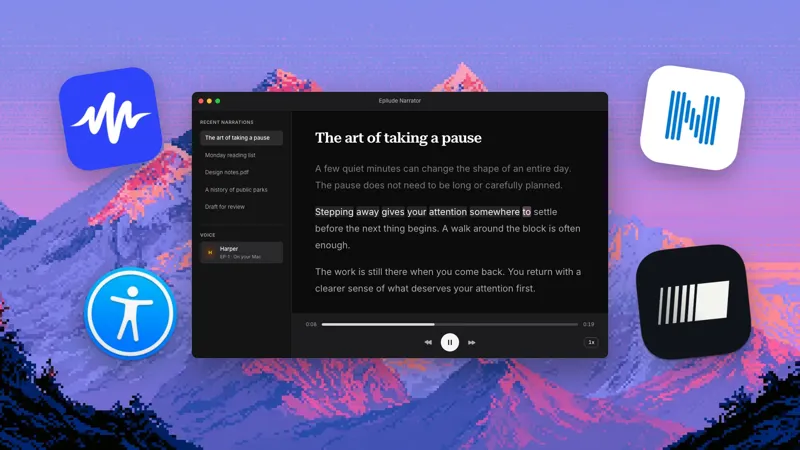
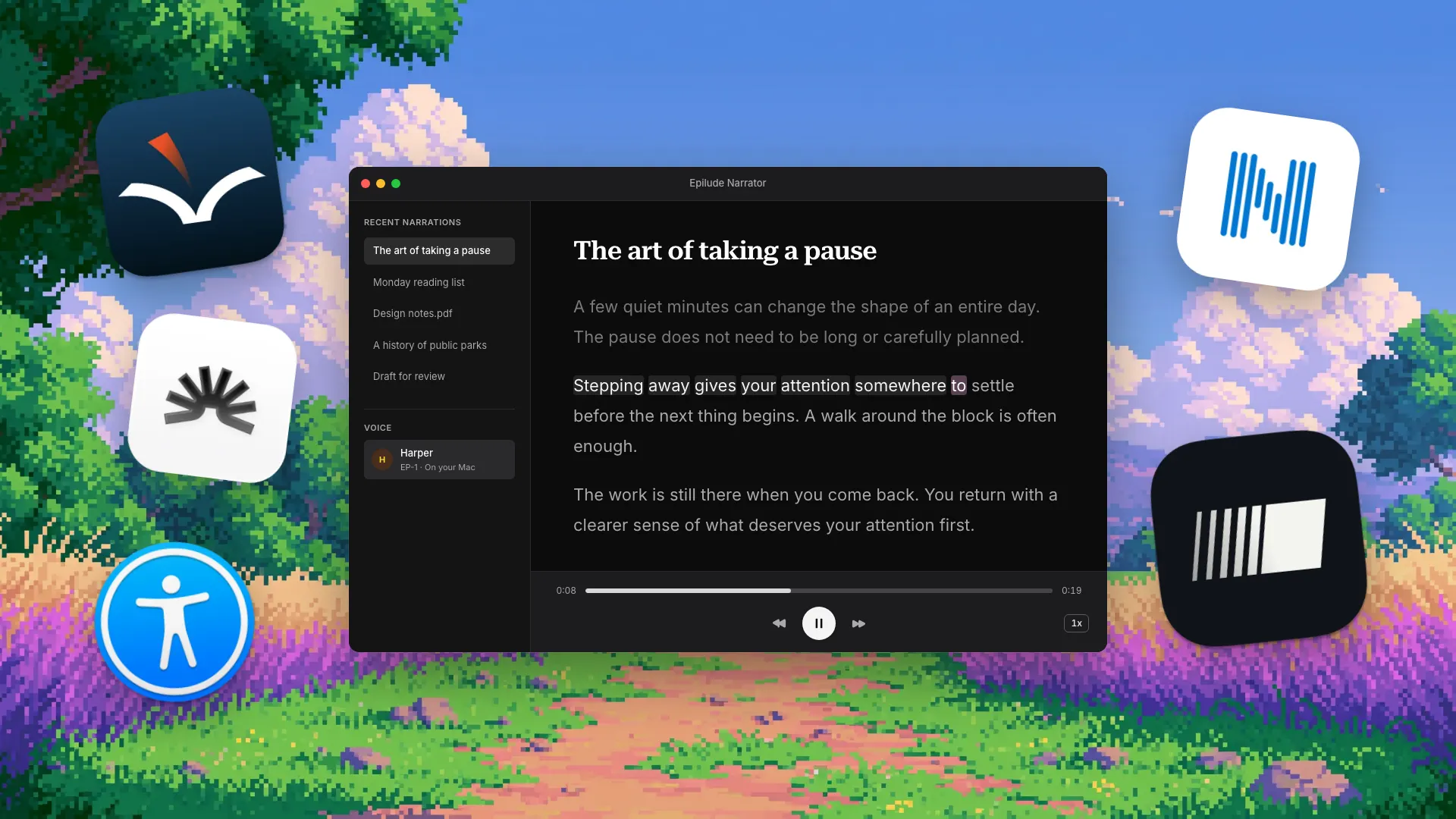
Narrator reads selected text in any Mac app with ⌥⌘N, and reads PDF, EPUB, DOCX, TXT, Markdown, HTML and RTF files, including scanned PDFs. It also reads public web pages, typed or copied text, and images or screen captures with readable text. Text recognition for images and scanned pages runs on the Mac.
Two kinds of voice are available. The EP-1 voice runs on Apple Silicon, needs the internet only for its download, and has no listening limit. The text and audio stay on the Mac during playback. Cloud voices send the text to Epilude to make the audio and use the cloud voice minutes in your plan. On an Intel Mac, Narrator reads with cloud voices only.
The main download includes 28 English voices. German, Spanish, French, Italian and Portuguese voices download when you choose one; French, Spanish, Italian and Portuguese are marked experimental. Speed runs from 0.5× to 3×, with word and sentence highlighting. Each file, link or selection becomes a library entry that remembers your place, and Narrator can skip PDF headers, footnotes, reference lists and citations.
The trial includes 5 cloud-voice minutes, alongside 1,000 dictation words and 10 meeting notes, with no card or time limit. Pro costs $12 a month billed annually ($144 a year) and includes 60 cloud-voice minutes each month. Pay Once costs $59 for supported local features on Apple Silicon with one year of updates; it has no cloud voices. See pricing.
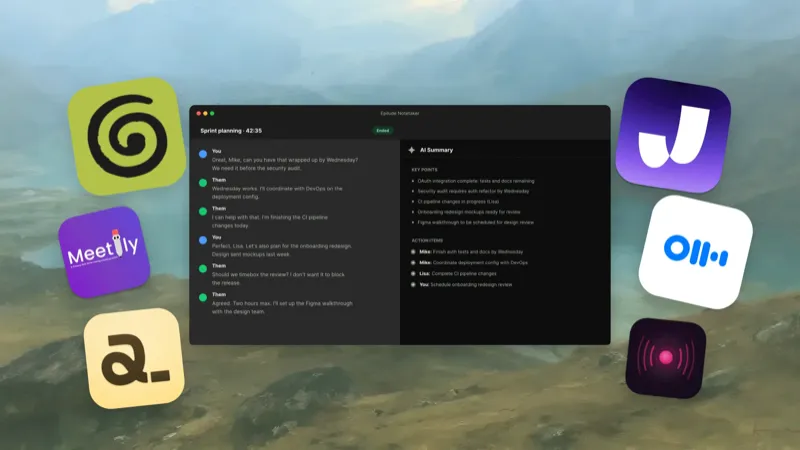
Narrator shares the app with Dictation and Notetaker, so reading, writing and meeting notes live in one place. Choose another reader if you need your library on a phone. Compare Epilude and Speechify.
Best native Mac reading app: Voice Dream Reader
Voice Dream Reader has a native Mac app in the Mac App Store, called Voice Dream Reader for Desktop, which requires macOS 11 or later. It reads PDFs, including scanned PDFs through text recognition, plain text, Google Docs, DRM-free EPUB books, DAISY books, and web articles saved through its Safari extension.
Its listing says it includes 75 macOS text-to-speech voices in 27 languages plus Acapela voices in a language of your choice, and that "all voices are offline." That makes it the closest match here to Narrator's local voice. The listing also mentions AI-enhanced voices in earlier release notes without describing where they run, so check any voice you choose that is not a system or Acapela voice.
The app is free to download and requires a subscription after a 7-day free trial. The Mac App Store lists monthly subscriptions from $9.99 and annual ones from $49.99.
Choose Voice Dream Reader if you want a dedicated reading library on the Mac with offline voices and you do not need dictation or meeting notes.
Best web and phone document workspace: NaturalReader Personal
The product here is NaturalReader AI Text to Speech Personal, not its commercial voice generator or older desktop software. On a Mac it runs as a web app in the browser, which you can install with its own Dock icon. There are also iOS and Android apps and a Chrome extension for reading web pages.
Personal is built around documents: a library, navigation, annotations and OCR for scanned material. Every paid plan includes OCR. Lite costs $13.90 a month or $79 a year with unlimited listening using Lite voices. Plus ($20.90 a month or $119 a year) and Pro ($25.90 a month or $159 a year) add daily allowances for higher-tier voices and voice cloning. Each plan has monthly limits on MP3 conversion, which is how you take audio offline.
Its voices are licensed for personal use only. Sharing generated audio, posting it or using it in a video or podcast needs NaturalReader's separate commercial product. Compare Epilude and NaturalReader.
Best voice catalog on a phone: ElevenReader
ElevenReader is the reading app from ElevenLabs. It reads uploaded PDFs, EPUBs, documents and article links, and includes a store of audiobooks and ebooks. Its App Store listing advertises 1,000+ voices and offline listening by downloading.
On a Mac, ElevenReader is a web app at elevenreader.io. Its App Store listing covers iPhone and iPad, and ElevenLabs lists iOS, Android and the web as its platforms. We found no native Mac app.
The app is free to download. In-app purchases on the App Store include Plus and Ultra subscriptions and packs of listening hours. Choose ElevenReader if your listening happens mostly on a phone and voice variety matters more than a Mac-native reading tool.
Best free option: Apple Speak Selection
Speak Selection is built into macOS. In System Settings → Accessibility → Read & Speak, set a keyboard shortcut, and your Mac speaks selected text when you press it. You can highlight words, sentences or both, choose highlight colours, and show a playback controller. Speaking rate is set in the system voice settings. Accessibility Reader offers a separate reading view with its own fonts, layout and autoplay.
Start here if you mainly want to hear a selected paragraph and do not need to collect documents in a library. It costs nothing to try before paying for anything else.
Narrator and the other apps here are reading tools. None of them replaces VoiceOver. If you rely on assistive technology, test the exact content and controls with your setup. Compare Epilude and Apple Speak Selection.
Speechify vs Epilude Narrator
| Question | Epilude Narrator | Speechify |
|---|---|---|
| Native Mac app | Yes | Yes |
| Where the voice runs | EP-1 on Apple Silicon, or Epilude's cloud | Speechify's voice service; local generation not established |
| Offline | Generates speech offline after the voice download | Premium users can download converted audio |
| Reading inputs | Selection, files, web pages, typed text, images | Selection, screenshots, files and a cross-device library |
| Other Mac workflows | Dictation and Notetaker | Voice typing in the Mac app |
| Devices | Mac only | iOS, Android, Mac, Windows, web and browser extensions |
| Price | Trial, then $12 a month billed annually or $59 Pay Once | Free tier, Premium $29 a month billed monthly |
Choose Narrator when speech should be generated on your Mac, or when reading belongs next to dictation and meeting notes. Choose Speechify when your library needs to follow you to a phone or a Windows PC. Read the full comparison.
Which Speechify alternative should you install?
- Start with Epilude Narrator if the voice should run on your Mac and you also dictate or take meeting notes.
- Pick Voice Dream Reader for a native Mac reading library with offline voices.
- Pick NaturalReader Personal for a web and phone document workspace with OCR on every paid plan.
- Pick ElevenReader if you listen mostly on a phone and want a large voice catalog and audiobooks.
- Try Apple Speak Selection first if hearing a selected paragraph is all you need.
Before paying, test with the network off if offline reading matters: open a document you already imported and play it with the voice you plan to use. That separates a voice that runs on the Mac from audio you downloaded earlier.
For a broader comparison that includes Speechify itself, read Best text-to-speech apps for Mac.
Sources
Reviewed on 8 October 2026:
- Speechify: Mac app, offline listening FAQ and platforms and plans.
- Voice Dream Reader: Mac App Store listing.
- NaturalReader Personal: product, platforms and rights and plans.
- ElevenReader: App Store listing and ElevenLabs product overview.
- Apple: Read & Speak settings on Mac.
- Epilude: How Narrator works, voice guide and pricing.
Frequently asked questions
What is the best Speechify alternative for Mac?
Epilude Narrator is our pick when you want the voice to run on your Mac: its EP-1 voice generates speech on Apple Silicon with no listening limit. Voice Dream Reader is the strongest dedicated reading app with offline voices. NaturalReader Personal and ElevenReader suit people who also listen on a phone.
Is there a free alternative to Speechify on Mac?
Yes. Apple Speak Selection is built into macOS and reads selected text with a keyboard shortcut and highlighting. Epilude's trial includes 5 cloud-voice minutes with no card, and Speechify itself has a free tier with a smaller set of voices.
Which Speechify alternatives work offline on a Mac?
Epilude Narrator's EP-1 voice, Voice Dream Reader's built-in voices and Apple Speak Selection read on the Mac without a connection once set up. NaturalReader Personal and ElevenReader offer downloaded audio for offline playback; their documentation does not describe generating speech on the device.
Does Speechify have a Mac app?
Yes. Speechify's Mac app reads selected text and screenshots with highlighting and includes voice typing. Offline listening requires Premium and works by downloading converted audio.
Can I use ElevenReader on a Mac?
Through the web at elevenreader.io. Its App Store listing covers iPhone and iPad, and we found no native Mac app.
Can I share audio made with these readers?
Check each license. NaturalReader Personal's voices are for personal use only, and sharing or publishing audio needs its commercial product. Treat downloaded audio from any reader as personal unless its terms say otherwise.