Epilude is our top offline dictation app for Mac because the complete writing path keeps working without Wi-Fi. In Local Mode, it records and transcribes speech on the Mac, runs Cleanup there, and inserts the finished text back at the cursor. Superwhisper is better when we want to choose models and tune modes. VoiceInk is the strongest open-source option.
We compared five products that advertise some form of offline or on-device dictation. For each one, we checked what happens after the audio becomes text. A local speech model is useful, but it does not help much if grammar repair, filler removal, or text insertion stops when the network disappears.
Quick answer
| Our priority | Best choice | What works offline |
|---|---|---|
| Best overall offline Mac workflow | Epilude | Dictation, Cleanup, formatting, history, and cursor insertion in Local Mode |
| Best for model and mode controls | Superwhisper | Local transcription and local language models on Mac |
| Best open-source option | VoiceInk | Local transcription, formatting, insertion, and optional local enhancement |
| Best for developer vocabulary | Voibe | On-device transcription and a local formatting fallback on Apple Silicon |
| Best across Mac, Windows, and iPhone | Willow | A device-powered offline mode, with fewer public details about its offline cleanup path |
MacWhisper also works locally and now includes system-wide dictation. We would still buy it first for recorded files, meetings, subtitles, and batch transcription rather than as our everyday replacement for typing.
What offline dictation should include
“Runs locally” can describe one step or the whole job. We split offline dictation into five checks:
| Stage | The question we asked |
|---|---|
| Capture | Can we start recording without a connection? |
| Transcription | Does the audio stay on the Mac while speech becomes text? |
| Cleanup | Can filler removal, corrections, punctuation, and formatting run locally? |
| Insertion | Does the finished result return to the active text field? |
| History | Can we find or copy the result without signing into a web workspace? |
The cleanup stage created the largest differences. Several products can run a speech model locally, then send the transcript to a cloud language model to turn it into an email or structured note. That may be a reasonable option while connected. It is not a complete offline path.
We also checked the product's behaviour after reconnecting. An app can process dictation locally while still making occasional licence, update, or analytics requests. Those requests do not make the dictation itself cloud-processed, but they matter when a Mac must stay disconnected for a long period.
What to compare
This is an editorial comparison of product workflows, not a controlled hands-on accuracy or speed benchmark. Features and model choices explain the shortlist; they do not establish a universal winner for output quality.
For your own trial, use a short reply, a longer email, a spoken correction, a list, and your usual names or technical terms. Check the result at the cursor, how much editing remains and where both transcription and Cleanup run. A local speech model alone does not establish local rewriting. The example phrases below are illustrative inputs and desired outputs, not benchmark results.
Five offline Mac dictation apps compared
| Product | Local transcription | Local cleanup | System-wide insertion | Main tradeoff |
|---|---|---|---|---|
| Epilude | Yes, in Local Mode | Yes | Yes | Mac-only and Apple Silicon required for Local Mode |
| Superwhisper | Yes | Yes, with a local language model | Yes | More model and mode decisions |
| VoiceInk | Yes | Yes, when a local enhancement provider is configured | Yes | Local enhancement needs more setup |
| Voibe | Yes, on Apple Silicon | Local fallback; current Smart Formatting can use the cloud when connected | Yes | Full connected formatting and offline fallback are not the same path |
| Willow | Yes, in Offline mode | Not documented clearly enough for us to treat every cleanup feature as local | Yes | Offline implementation details are thin |
Best overall offline dictation for Mac: Epilude
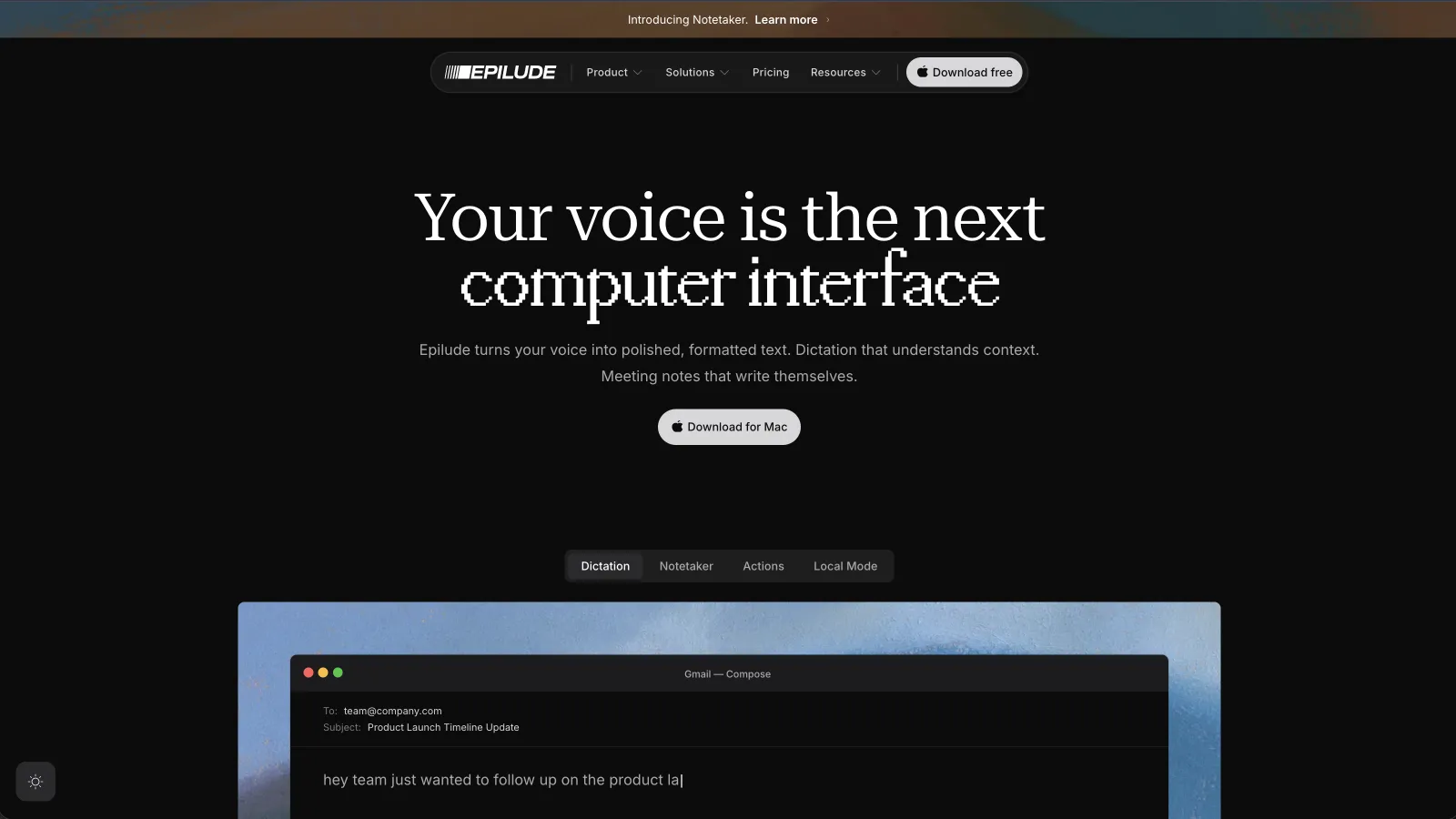
Epilude Local Dictation transcribes and cleans speech on supported Macs, then returns text to the active field through a global shortcut.
Cleanup is the important part of that result. It removes filler, resolves a spoken correction, adds punctuation, and formats simple structure before insertion. With Local Mode selected, the audio and that cleanup work stay on the Mac.
An illustrative input:
Um, can you move the review to Tuesday, actually Wednesday afternoon, and, you know, send Priya the new agenda?
A desired cleaned result:
Can you move the review to Wednesday afternoon and send Priya the new agenda?
Vocabulary helps with names and terms we use repeatedly. The history remains available in the Mac app, so we can inspect the original and cleaned versions without opening a web dashboard.
There are hardware limits. Local Mode requires an Apple Silicon Mac. Full on-device AI Cleanup requires at least 16GB of memory. On a Mac with less memory, transcription and basic formatting can stay on-device, but the complete Cleanup pass is not available locally.
Epilude is also the wrong choice if we need the same dictation product on Windows or a phone. For a Mac-first workflow where private speech still needs to become sendable writing, it is our first choice.
Best for choosing models and building modes: Superwhisper
Superwhisper exposes more of its pipeline. We can select a local voice model, choose a local language model for post-processing, or turn the language-model stage off and keep a raw local transcript. Its documentation gives enough detail to see which choices send audio or text to a provider.
That makes Superwhisper a strong fit when model choice is part of the job. A technical user can build different modes for messages, email, code prompts, or recorded files. Its current local language-model options allow cleanup and reformatting to stay on the Mac as well as the initial transcription.
The cost of that control is configuration. We had to think about the voice model, language model, prompt, and mode rather than relying on one opinionated offline path. Epilude suited us better for ordinary writing because its Local Mode owns those defaults. We would choose Superwhisper when adjusting them was the reason for installing the product.
Best open-source offline option: VoiceInk

VoiceInk separates transcription from enhancement. A mode can use a local speech model for offline transcription, then paste the formatted result into the active app. If we want AI rewriting without sending text to a hosted provider, VoiceInk can connect to a local enhancement provider such as Ollama or a local command-line model.
That separation matters for privacy. A simple Dictation mode can remain local with no AI enhancement. An email mode can add a prompt and local model. App and website triggers can switch between those modes, and the final text can be pasted, auto-sent, or passed into a local command.
VoiceInk asks us to assemble more of the setup. Local enhancement quality and speed depend on the model we connect, and its history can retain transcripts and audio locally until we change the retention settings or delete them. It is our open-source choice when inspectability and configuration matter more than a fixed set of defaults.
Best for developer vocabulary: Voibe
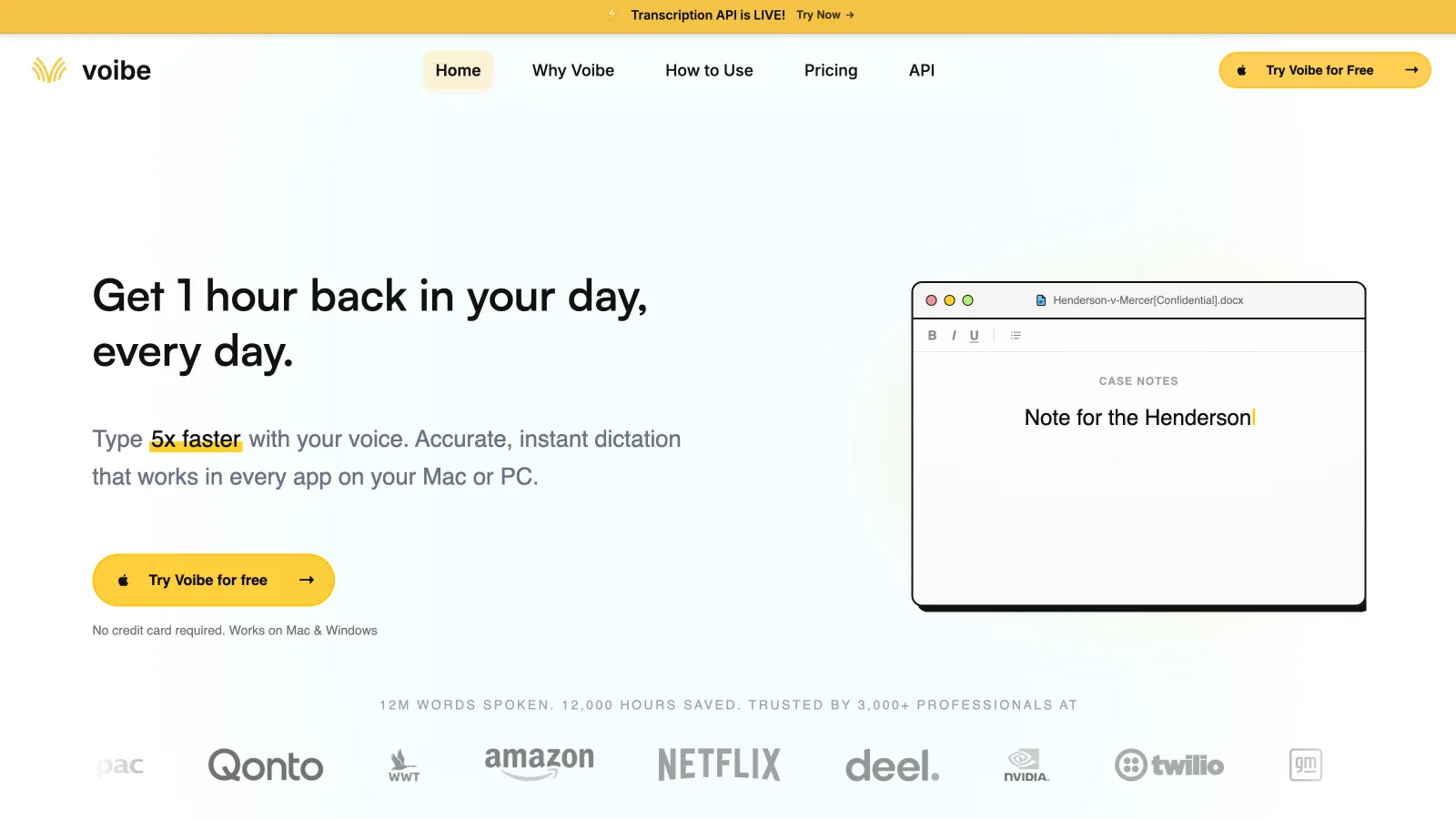
Voibe's on-device engine runs on Apple Silicon and inserts text through the macOS accessibility system. Its developer mode is the reason we would shortlist it: it is designed to improve file names, paths, and technical terms in editors such as Cursor, VS Code, and Windsurf.
Its current formatting path needs a careful reading. Voibe's technical guide says capture, transcription, post-processing, and insertion happen on the Mac in on-device mode. Its release notes also say Smart Formatting uses a cloud model when connected while a local model remains ready so dictation continues offline. We therefore treat offline formatting as a fallback rather than assuming the connected and disconnected output is identical.
Voibe is a useful choice when developer vocabulary is the priority and that fallback is acceptable. Epilude remains our overall choice because Local Mode gives us a clearer path for the same Cleanup behaviour we rely on in regular email, chat, and documents.
Best cross-platform choice with an offline mode: Willow
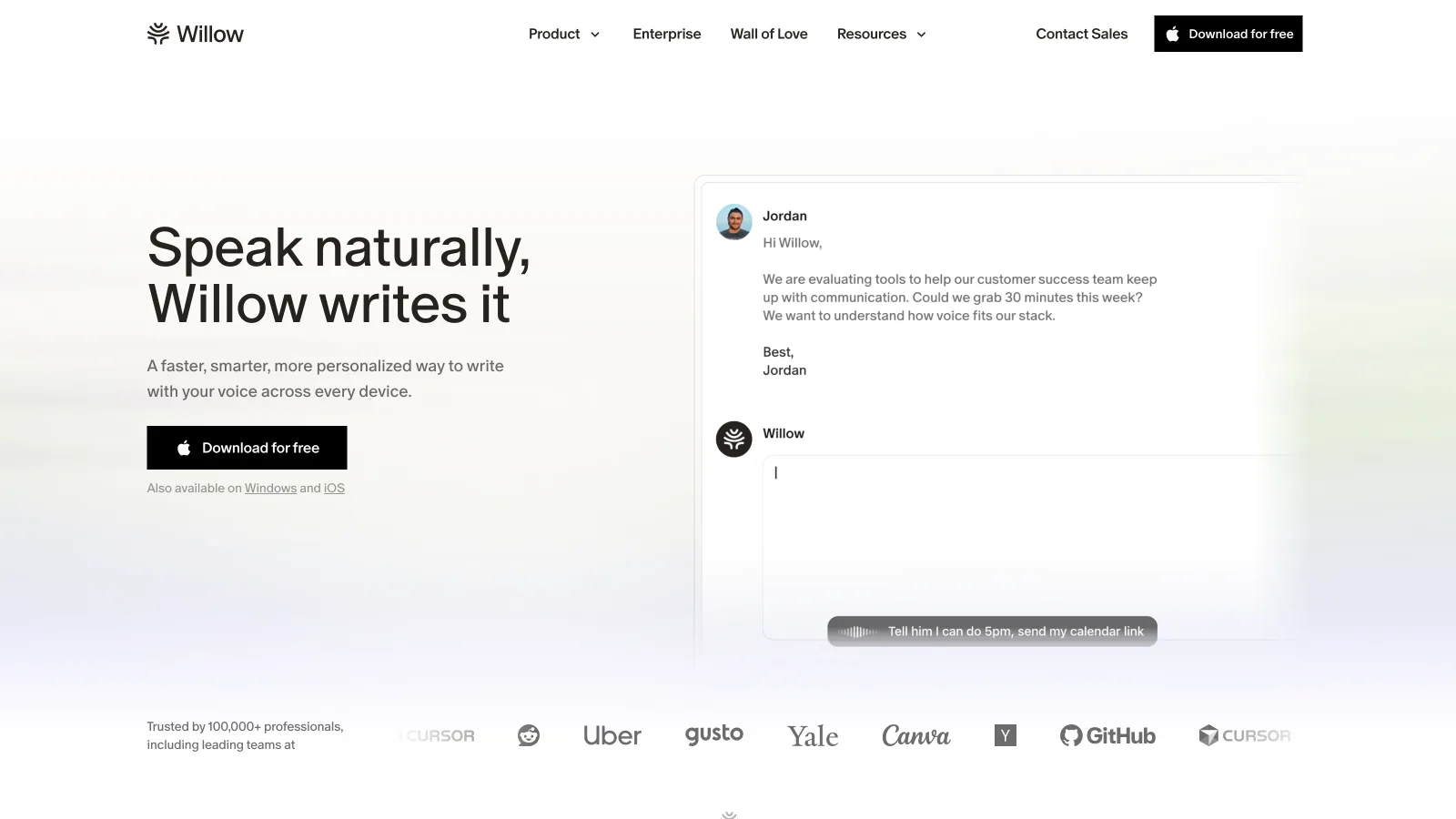
Willow supports Mac, Windows, and iPhone and advertises an Offline mode powered by the device. It also offers system-wide insertion, filler removal, punctuation, style matching, a learned dictionary, and reusable shortcuts.
That platform coverage is its clearest advantage over Epilude. We would pick Willow when the same habit needs to follow us from a Mac to Windows or iPhone.
Willow publishes less detail about which cleanup and personalization features use the same device-powered path while offline. We could confirm that Offline mode exists, but not enough about the stages behind it to label every advertised writing feature local. For sensitive work, we would ask Willow for that breakdown before treating it as equivalent to a documented end-to-end local mode.
Where MacWhisper fits
MacWhisper can run transcription locally, work offline, and provide system-wide dictation with grammar improvement and app-specific prompts. It also supports local language models through Ollama and LM Studio.
We still think its strongest reason to exist is the file workflow. It handles recorded interviews, lectures, podcasts, video, subtitles, watched folders, batch transcription, and meeting capture. Those jobs need an editor and export system rather than the lightest possible path back to one text field.
If our day starts with a folder of recordings, we would choose MacWhisper. If it starts with an empty Slack reply or email draft, Epilude, Superwhisper, or VoiceInk is the more direct comparison.
Which offline dictation app should we choose?
Choose Epilude when we want the whole Mac writing loop to stay useful without a connection: shortcut, transcription, Cleanup, history, and insertion. Choose Superwhisper when we want to choose models and tune modes. Choose VoiceInk when open-source code and a configurable local stack come first.
Voibe deserves a look for developer vocabulary. Willow is the better fit when Windows or iPhone support is required.
Before deciding, we would disconnect Wi-Fi and dictate a real email. The useful answer is the text that reaches the cursor, plus a clear account of where the audio and transcript went on the way there.
Meeting notes and reading alongside dictation
Epilude brings Dictation, Notetaker and Narrator together on Mac. This guide focuses on writing; meeting notes and reading are separate jobs with separate settings. The comparison directory covers all three, and the reading guide explains local voice generation versus downloaded audio.
The trial has independent allowances of 1,000 dictation words, 10 meeting notes and 5 minutes of cloud narration, with no card or time limit. Pro includes 60 cloud-voice minutes per calendar month. Pay Once covers supported local features on Apple Silicon with one year of updates; it does not include ongoing cloud use. Check pricing for the complete terms.
Superwhisper also offers meeting recording and transcription. A local speech model does not guarantee local cleanup or summaries; check the chosen AI provider. See the current Superwhisper comparison.
Frequently asked questions
What is the best offline dictation app for Mac?
Epilude is our best overall offline dictation app for Mac. In Local Mode, dictation and Cleanup run on the Mac, and the finished result is inserted at the cursor in the app where we started speaking.
Which offline dictation app removes filler words and fixes grammar?
Epilude runs Cleanup locally in Local Mode, including filler removal, spoken corrections, punctuation, and formatting. Superwhisper and VoiceInk can also perform local cleanup when a local language or enhancement model is selected.
Does offline dictation work in Slack and Gmail?
Yes. Epilude, Superwhisper, VoiceInk, Voibe, Willow can insert text into normal Mac text fields. The product needs a global shortcut and macOS accessibility permission to return text to the active cursor.
Is local transcription the same as offline AI cleanup?
No. Local transcription keeps the audio-to-text stage on the Mac. Cleanup is a later stage that can use a separate local or cloud language model. Check both stages if filler removal and grammar repair must also work offline.
Can Intel Macs run offline AI dictation?
Support varies. Epilude Local Mode and Voibe's on-device mode require Apple Silicon.
Do offline dictation apps ever connect to the internet?
They may connect for sign-in, licence checks, updates, crash reports, or optional analytics. That is separate from sending dictated audio or text to a cloud model. Check both the processing path and how long the app can remain disconnected.