We compared eight Mac meeting note takers, and Epilude is our best overall choice for people who want a bot-free transcript, an editable summary, and follow-up work in one Mac app. It records from the computer instead of joining the call, can transcribe and summarise on the Mac, saves meetings as Markdown, and turns decisions into notes we can check against the conversation.
Compare capture, transcription, summaries, storage and exports separately. Hardware and model settings determine whether the full workflow can run locally.
Quick answer
Epilude is our top Mac meeting note taker for the complete workflow. It captures microphone and system audio without a meeting bot, produces a live transcript, creates an editable summary and action items, and saves a portable Markdown file on the Mac. Separate local transcription and local summary settings can keep both on the device when the meeting needs to stay private or work without a connection.
| Your priority | Best choice | Why |
|---|---|---|
| Best overall Mac workflow | Epilude | Bot-free capture, local transcripts and summaries, action items, transcript citations, Markdown, and PDF |
| Best fully offline commercial app | talat | Recording, speaker labels, transcription, notes, and storage can stay on the device |
| Best for configurable local models | Alter | Local meeting transcription with flexible local and cloud model choices |
| Best open-source option | Meetily | Local transcription and summarization with an inspectable community edition |
| Best local-first notepad | Anarlog | Notes-first workflow with local models, Markdown-style ownership, and optional cloud features |
| Best for active note takers | Granola | Excellent note enhancement and no visible bot, but cloud processing |
| Best for EU-hosted processing | Jamie | Bot-free recording with EU data handling and audio deletion after transcription |
| Best for existing Otter teams | Otter Desktop | Familiar workspace and a botless desktop recorder, but not an offline product |
Bot-free and local answer different questions
A bot-free app records microphone and system audio from the Mac. Nobody called “AI Notetaker” appears in the participant list, and the tool can work with Zoom, Google Meet, Teams, a Slack huddle, or an in-person conversation without a meeting-specific integration.
A local app answers a second question: where does the meeting content go? Local transcription means speech recognition runs on the computer. A fully local workflow also keeps summary generation and storage there. Those stages can have different settings, so a single “private” badge tells us very little.
Granola, Jamie, and Otter Desktop are bot-free, but their meeting workflows rely on cloud services. Epilude and talat can run the recording-to-summary path on the device. Meetily, Alter, and Anarlog depend more heavily on how we configure their models.
What to compare
This is an editorial comparison of documented workflows, not a controlled hands-on benchmark. Check microphone and system-audio capture, the transcription provider, the summary model, where notes are stored and which exports are available. Bot-free capture does not settle the other questions.
For your own trial, use a call with headphones, an in-person conversation and a meeting with decisions and action items. Review the summary against the transcript, including owners and dates. If offline processing is required, check both model settings and suitable hardware before disconnecting the network.
Eight Mac meeting note takers at a glance
| Product | Local transcription | Local summary | Bot-free | Best fit |
|---|---|---|---|---|
| Epilude | Optional on Apple Silicon | Optional, separate setting; 16GB+ Apple Silicon | Yes | The best overall mix of Mac workflow, useful notes, and local processing |
| talat | Yes | Yes, with its on-device model | Yes | People who require the whole meeting path to work offline |
| Alter | Yes | Yes when configured with a local model | Yes | Mac users who want model and provider control |
| Meetily | Yes | Yes with a local summary provider | Yes | Open-source users and self-hosted teams |
| Anarlog | Yes | Yes with a local model | Yes | Active note takers who want local-first files and configurable AI |
| Granola | No | No | Yes | People who type rough notes during the meeting and value cloud collaboration |
| Jamie | No | No | Yes | Teams that prefer bot-free capture and EU-hosted processing |
| Otter Desktop | No | No | Yes in desktop recording mode | Existing Otter users who want to remove the visible bot |
Best overall for Mac: Epilude
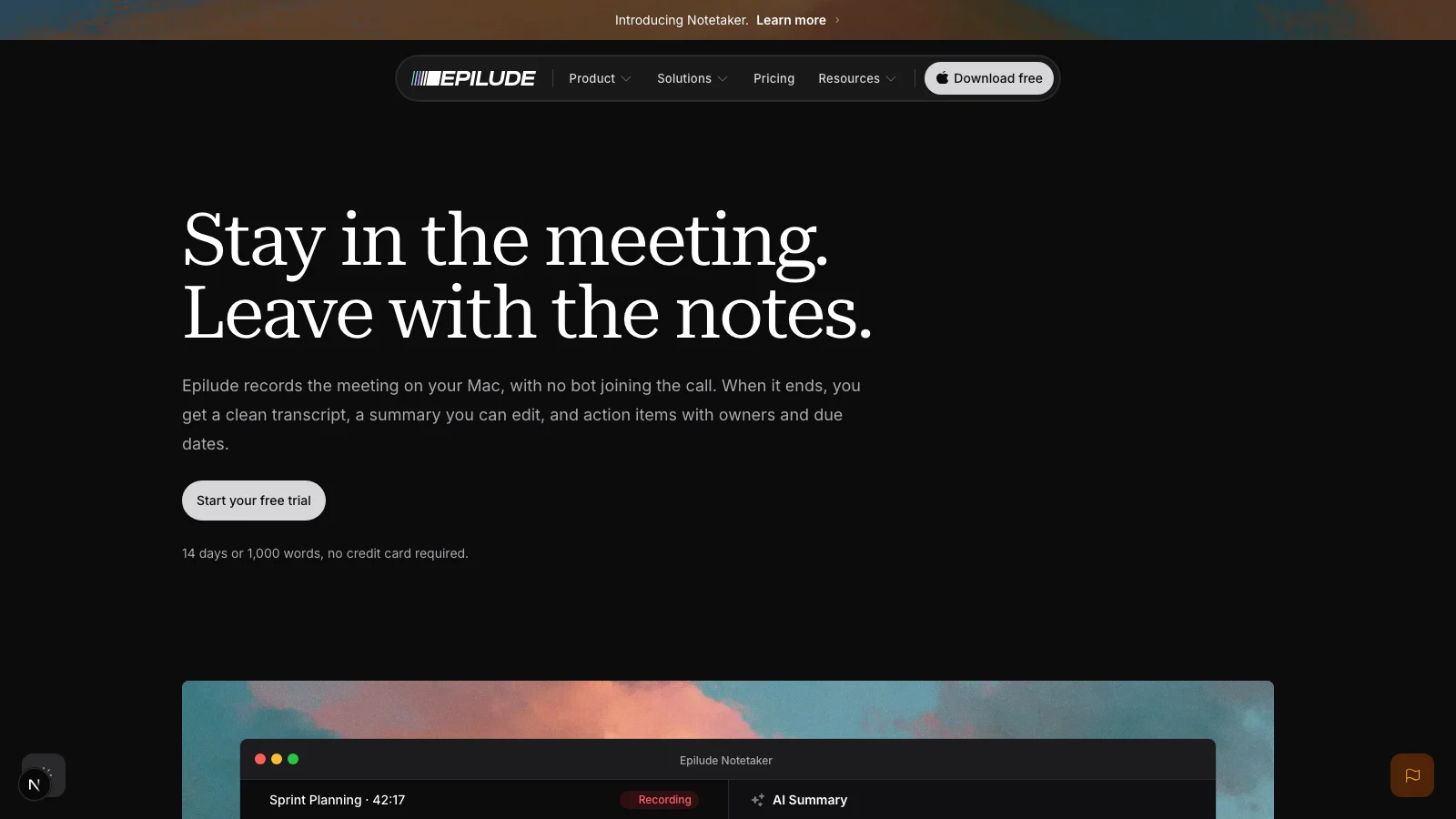
Epilude combines call capture, notes and file exports. Notetaker captures the microphone and the meeting audio playing through the Mac, so it works with Zoom, Meet, Teams, Slack, or an in-person conversation without joining as a participant. Headphones do not break the recording because the app captures system audio directly.
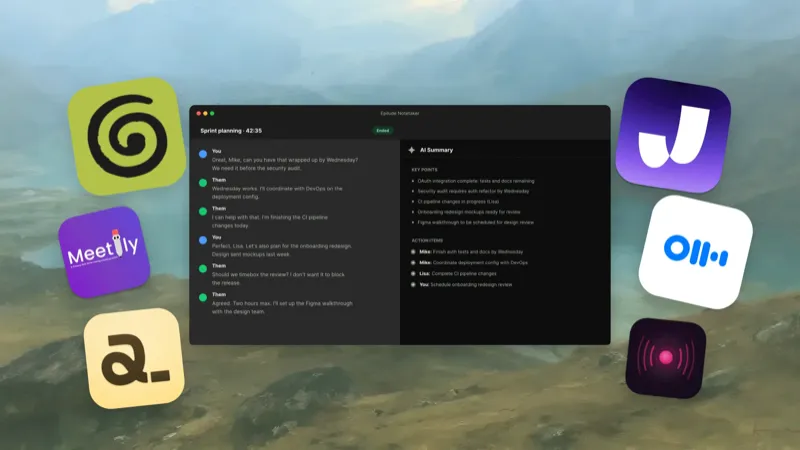
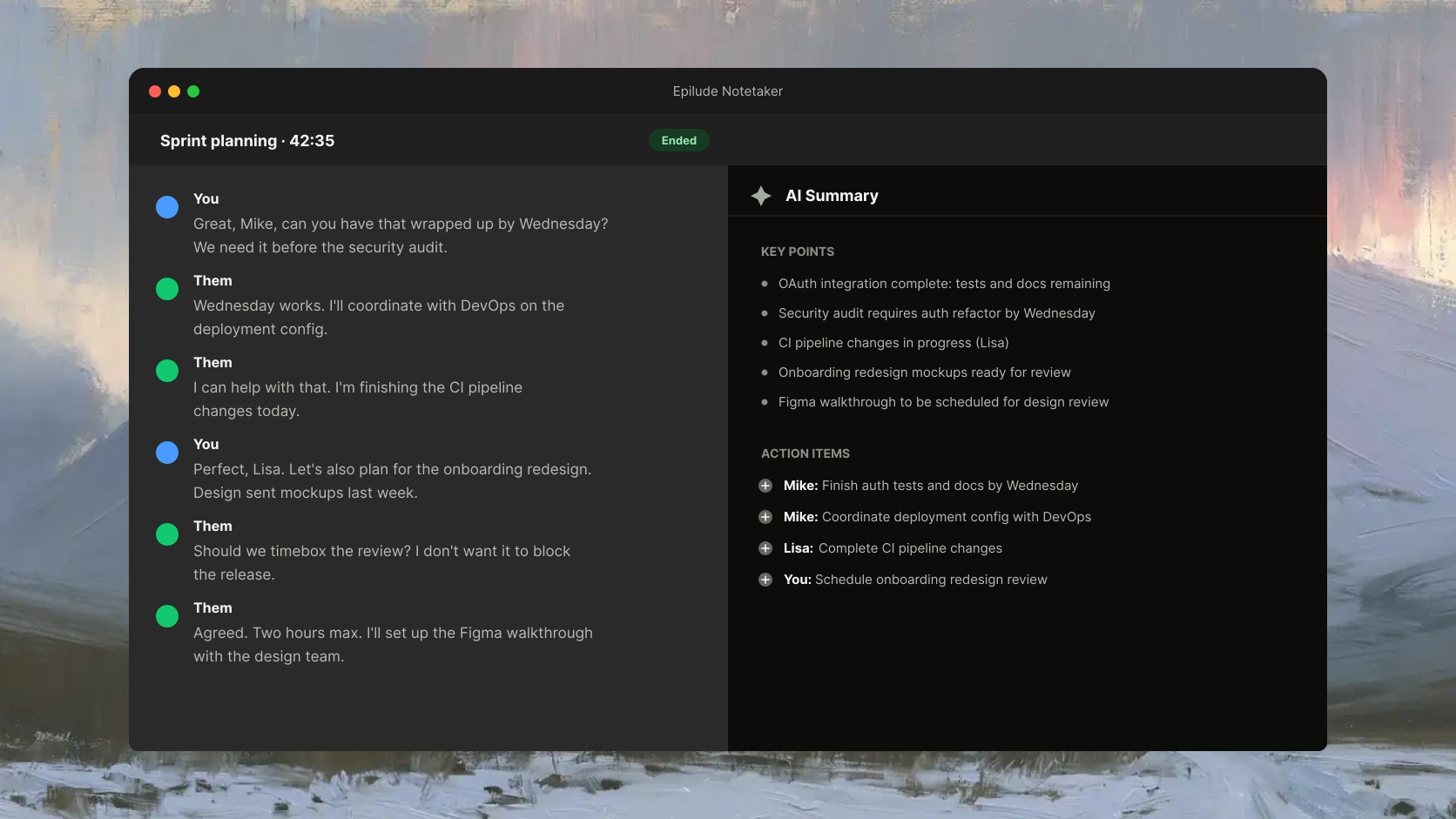
The transcript builds as two streams, You and Them. That is less ambitious than pretending to know every remote speaker automatically, but it is dependable and easy to understand. The note beside the transcript lets us type a heading, number, or reminder during the call without trying to write everything down.
When the meeting ends, Epilude produces an editable summary and extracts action items. Review extracted owners and due dates against the conversation. Summary points cite the transcript, so we can jump back to the words behind a decision instead of trusting a polished paragraph on sight.
Every meeting saves as Markdown in a folder we choose. The in-app library searches titles, transcripts, summaries, and action items, and PDF export handles the occasions when a portable text file is not the right thing to send. Meeting detection can offer to record when a supported call starts, but it does not silently join or begin recording for us.
The privacy boundary is clear once we split it by stage. Cloud mode is available when speed and wider model access matter. On a supported Mac, Separately selected local transcription and local summaries keep both on the device on suitable hardware. Saved meeting files remain on the Mac in either mode.
Notetaker is public and Mac-only. The fully local path requires separately selected local transcription and local summaries, with 16GB+ Apple Silicon for summaries. Local summaries are slower and less capable than cloud summaries.
Best fully offline commercial option: talat
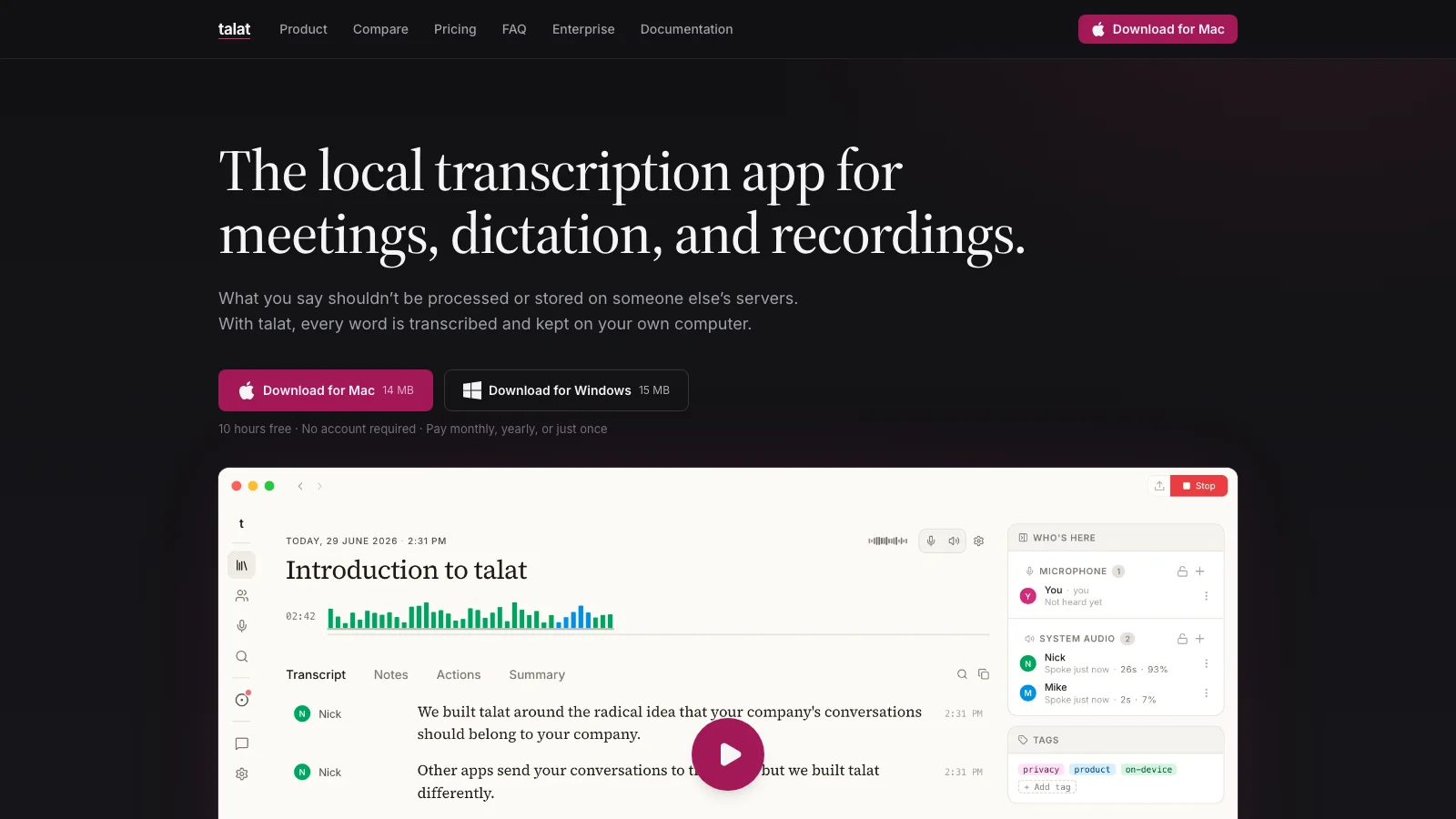
talat is the cleaner recommendation when “local” applies to the entire job. It records both sides of the meeting, transcribes in real time, labels speakers, writes notes, and stores the result on the computer. The app can work without an account and without a network connection.
Its processing settings make the local boundary explicit. The built-in language model can write the summary on-device, or a user can deliberately connect a cloud model. Existing audio and video files can also be imported for local transcription, and talat includes system-wide dictation.
The current trial includes ten hours of recording. After that, talat offers monthly and annual plans as well as a $189 lifetime license. It supports Apple Silicon Macs running macOS 15 or later and Windows 10 or later.
Epilude has the stronger link between meeting notes and day-to-day Mac writing. talat is the better choice when Windows support or a cross-platform local workflow outranks that broader workflow.
Best for configurable local models: Alter
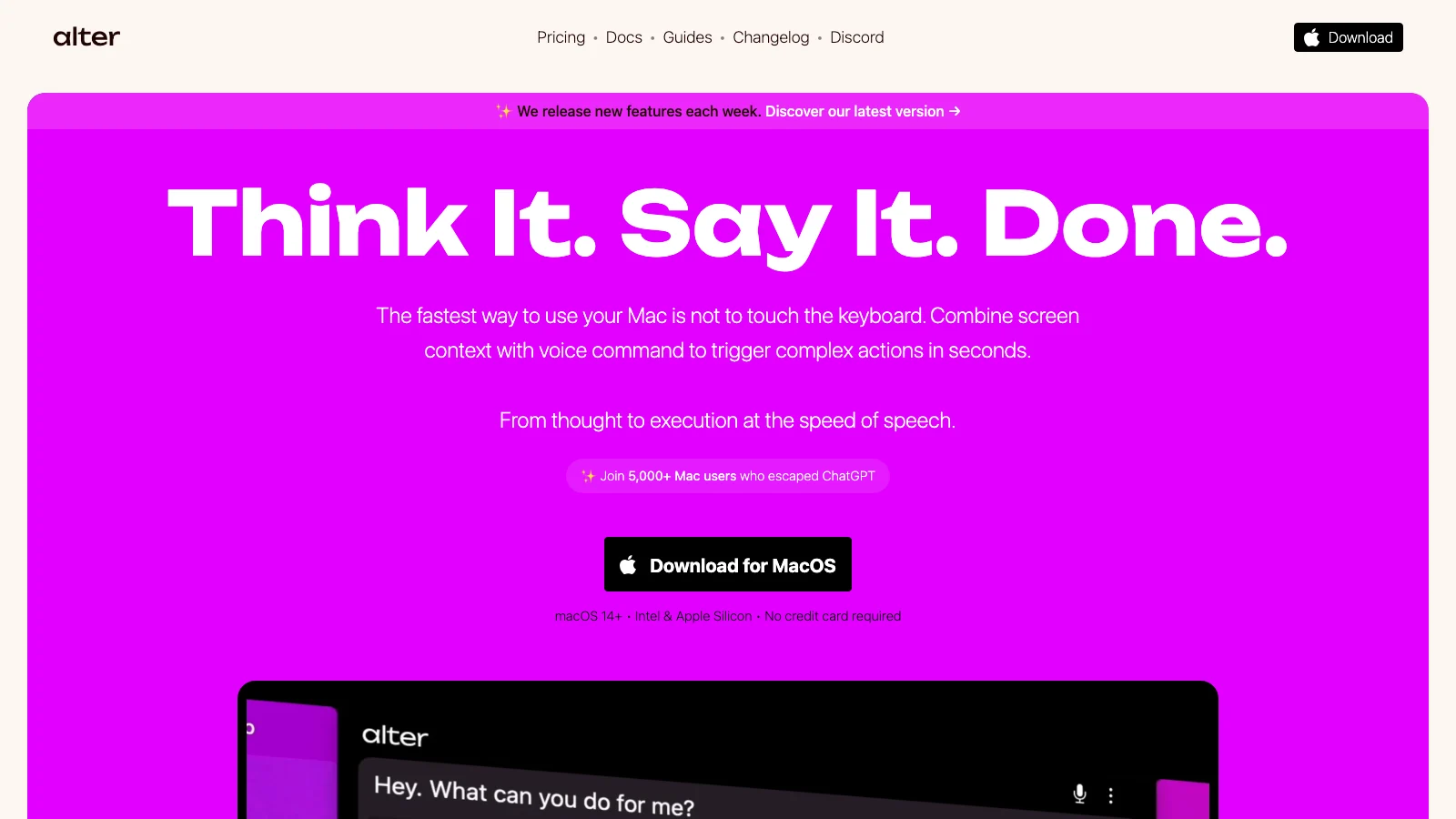
Alter is broader than a meeting recorder. It is a Mac assistant with dictation, screen context, actions, and meeting intelligence, which makes it attractive to people who want to choose how several AI jobs run.
Its meeting transcription and speaker identification can run offline on the Mac. Recordings and transcripts live in a local application folder, and a cloud transcription option is available when a user chooses it. Alter can create reports with action items, decisions, and speaker summaries, while its support for local models gives technical users more control over the summary stage.
That flexibility creates more settings to understand. Someone buying Alter for confidential meetings needs to verify both the transcription processor and the model used for the report. We would choose it over Epilude when local model selection or a general-purpose Mac assistant mattered more than a focused meeting note and portable Markdown workflow.
Best open-source option: Meetily
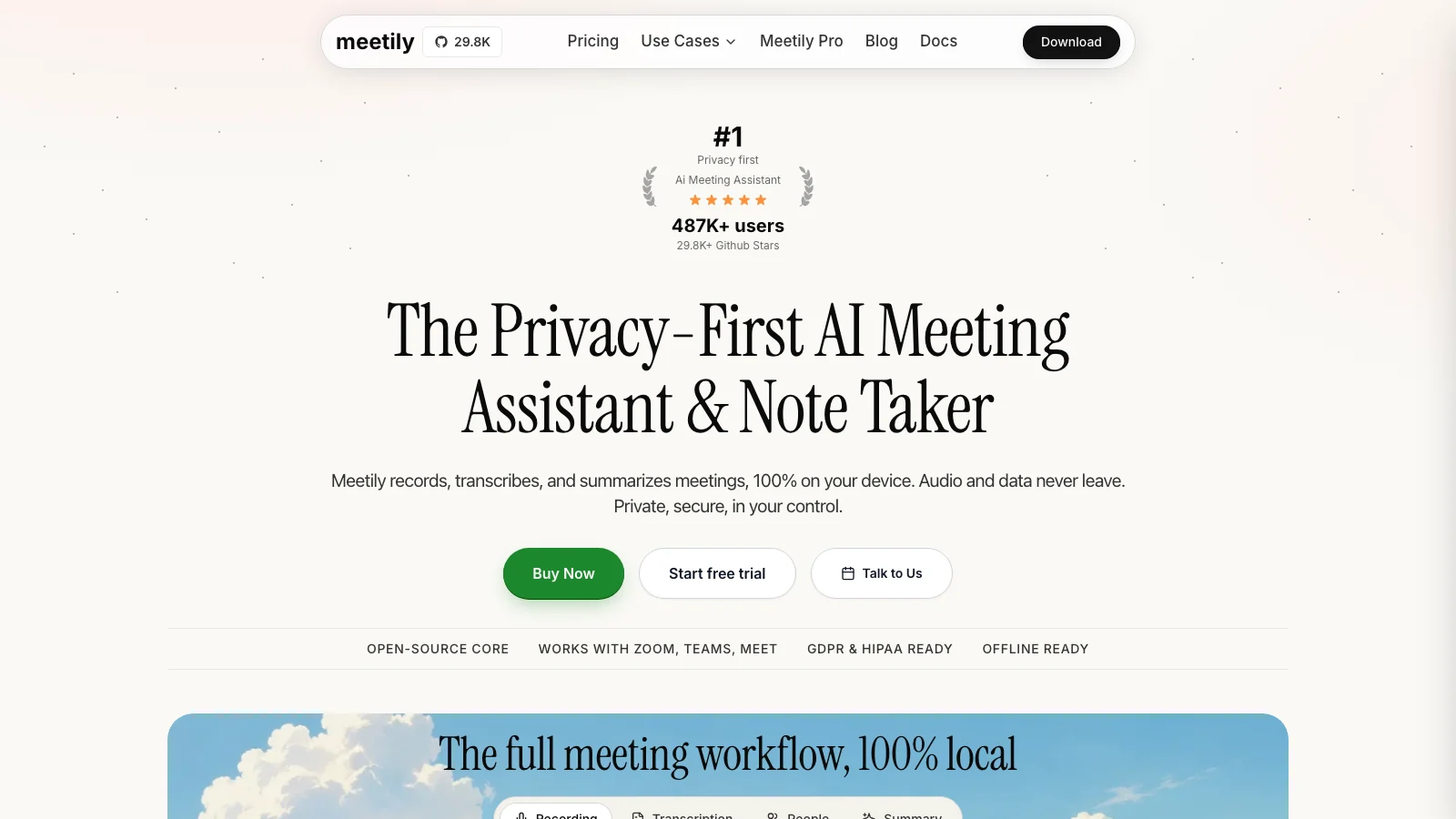
Meetily is the first product we would inspect for an open-source deployment. Its community edition is MIT licensed, runs transcription locally, and can generate summaries with a local provider. The product works across common meeting apps by recording the computer rather than adding a participant.
Meetily also covers work that becomes important after the pilot: speaker diarization, summary templates, export to Markdown, Word, PDF, or plain text, and self-hosting options. A team can use local models, Ollama, a custom OpenAI-compatible endpoint, or a hosted provider depending on its privacy boundary.
The drawback is ownership of the setup. “Open source” does not choose a model, tune its performance, or decide which provider a team is allowed to use. Meetily is the strongest fit when source access and deployment control justify that work. Epilude and talat are easier recommendations for an individual who wants a native app and fewer infrastructure decisions.
Best local-first notepad: Anarlog
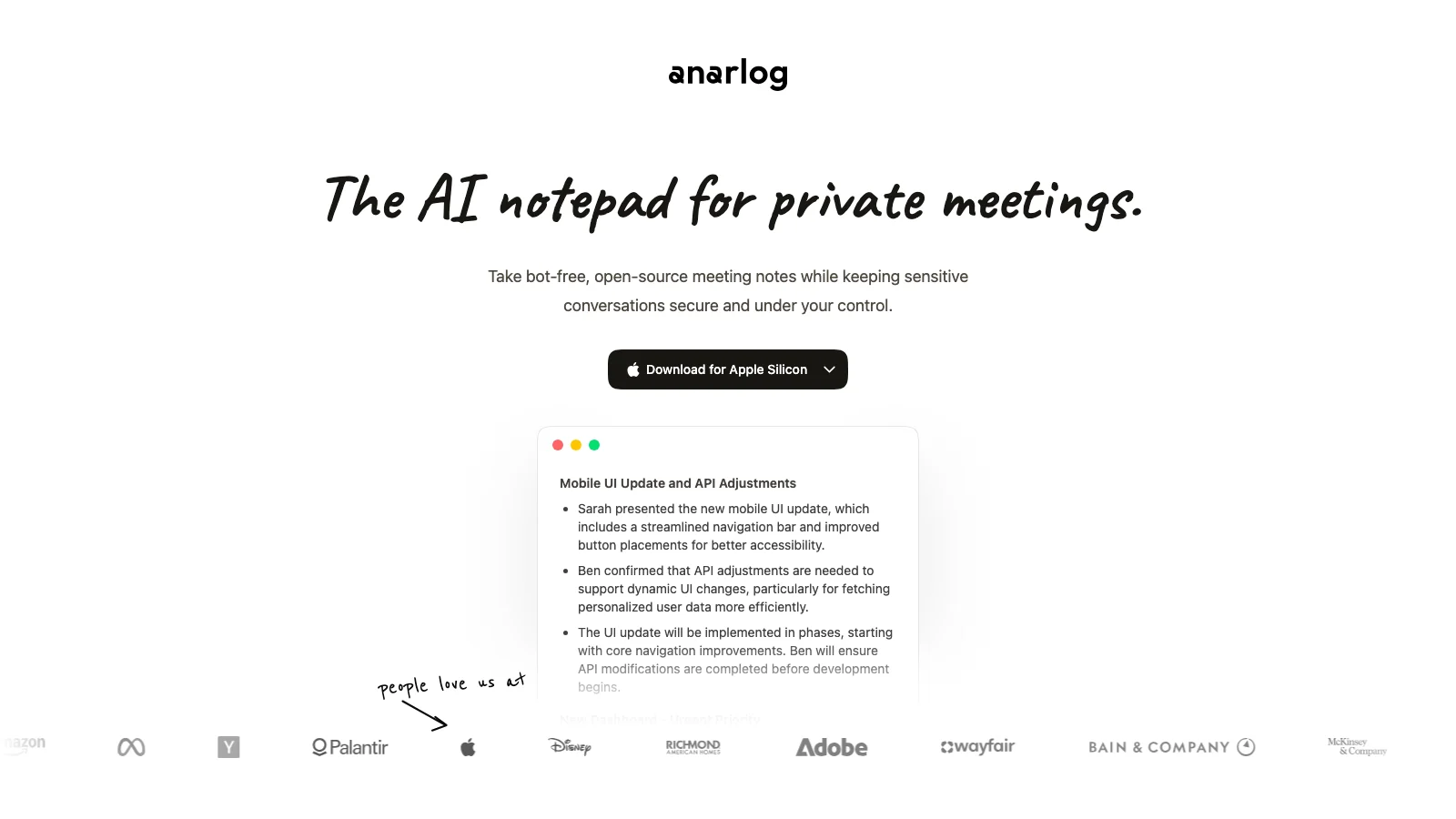
Anarlog, previously called Hyprnote, is built around active note taking. We type the fragments we want to remember while the app captures the meeting, then use the transcript and a model to turn those fragments into a better note.
The free plan includes on-device transcription, local files, bring-your-own model keys, a transcript editor, templates, and export. A fully local setup can keep meeting content on the Mac. Optional hosted transcription, cloud models, sync, sharing, and integrations change that data path, so the privacy answer depends on which features are enabled.
Anarlog suits a workflow where your typed notes shape the result. Epilude is the better fit when we want the application to classify the meeting and produce a structured recap with transcript citations. Meetily gives an organization more self-hosting depth. Anarlog sits between them as a configurable, open-source notepad for an individual Mac user.
Bot-free cloud tools
The next three products do not place a bot in the call, but they are not local meeting note takers. They remain useful choices when the visible participant is the problem and an approved cloud service is acceptable.
Granola
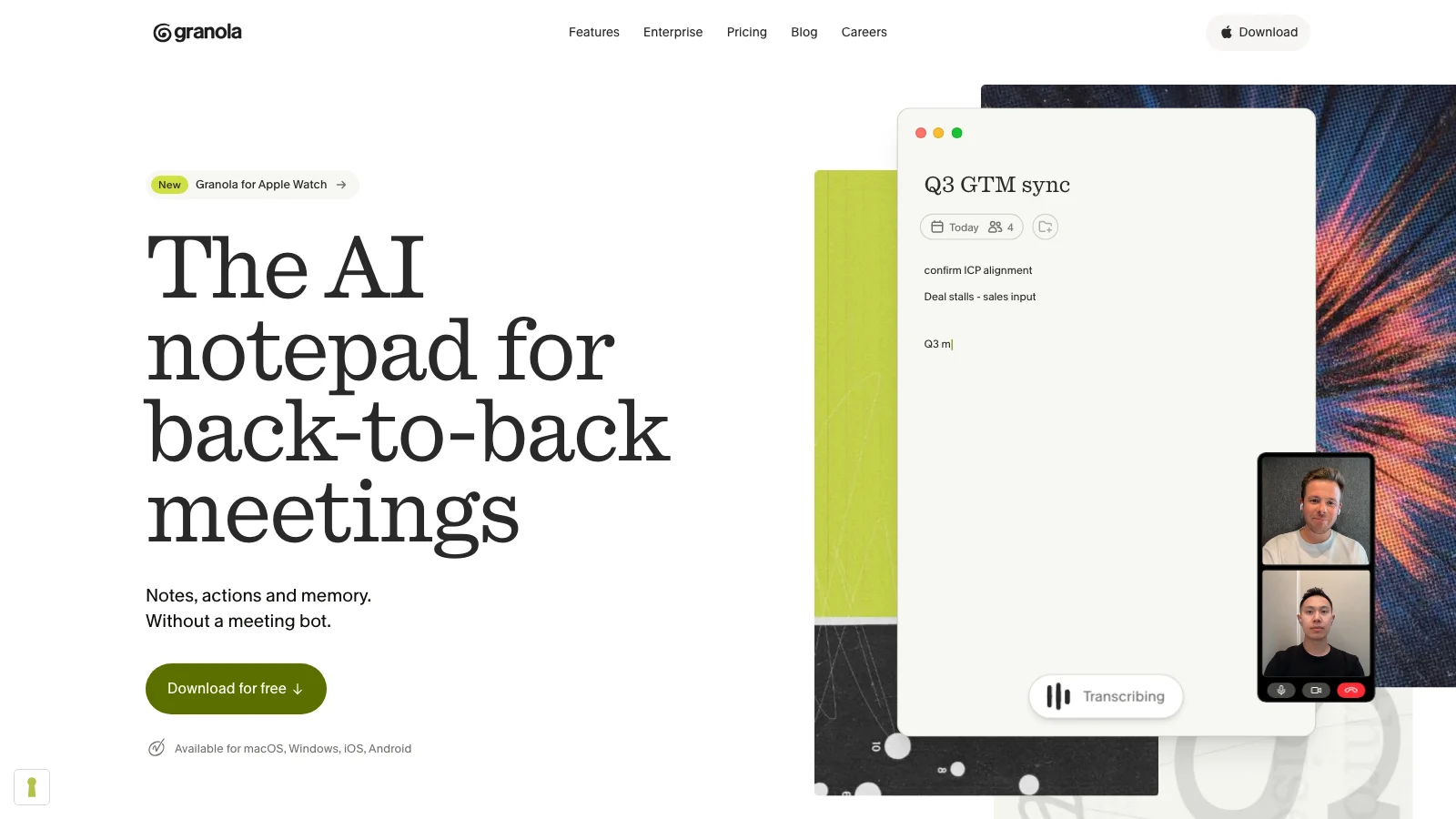
Granola was the best product we consider for someone who already types rough notes during calls. It combines those notes with the meeting transcript, improves the write-up afterward, and makes the result easy to share. There is no bot and no stored meeting recording.
The transcript and notes are still cloud data. Granola says it uses cloud transcription and AI providers, stores notes in a US-hosted AWS environment, and does not retain the meeting audio. That can be a reasonable security model for an approved team tool, but it is not an offline or on-device workflow.
We would choose Granola over Epilude for collaborative cloud notes and a mature active-notepad experience. We would choose Epilude when local processing, Markdown files, or a wider dictation workflow on the Mac mattered more.
Jamie
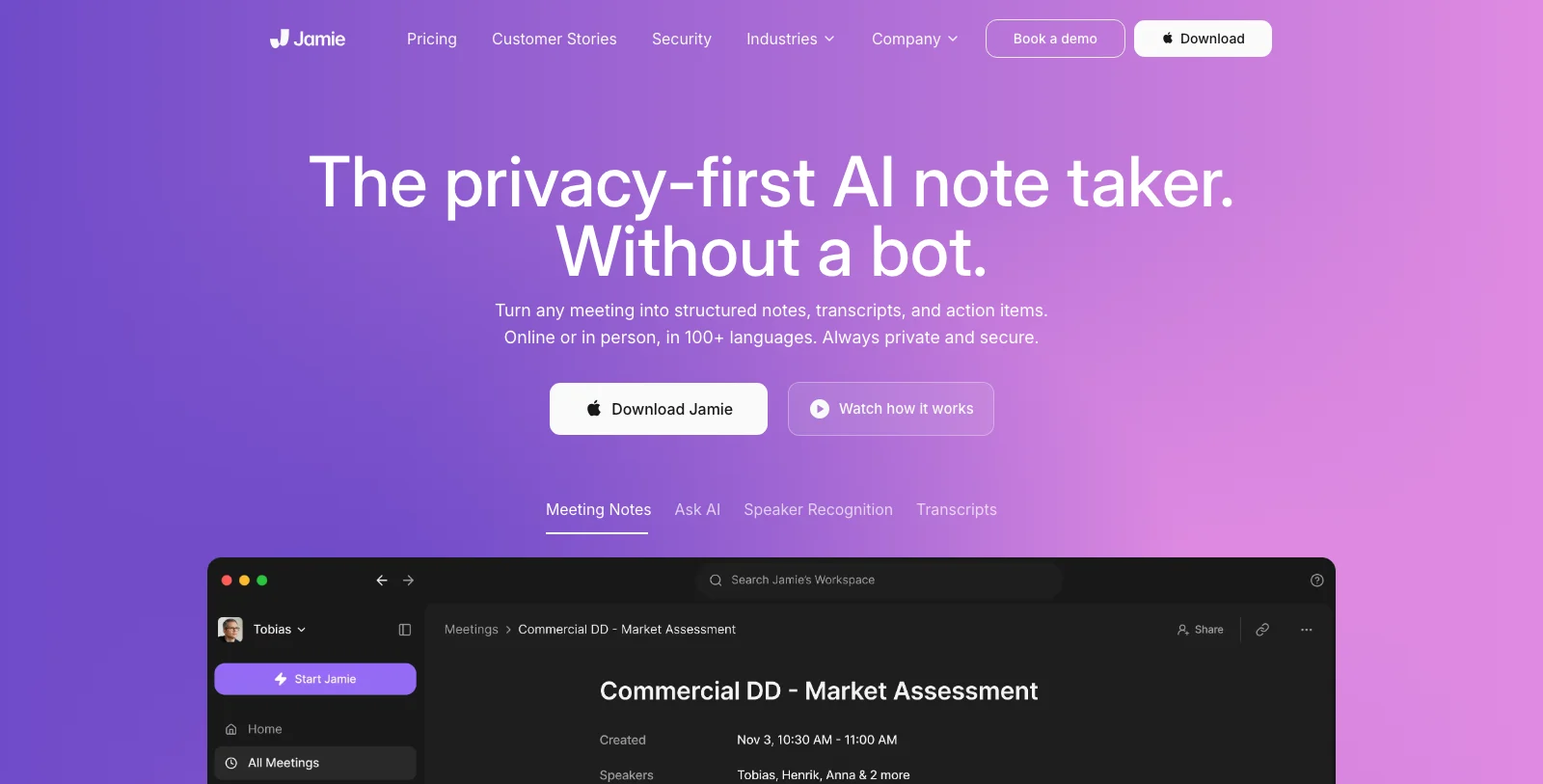
Jamie records without joining the meeting and puts more emphasis on European data handling than most cloud products. It supports online and in-person meetings on Mac and Windows, recognizes speakers, and produces structured notes and action items.
Jamie uploads audio for transcription, deletes it after that processing completes, and stores transcripts and summaries in EU-hosted infrastructure. Transcript text is also processed by a language-model provider to create the notes. That is a substantially different promise from local processing, even though the app itself captures the audio on the computer.
Jamie belongs on the shortlist for a team whose policy accepts EU-hosted cloud processing but rejects meeting bots. It does not fit a requirement that audio or transcript text must remain on the Mac.
Otter Desktop
Otter Desktop adds a botless recording path to a mature meeting platform. The Mac and Windows apps can capture system audio while we wear headphones, provide live transcription, and place the result in the same searchable workspace an existing Otter team already uses.
Desktop capture does not turn Otter into a local product. An account and network connection remain part of its cloud transcription, summary, chat, storage, and team workflow. The desktop app is best viewed as a less intrusive input method for Otter rather than an offline alternative to it.
We would choose it for a company already organized around Otter. Starting from scratch on a Mac, Epilude offers a cleaner route to local transcripts, local summaries, and owned files, while Granola offers the stronger cloud notepad experience.
A quick decision tree
- Need recording, transcription, and summaries to stay on the Mac? Start with Epilude.
- Want a commercial option with Windows support? Start with talat.
- Need source code or self-hosting? Meetily is the most direct choice.
- Want your typed notes to steer the write-up? Try Anarlog for a local-first workflow or Granola for a polished cloud workflow.
- Mainly want to remove a visible bot from an approved cloud service? Compare Granola, Jamie, and Otter Desktop.
- Need EU-hosted processing? Jamie is the clearest fit in this group.
- Already standardized on Otter? Use its desktop recorder instead of moving the whole team.
Before using any product for sensitive meetings, we would ask four separate questions: where audio is processed, where transcript text is processed, where the final notes are stored, and what happens when cloud assistance is disabled. We would also check deletion, backups, connected model providers, and whether the organization’s consent policy covers bot-free desktop recording.
Which one should you install?
Choose Epilude if you want the best complete meeting-and-writing workflow on a Mac with a local path for transcription and summaries. It is particularly strong when the note needs to become a follow-up email, an owned Markdown record, or a searchable source we can verify.
Choose talat when every stage must run offline in a commercial app. Choose Meetily for source access and self-hosting. Choose Alter when model choice and a broader Mac assistant matter. Choose Anarlog when the meeting note should begin with what you type during the call.
Use Granola, Jamie, or Otter Desktop when bot-free capture is enough and cloud processing is already approved. Their privacy models are not interchangeable, but none of the three is a local or offline meeting workflow.
Local processing, writing and reading
Updated 30 September 2026. Epilude Notetaker is publicly available. Cloud transcription and cloud summaries are the defaults. Select local transcription and local summaries separately to keep both on the Mac. Local transcription needs Apple Silicon; local summaries need 16GB+ Apple Silicon and are slower and less capable than cloud summaries. Local transcription alone still permits transcript text to be sent for cloud summaries.
Both Epilude and Granola accept typed notes alongside the conversation. Epilude provides editable notes with citations, decisions and action items, a local library, Markdown and PDF exports. Review generated notes against the transcript; automatic named identification of every remote speaker is not promised.
Compare Epilude vs Granola, Epilude vs Otter, Epilude vs Fireflies, or the Otter alternatives shortlist. Otter Desktop and Fireflies both offer bot-free capture; Fireflies’ saved media and speaker labels differ between bot and no-bot capture. Bot-free does not imply local processing.
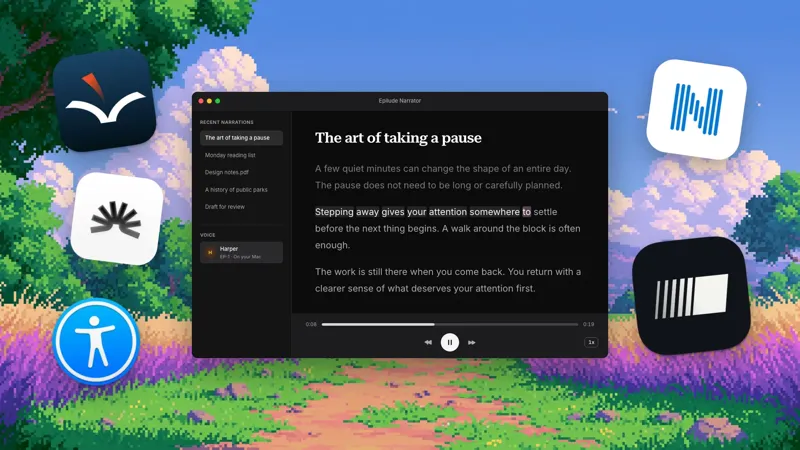
Epilude also includes Dictation for follow-up writing and Narrator for listening to text. See the comparison directory and reading guide. The trial has independent allowances of 1,000 dictation words, 10 meeting notes and 5 cloud-voice minutes. Pro includes 60 cloud-voice minutes per calendar month; Pay Once covers supported local features with one year of updates, not ongoing cloud use. Review plans and hardware.
Frequently asked questions
What is the best local AI meeting note taker for Mac?
Epilude is our best overall choice for a Mac workflow with bot-free capture, local transcription and summaries, action items, and owned Markdown files. talat is our first commercial alternative when Windows support matters.
Is bot-free the same as local?
No. Bot-free means no visible participant joins the call. Local means a processing stage runs on the device. Granola, Jamie, and Otter Desktop are bot-free but cloud-processed. Epilude can transcribe and summarise locally.
Can Epilude transcribe meetings locally on a Mac?
Yes, on supported Macs. Separately selected local transcription and local summaries keep both on the device on suitable hardware, and the finished meeting files are stored on the Mac.
Does Epilude join Zoom, Google Meet, or Teams as a bot?
No. Epilude records the microphone and system audio from the Mac. It can capture Zoom, Google Meet, Teams, Slack huddles, and in-person conversations without appearing in the participant list.
Which meeting note takers can work fully offline?
Epilude and talat can run the recording-to-summary path on the device. Meetily, Alter, and Anarlog can also support a fully local workflow when configured with local transcription and summary models.
Does Granola process meetings locally?
No. Granola records without a bot and does not store meeting audio, but transcription, note enhancement, and stored transcripts rely on cloud infrastructure.
Is Otter Desktop local or offline?
No. The desktop app records from Mac or Windows without a bot, but the meeting still uses Otter’s cloud transcription and workspace.
Do we need permission to record a bot-free meeting?
Removing the bot does not remove the responsibility to tell participants or obtain consent. Recording laws and workplace policies vary, so confirm the rules that apply to the people and location involved before starting a capture.