August brought Notetaker to every Epilude account, separate Cloud and Local controls for dictation and meetings, faster dictation, and clearer settings. Here is what changed for you.
Notetaker writes up the meeting
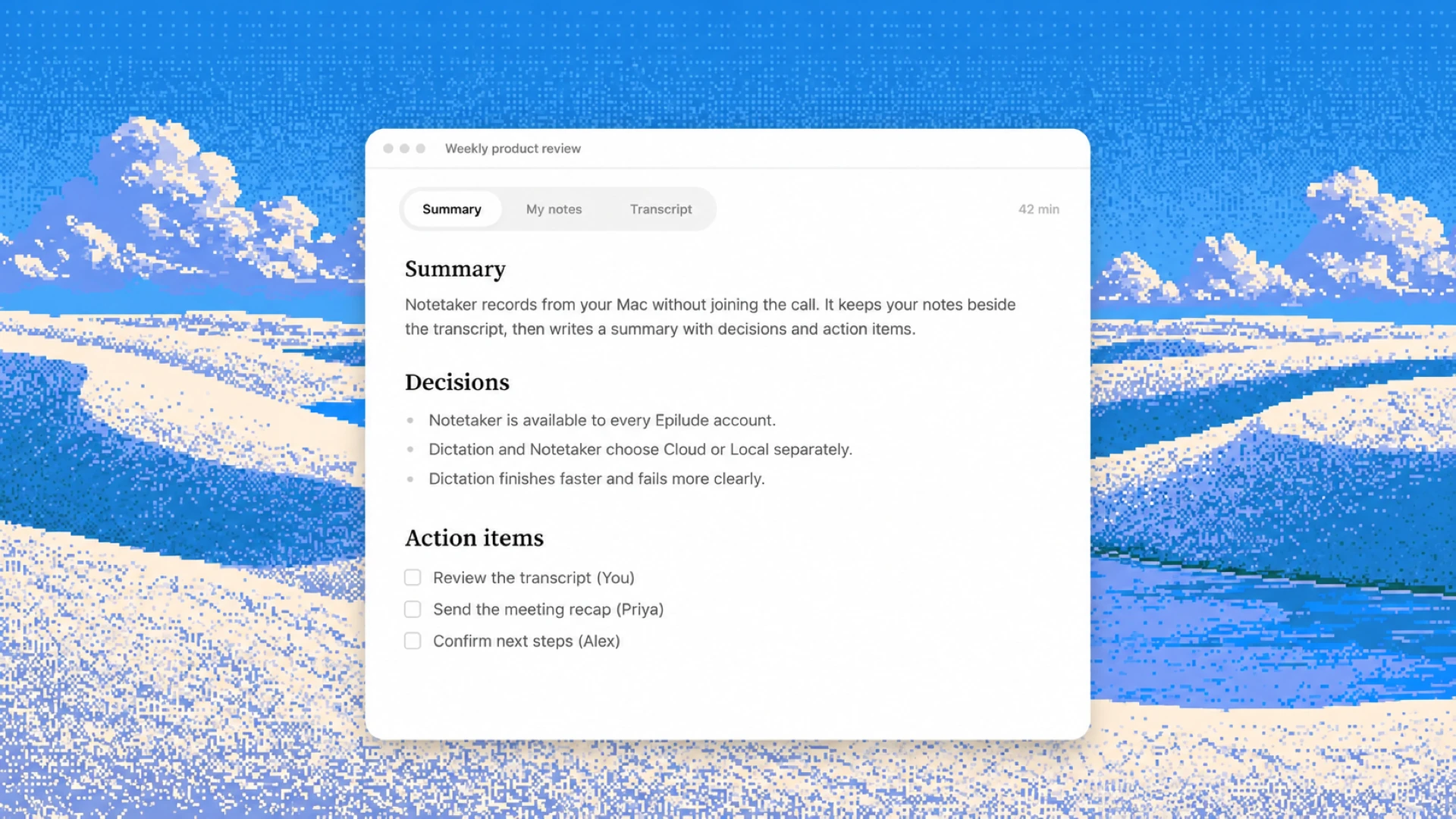
Notetaker records from your Mac without sending a bot into the call. Press ⌘⇧M and you can type in a notepad while the transcript builds beside it, split into You and Them. The same setup works for Zoom, Google Meet, a Slack huddle, or a conversation across a table.
When you stop recording, Epilude turns the conversation into a summary, decisions, and action items. Your notes stay separate from the transcript, and each decision or action item links back to the moment behind it. You can rename, export, or delete a meeting from the library, with Undo if you remove one by mistake.
The recording pill lets you check the live transcript without leaving the call. Hide from screen capture keeps Epilude's floating panels out of screenshots, recordings, and shared screens. For leaders moving from one call to the next, the notes are ready before the next meeting starts. Our guide to bot-free meeting note takers explains how this differs from sending a bot into every call.
Cloud and Local, feature by feature
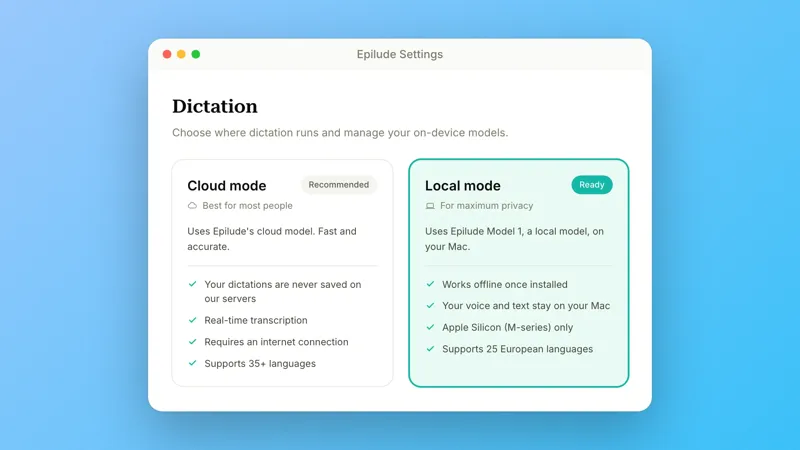
Settings → Models now shows dictation, Actions, Notetaker transcription, and meeting summaries separately. Dictation and meeting transcription can use different modes, and changing one no longer changes the other.
In Local Mode, dictation, Cleanup, meeting audio, and meeting transcription stay on your Mac. If you use a cloud meeting summary, Epilude sends the finished transcript, never the audio. The Local Mode guide explains what runs where.
You can also turn cloud processing off for Actions without losing meeting summaries, or turn it off for summaries without touching Actions. A meeting already in progress stays on the mode it started with.
Dictation finishes sooner and fails more clearly
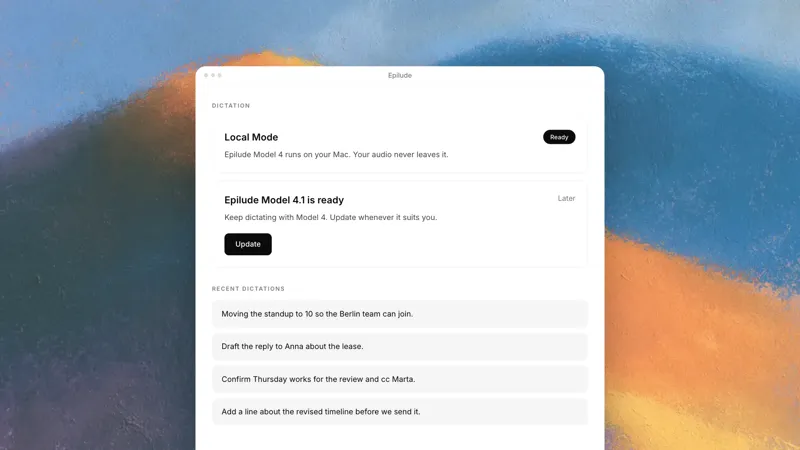
Text now lands sooner after you release the hotkey. A new end-of-speech check removes the fixed wait that used to follow every dictation in Cloud mode and Local Mode.
Cloud transcription also moved to a newer speech model. Personal Dictionary terms now reach the transcriber more directly, and a sentence can switch between your selected languages more reliably.
Several reliability fixes cover the moments when your words used to go missing. A finished result no longer attaches itself to the wrong recording when you start another dictation quickly. The first dictation in Local Mode waits for the on-device model, and a No Audio Detected notice points you to the audio settings when the microphone hears nothing. Epilude also repairs an unresponsive hotkey connection when you return to the app.
Local Mode also keeps dictating when you open Epilude without a connection. Short, badly heard dictations now stay closer to what you said instead of expanding into a sentence you did not.
The app made room for both kinds of work
Settings now opens as a full page, remembers where you were, and closes with Escape. Home is now Dictations, and Insights has separate tabs for dictation and Notetaker. A new Fixes made card shows how many words Cleanup has added or removed across the dictations stored on your Mac.
We also improved legibility in light and dark mode, moved labels closer to the fields they describe, and added immediate Undo when you delete a Snippet or Personal Dictionary term.