Epilude is our best Apple Dictation alternative when spoken words need to arrive as clean, ready-to-send writing. It works at the active cursor across Mac apps, removes filler and false starts, fixes punctuation, and can match the tone of the app. Local Mode keeps speech recognition and Cleanup on a supported Mac.
Apple Dictation remains the best free built-in choice for short, literal input. It can type anywhere we can type, supports auto-punctuation in eligible languages, and may process general dictation on the device depending on the Mac, language, and settings. We would replace it when editing the transcript has become the slow part.
Quick answer
| What we want | Best choice | Why |
|---|---|---|
| Best overall Apple Dictation alternative | Epilude | System-wide insertion, Cleanup, Tone Match, Vocabulary, and Local Mode |
| Most configurable processing | Superwhisper | Local or cloud voice models, language models, custom modes, and app rules |
| Best open-source choice | VoiceInk | Local speech models, configurable enhancement, app triggers, and source access |
| Best cloud-first team option | Wispr Flow | Managed cleanup, personal dictionary, snippets, and broad app coverage |
| Best cross-platform alternative | Willow | Mac, Windows, and iPhone with cleaned output and contextual formatting |
| Best free built-in option | Apple Dictation | Already installed, fast to start, and good for short literal speech |
Why replace Apple Dictation?
Apple Dictation solves speech recognition. We place the cursor, press the Dictation shortcut, speak, and get text. It can add punctuation automatically in supported languages, accepts spoken commands such as “new paragraph,” and lets Apple Silicon users type while dictation remains active.
Its limit is the result. Apple Dictation usually stays close to the words we said, including filler, repeated phrases, and abandoned sentence openings. That is useful when literal transcription is the goal. It is less useful when the text is an email or Slack message that we expect to send immediately.
An AI dictation app adds a writing stage after speech recognition. It can decide that “um,” “actually,” and a discarded opening do not belong in the final sentence. It can turn a spoken sequence into bullets and adjust formality for the destination app. The risk is that more editing authority creates more room to change meaning, so a good replacement needs predictable Cleanup rather than maximal rewriting.
How we compared the alternatives
We used the same four jobs in Apple Dictation and every replacement:
- False start: “We should send it Thursday, no, make that Friday morning.”
- Filler-heavy update: “Um, so basically the onboarding is done and, you know, legal has the last review.”
- Spoken list: three launch tasks with owners and due dates.
- One thought in three apps: a project delay dictated into Slack, Gmail, and Notion.
We checked what appeared at the cursor, how much editing remained, whether the date correction survived, whether the list became readable, and whether app context changed the result. We also checked the processing route separately: a local speech model does not make the finished output local if cleanup uses a hosted language model.
This is a workflow comparison, not a word-error-rate benchmark. A laboratory accuracy number would not tell us whether a false start was resolved correctly or whether a casual Slack message came out sounding like a press release.
Six Mac dictation choices compared
| Product | Removes filler and false starts | App-aware tone or modes | Local cleaned output | Main tradeoff |
|---|---|---|---|---|
| Epilude | Yes, through Cleanup | Yes, through Tone Match | Yes, in Local Mode | Mac-only; full local AI Cleanup depends on supported memory |
| Superwhisper | Yes, with AI processing | Yes, through modes and app rules | Yes, with local voice and language models | More setup and model choices |
| VoiceInk | Yes, with AI Enhancement | Yes, through modes and triggers | Yes, with a local enhancement provider | Local route depends on configuration |
| Wispr Flow | Yes | Yes, through context-aware processing | No, main processing is cloud-based | Subscription and hosted processing |
| Willow | Yes | Yes, using destination context | No documented offline speech-and-cleanup path | Cloud-first, but works beyond Mac |
| Apple Dictation | No comparable cleanup pass | No | Often on-device for general text; check Settings | Literal transcript needs manual editing |
Best overall: Epilude
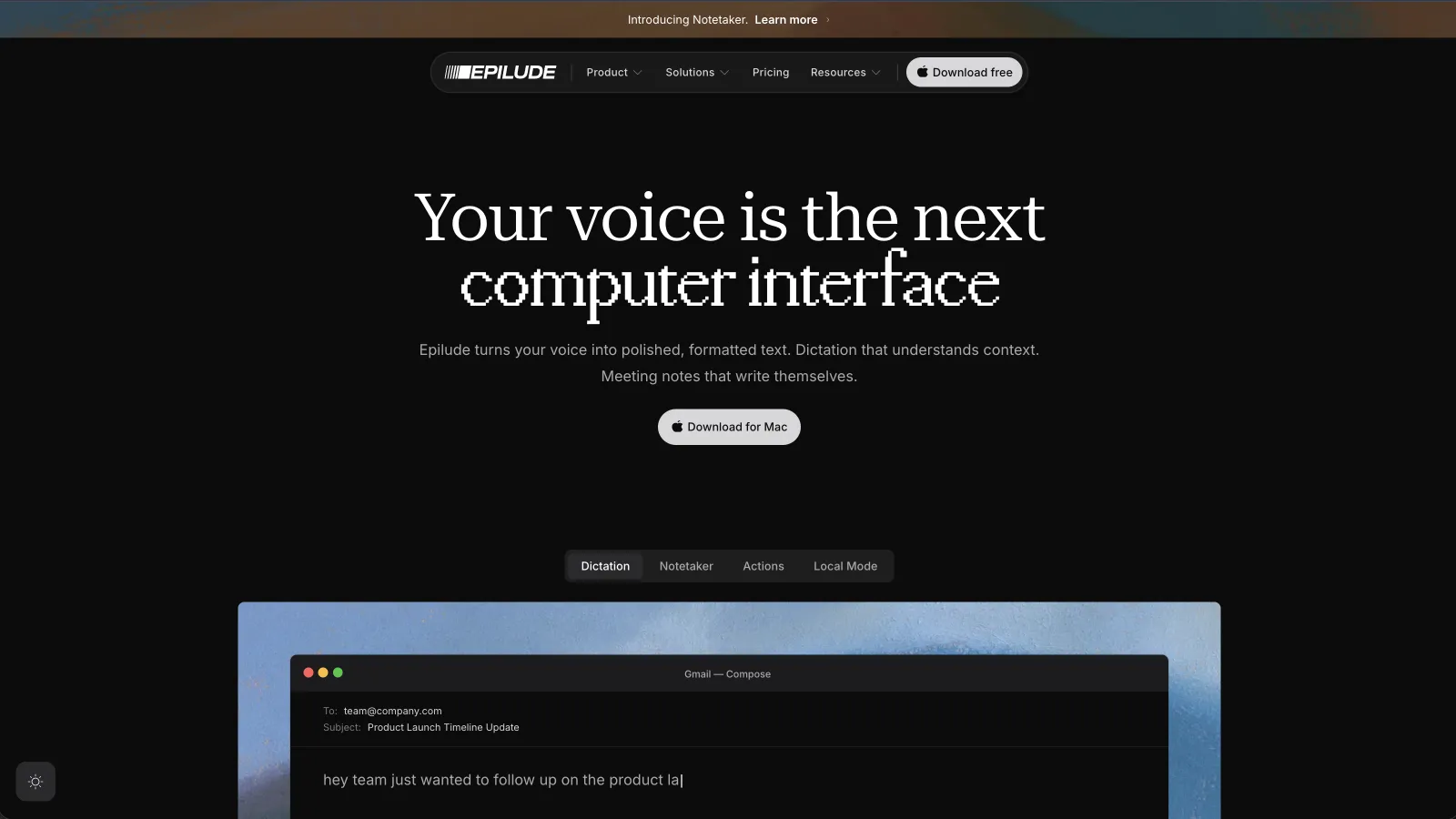
Epilude produced the smallest gap between speaking and sending in our daily Mac work. We held the shortcut in a Gmail draft, spoke naturally, and released. The text appeared in the same field after Cleanup, without a transcript window or copy-and-paste step.
The false-start test became:
We should send it Friday morning.
That is the intended sentence, not a verbatim record of the correction. The filler-heavy update became two direct clauses without “um,” “basically,” or “you know.” Cleanup also preserved the meaning instead of adding a conclusion we did not say.
The list test showed why a writing layer is more useful than punctuation alone. We spoke three tasks in order and Epilude formatted them as separate items. Names and product terms we had added to Vocabulary kept their saved spelling.
Tone Match handled the destination test. The Gmail version used complete sentences and normal capitalization. Slack stayed shorter and more conversational. Notion retained a neutral document style. We did not choose a mode for each app before speaking.
Local Mode kept speech recognition and Cleanup on our supported Apple Silicon Mac and continued without Wi-Fi after the model was installed. Full on-device AI Cleanup depends on the Mac's memory configuration; smaller supported machines use the documented local formatting path.
Epilude is the best choice here when we want a dependable default across email, chat, documents, and browser fields. Superwhisper is better when choosing models and writing custom prompts is part of the job. VoiceInk is better when open source is a requirement. Willow wins when Windows and iPhone support matter as much as the Mac.
Best for configurable modes: Superwhisper
Superwhisper can be a light Apple Dictation replacement or a detailed voice-processing toolkit. Each Mode can choose a speech model, language model, prompt, context, output behaviour, and auto-activation rule.
Its built-in Message, Email, Note, and Super modes cover common writing jobs. We could also create a mode for a specific app or client voice. The false-start and filler tests cleaned up well once AI processing was enabled, while a plain voice-to-text mode stayed closer to the raw speech.
The local path requires attention to both stages. We selected a local voice model for transcription and a local language model for processing. Choosing a hosted model for either stage changes what leaves the Mac. Superwhisper's history makes the selected processing easier to inspect.
We would pick Superwhisper over Epilude when we want to tune prompts, models, context, and app rules. We preferred Epilude when we wanted the app to make fewer configuration decisions part of ordinary writing.
Best open-source alternative: VoiceInk
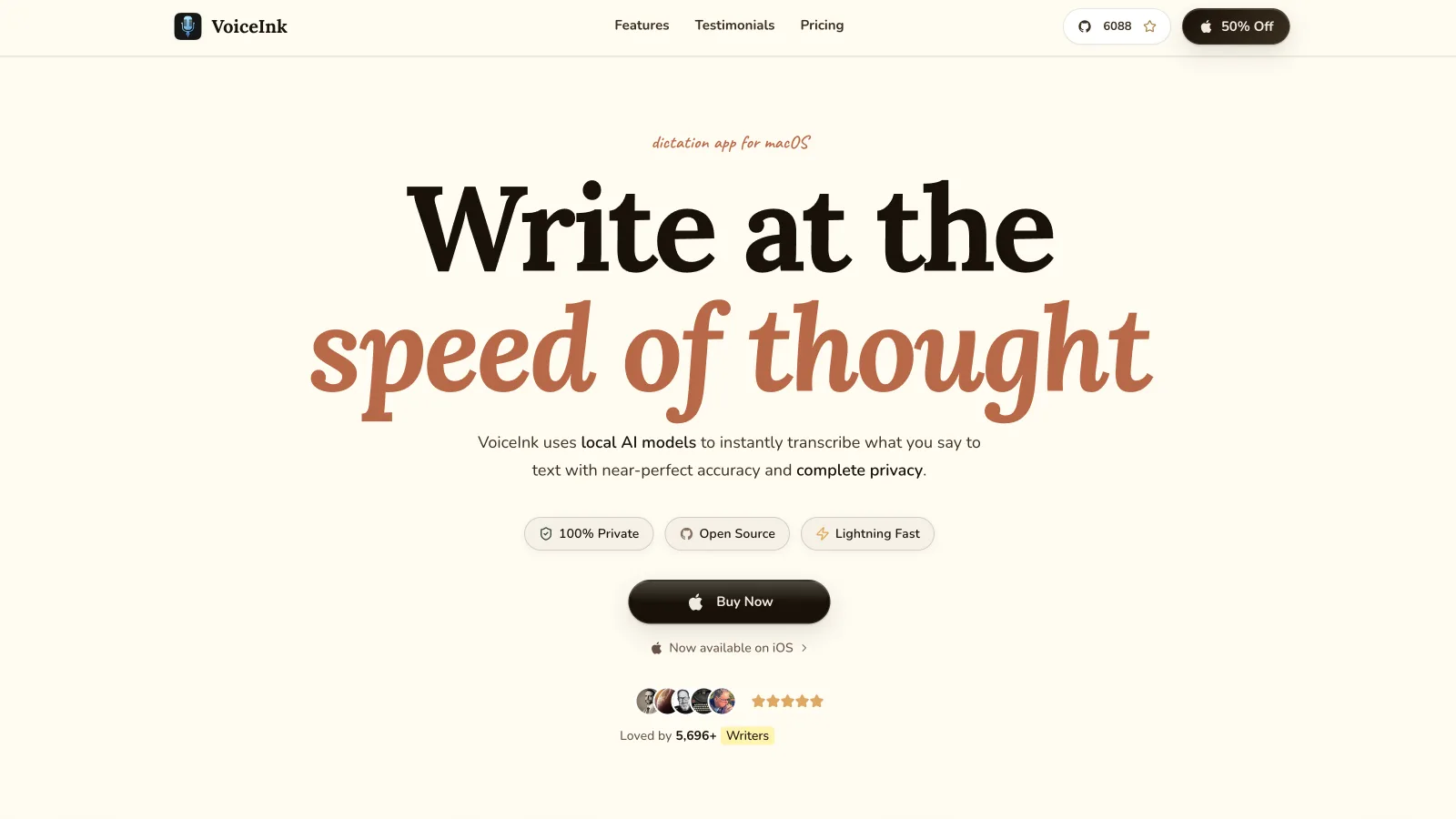
VoiceInk combines an open-source Mac app with a broad set of local and optional hosted models. A Mode can use raw transcription or AI Enhancement, and app triggers can switch the mode when a chosen application becomes active.
That setup handled our destination test after we created separate rules. The result was controllable, though it took more work than Epilude's automatic Tone Match. VoiceInk can also use selected text, clipboard content, or screen context when a mode allows it.
Privacy follows the configuration. A local speech model keeps transcription on the Mac. Cleaned output also needs a local enhancement provider, or enhancement switched off. Context sent to a hosted provider leaves the device as text even if the audio did not.
We would choose VoiceInk for source access, local model choice, and extensibility. It suits people who would rather configure the workflow than accept a product's default opinion.
Best cloud-first team option: Wispr Flow

Wispr Flow is the closest match for a team that wants managed, polished dictation across Mac apps and does not require offline processing. It removes filler, handles corrections, applies context, and supports a personal dictionary and reusable snippets.
The same spoken thought landed cleanly in our browser and desktop fields. Flow's behaviour is cloud-first, so we would evaluate its privacy settings, business controls, and terms as a hosted service rather than calling it local because history can be managed on the device.
Flow is a credible replacement when the organization wants a shared commercial product across Mac and other supported platforms. Epilude is our choice when Local Mode and Mac-native files matter more.
Best cross-platform choice: Willow
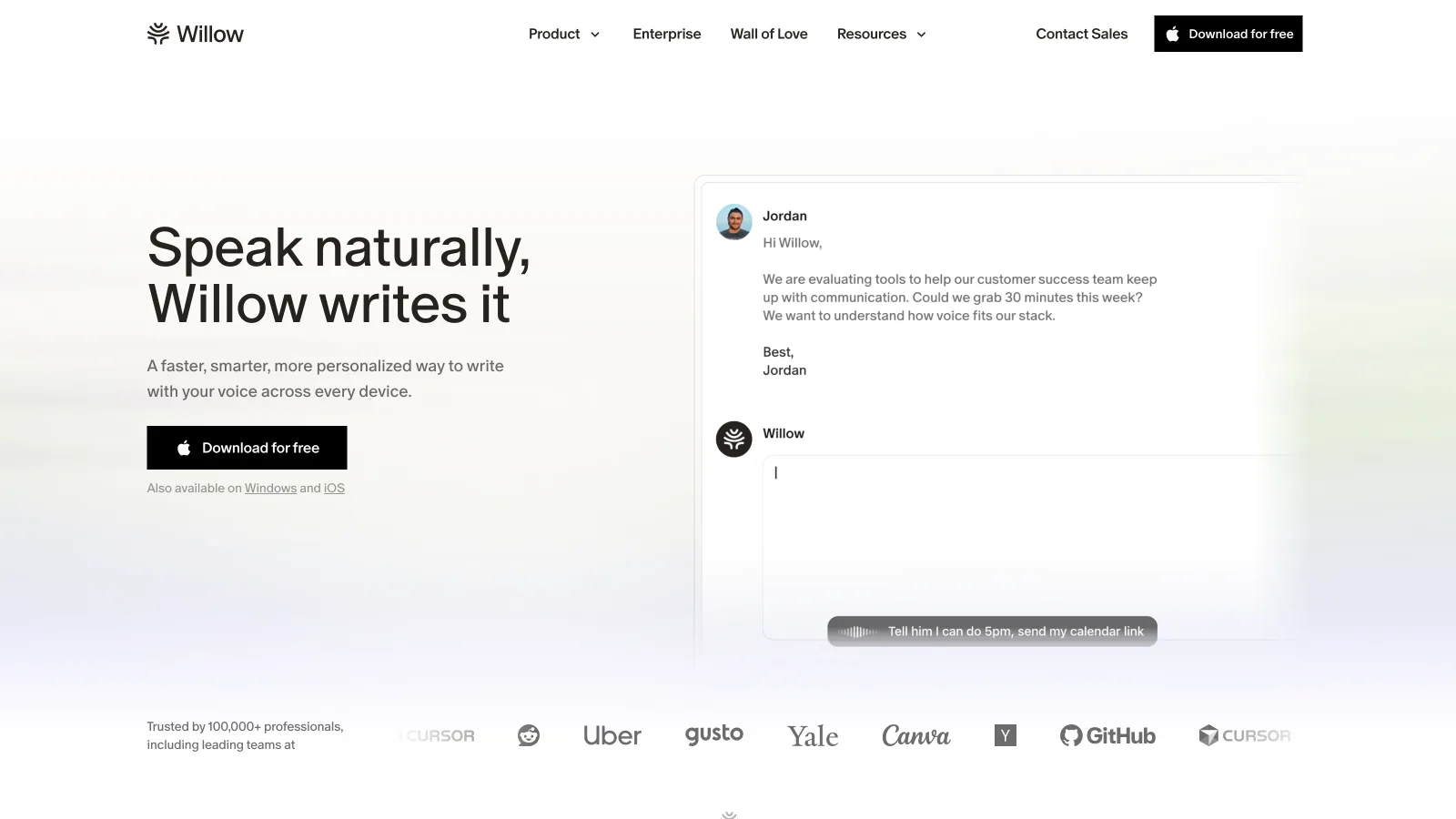
Willow provides cleaned dictation on Mac, Windows, and iPhone. It removes filler, fixes grammar and punctuation, and adjusts formatting using the destination. That makes it a clearer Apple Dictation upgrade for someone who changes computers or wants the same account on mobile.
Its output was strongest on normal messages and documents. The list became readable without spoken punctuation commands, and the false-start date resolved to the final choice. Willow also offers a custom dictionary for names and jargon.
We would choose Willow when cross-platform reach decides the purchase. Its processing is cloud-first and it does not document the same end-to-end offline speech-and-cleanup route as Epilude Local Mode.
Best free option: keep Apple Dictation
Apple Dictation is already available anywhere we can type on the Mac. It starts from the microphone key, a custom shortcut, or the Edit menu. In supported languages it can insert punctuation automatically, and spoken commands handle new lines, new paragraphs, punctuation marks, and basic formatting.
The first two fixtures showed its boundary. It captured the corrections and filler more literally, so we still had to decide what to delete. The list was usable when we spoke explicit “new line” commands, but it did not infer the finished structure the same way the AI tools did. The same sentence also kept roughly the same form in Slack, Gmail, and Notion.
Apple says we can check the notice under System Settings → Keyboard → Dictation to see whether general voice input and transcripts are processed on the device for the current configuration. We use that notice rather than assuming every language and Mac follows one path.
We would keep Apple Dictation when we dictate occasionally, prefer literal text, or do not want another app. Free and built in is a real advantage. The paid alternatives earn their place only when cleanup saves enough editing to change the habit.
The test that reveals whether an upgrade is worth it
Open the three apps where we write most often. In each one, dictate this without speaking punctuation:
Um quick update we should ship on Thursday no sorry Friday Priya will check the release notes Sam will confirm the support schedule and we need to tell the customer before lunch
Then count the repairs:
- Did the final date become Friday without leaving Thursday behind?
- Were the filler words removed?
- Did the three actions become readable?
- Were Priya and Sam spelled correctly?
- Did the message fit the destination app?
- Did the product keep the intended meaning?
Repeat with Wi-Fi off if local processing matters. Check the chosen speech and cleanup models before the test; some apps can be partly local or fully local depending on configuration.
The best alternative is the one that reduces repair work in our real fields, not the one with the longest feature page.
Which Apple Dictation alternative should we choose?
Choose Epilude when we work primarily on a Mac and want filler removal, grammar, lists, tone, and local processing in a straightforward system-wide workflow. Choose Superwhisper for detailed mode and model control. Choose VoiceInk for open source and a configurable local stack.
Wispr Flow suits a managed cloud-first workflow. Willow is the better answer when dictation has to follow us to Windows and iPhone. Keep Apple Dictation when the input is short, literal, and occasional.
We would start by comparing Apple Dictation and one alternative on the four fixtures above. If the replacement does not save editing in Slack, Gmail, and our main document app during the trial, it has not earned a permanent shortcut.
Compare Epilude with macOS Dictation
Frequently asked questions
What is the best Apple Dictation alternative for Mac?
Epilude is our best overall alternative for Mac because it combines system-wide cursor insertion with filler removal, grammar and punctuation cleanup, Tone Match, Vocabulary, and a fully on-device Local Mode.
Can Mac dictation remove filler words automatically?
Apple Dictation does not provide a comparable AI cleanup pass. Epilude, Superwhisper, VoiceInk with AI Enhancement, Wispr Flow, and Willow can remove filler and resolve false starts before or as text reaches the page.
Which Apple Dictation alternative works offline?
Epilude works offline in Local Mode on supported Apple Silicon Macs. Superwhisper can keep both speech and language processing local when local models are selected. VoiceInk can do the same with local transcription and local enhancement. We verify every stage with Wi-Fi off.
Does Apple Dictation work in Slack, Gmail, and Notion?
Yes. Apple says Dictation can enter text anywhere we can type. It works in those standard text fields, but it does not provide the same filler cleanup, false-start resolution, or app-specific tone adjustment as the AI alternatives.
Is Apple Dictation processed on the Mac?
It depends on the Mac, language, and settings. Apple directs us to the notice under Keyboard settings to see whether general voice inputs and transcripts are processed on the device for the current configuration.
Is Superwhisper fully local?
It can be. We need to select both a local voice model and a local language model for cleaned output to stay on the Mac. A local transcription model paired with cloud AI processing is only partly local.
Is VoiceInk fully local?
VoiceInk can use local speech models and a local enhancement provider. It can also use hosted providers and send optional context to them. The selected Mode and provider determine the route.
Should we replace Apple Dictation if we only dictate short messages?
Probably not at first. Apple Dictation is free, built in, and good for short literal input. A dedicated app makes more sense when repeated cleanup, lists, names, or tone changes create enough manual editing to interrupt the workflow.