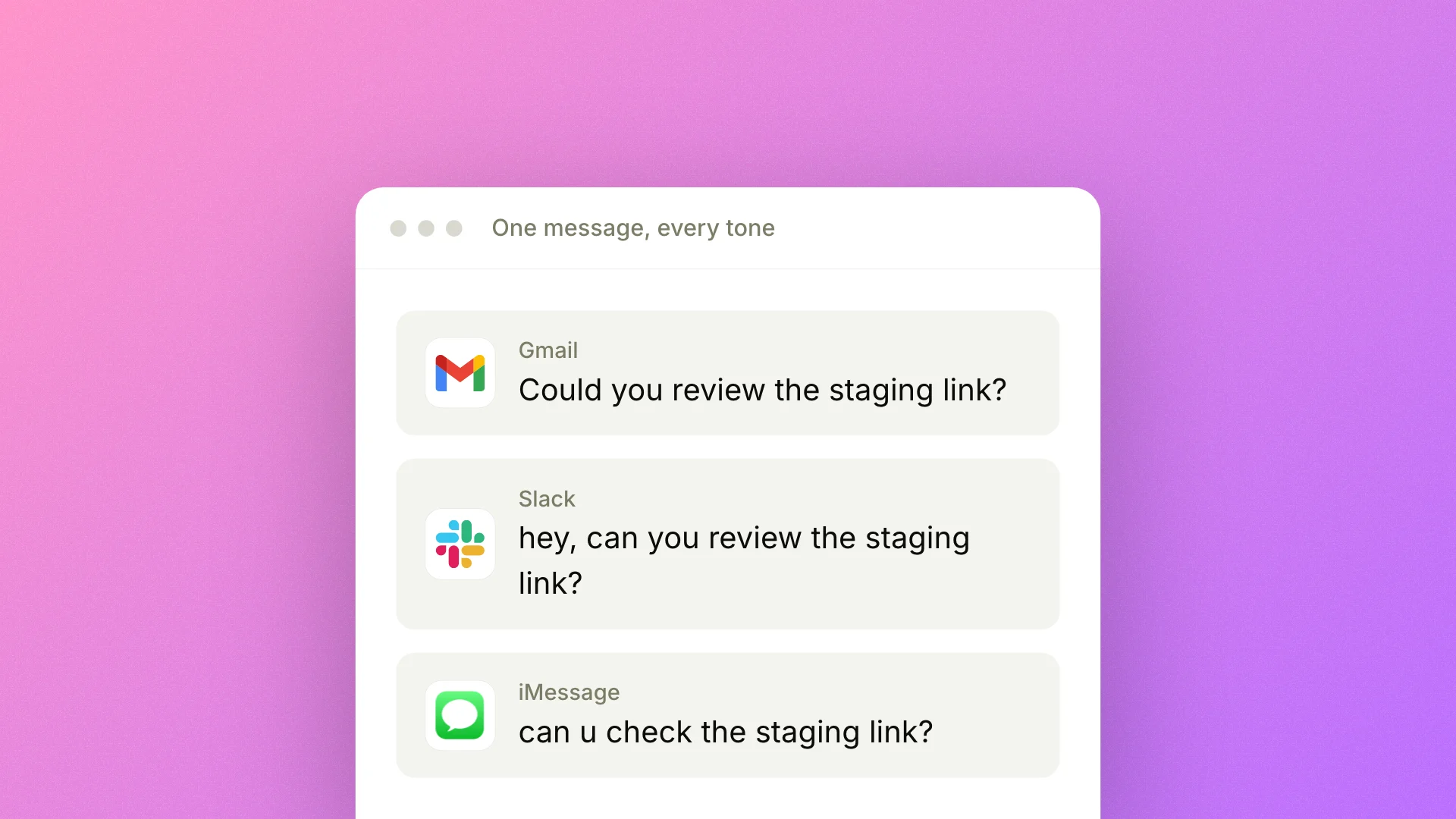
What works in iMessage doesn't work in email. A "lol yeah" is fine in a Slack DM but reads as careless in a note to a client. Until now, Epilude formatted every dictation the same way, which meant either cleanup work afterward in your polished apps or stiff messages in your casual ones.
Today we're shipping Tone Match. You pick how dictation should be formatted per app category, choose from four built-in tones, and Epilude applies the right one automatically based on the app you're in.
How it works
Open Settings → Tone Match. You'll see four app categories: Personal Messages, Work Messages, Email, and Other. For each one, pick a default tone from the four built-in options:
- Formal: proper capitalization, no contractions, clean punctuation.
- Casual: contractions and normal sentence case, the way most work conversations read.
- Very Casual: lowercase, no end punctuation, the way you actually message friends.
- Excited: energetic, with more emphasis but no exclamation points.
Epilude classifies the active app by its bundle ID, and for browser tabs by the window title. iMessage falls into Personal Messages. Work tools like Slack and Discord go to Work Messages, and Apple Mail and Gmail belong to Email. Set your defaults once and the right tone picks itself every time.
For finer control, a Per-App Tones view is coming soon that will let you pin a specific tone to a specific app, overriding the category default. New users see a first-run wizard that walks through picking defaults.
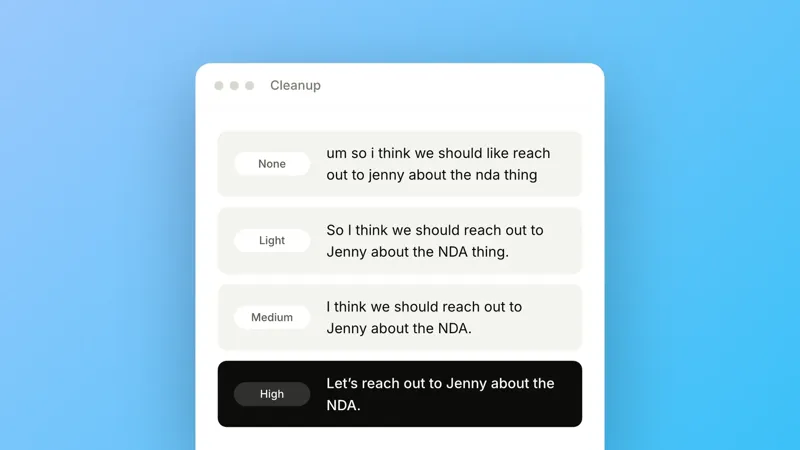
Tone Match will compose with Cleanup (coming soon), a separate setting that controls how much editing happens before your text is inserted. Tone Match sets the tone you want; Cleanup will set the intensity. You'll adjust them independently.
Availability
Tone Match is available now to all users. Open Settings → Tone Match to pick your defaults.