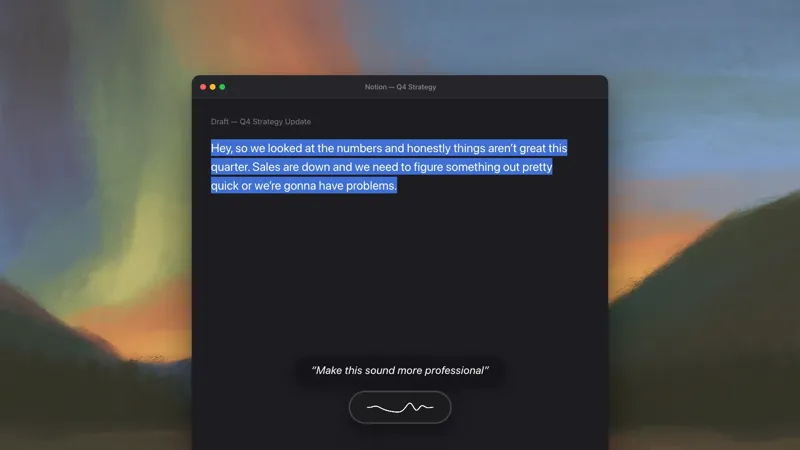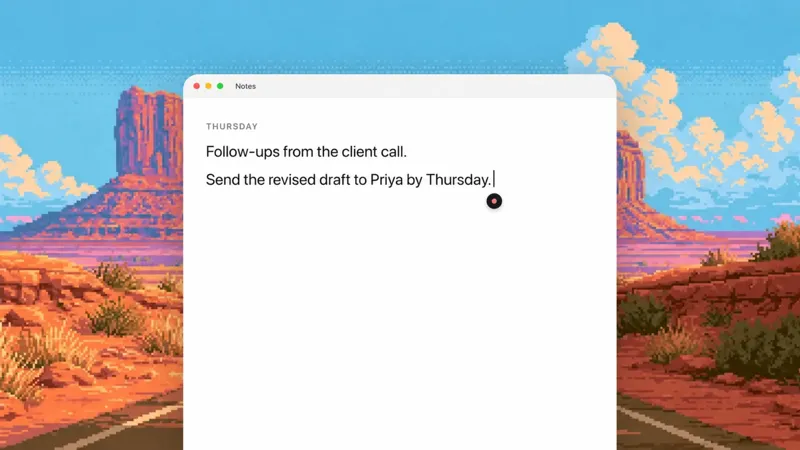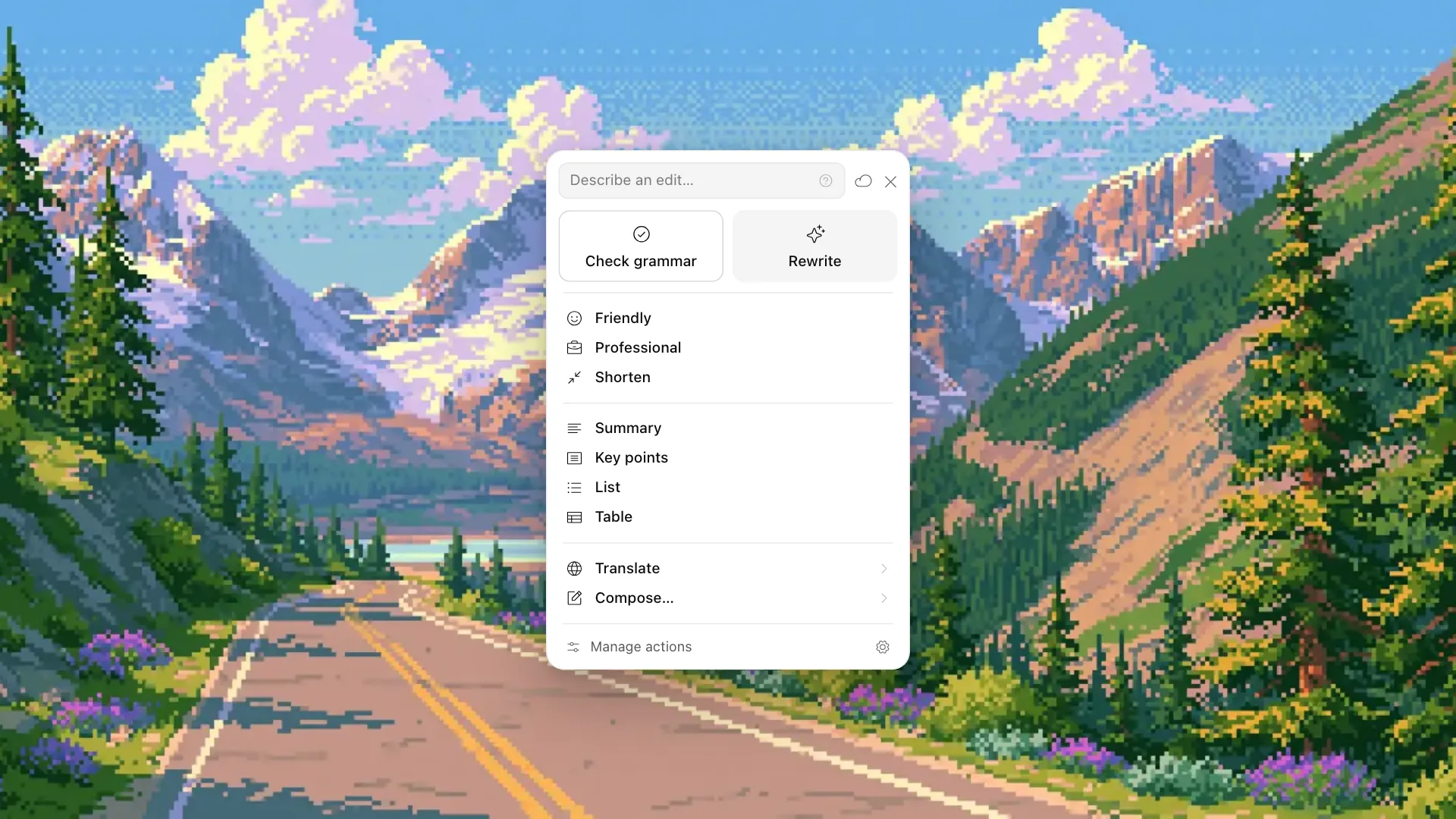
Today we're adding a panel to Actions for edits you want to see before you accept them. Highlight text in any Mac app and click the small indicator beside it. Pick one of the built-in edits or write an instruction of your own. The original stays put while you review the answer.
See the edit first
Turn on Show Actions beside selected text in Settings → Actions. The next time you select text in a supported app, an indicator appears beside the first line. Click it to open the panel.
Grammar fixes sit alongside rewrites, tone changes, shortening, summaries, lists, tables, and translation. Compose takes the selection as context and writes a new draft from it. The panel also holds your saved Actions, with room to pin three favorites at the top.
Select this sentence, for example:
thanks for you're patience, we should of sent the invoice last week and its on it's way now
Run Check grammar and you get:
Thanks for your patience. We should have sent the invoice last week, and it's on its way now.
Switch between Original and Result to see exactly what changed. When you're happy with the edit, choose Replace selection. If the app won't let Epilude replace the text directly, choose Copy instead. And when the model sends the same text back, the panel says No changes suggested.
Replacement is intentionally cautious. Before touching the document, Epilude checks the app, window, text, and selection against the ones you started with. Move the cursor or switch tabs while an Action runs and Replace selection disappears. You can still copy the result, but Epilude won't guess where it belongs.
What leaves your Mac
Epilude finds the selection on your Mac without using the clipboard. Selecting text, showing the indicator, and opening the panel do not send the words anywhere. The selected text and your instruction go to Epilude's cloud model only when you run an Action.
That remains true when Dictation is in Local Mode: Actions still uses the cloud. The existing voice workflow hasn't changed. You can keep using its hotkey when you want to say an instruction and replace the selection straight away.
Try the panel
The Actions Panel is available with Pro and during the free trial. It isn't part of Pay Once because every Action needs cloud processing. We leave the panel off when you install Epilude, so turn on Show Actions beside selected text in Settings → Actions when you want it beside your selections.
The Actions guide covers keyboard controls, supported apps, saved Actions, and what data Actions sends. The Actions feature page shows how the panel and voice Actions fit together.