Changelog
Product updates, page 4
Older Epilude features, improvements, and fixes: page 4 of 6.
Switching to Epilude feels smoother
Cmd-Tabbing to the Epilude window could hitch for a moment while the app checked system settings behind the scenes. Those checks now run in the background, so the window responds immediately every time you switch to it.
Vocabulary suggestions fill in on the first tap
Tapping a suggested word chip in Vocabulary opened an empty editor on the first try — you had to tap it twice to get the word filled in. The editor now opens pre-filled every time.
A nudge when you dictate before setup is finished
If you pressed your dictation hotkey in another app before finishing onboarding, nothing happened and Epilude looked broken. Now a Finish setting up Epilude card appears to bring you back to setup, so a missed keypress no longer looks like a bug.
Alerts also show up where you're actually working. Messages like a downloading on-device model, an expired trial, or a missing microphone now appear over the app you're in, instead of waiting until you switch back to Epilude.
Follow the quick start to finish setup.
Cleanup stays truer to how you said it
Cleanup is more faithful to your meaning and formatting across every mode.
- Keeps your hedges: phrases like "I think", "I feel", "maybe", and "probably" are no longer treated as filler, so a tentative note stays tentative instead of hardening into a flat statement.
- Better capitalization: sentence starts, the word "I", and weekday names are capitalized reliably, even in Local Mode.
- Matches your tone: with an excited tone, statements end with an exclamation mark.
- Preserves line breaks: the way you broke your dictation into lines is kept in the result.
Filler words like "um", "uh", "like", and "you know" are still removed as before.
Learn more about Cleanup levels.
A smaller idle dictation pill that sits lower
The dictation pill that sits at the bottom of your screen when you're not dictating is now more compact and rests closer to the bottom edge. It's less likely to cover text fields or buttons near the bottom of a window.
When you start dictating, the pill expands as before.
A clearer stats card on your dashboard
Your Home dashboard now shows total words, time saved, and average words per minute together in a single Your stats card, with your top sources and activity heatmap alongside it.
Your all-time word count is also more accurate. It now counts every day you have dictated, so the total reflects your full history instead of only your recent dictations.
Local Mode cleanup stays true to what you said
Cleanup in Local Mode now stays faithful to your dictation. It strips filler and fixes punctuation and capitalization while keeping your meaning, wording, and language intact. Before, on-device Cleanup could rewrite what you said, and sometimes answer a question you dictated instead of tidying it up. Cloud mode was already accurate, and Local Mode now matches it.
Local Mode Cleanup also runs up to the Medium level now. High runs in Cloud mode only. If you have High selected and switch to Local Mode, Cleanup runs at Medium, and your High setting returns automatically when you switch back to Cloud mode.
Learn more about Cleanup levels and Local Mode.
Dictation keeps the right mic after a reconnect
Dictation now stays on your chosen microphone after you unplug it, reconnect it, or restart your Mac. Before, your saved mic could go stale on reconnect and Epilude would fall back to the wrong device, sometimes your Bluetooth headphones, and capture nothing useful.
If your preferred mic is unplugged, Epilude now steps through your microphone ranking instead of grabbing the system default, and re-selects your mic automatically when it comes back.
A new microphone picker with live levels
Pick your microphone in Settings → Audio → Microphone with a redesigned picker. Click Change to see your devices in one list, with a live level meter on the active mic so you can confirm it is hearing you before you dictate.
- Live input level on the selected microphone, so you can see it working
- Edit ranking to set a preference order, so Epilude uses the highest available mic and falls back on its own when one is unplugged
- Unavailable mics show the reason instead of disappearing, like your built-in mic when the laptop lid is closed
Your choice and ranking apply to every dictation.
Report a dictation that came out wrong
You can now report a dictation that came out wrong, straight from the Home dashboard. Each recent dictation has a flag button that opens a short form where you can describe what you expected.
Your report includes that dictation's original and cleaned text, so we can see what happened and improve quality. No audio is included, and a dictation is only ever sent if you choose to report it.
Adding a description is optional. If you'd like a reply, you can reach us through the Help Center.
See what Cleanup changed in each dictation
See exactly what Cleanup changed in any dictation. On the Home dashboard, open a recent dictation's menu and choose See what changed to compare your raw words with the cleaned version, with added and removed words highlighted inline.
If you prefer your original wording, Revert to raw keeps the raw transcript instead of the cleaned text. It doesn't change what was already inserted.
The option appears whenever Cleanup edited a dictation, so you can always check what it did and trust what Epilude inserts.
Learn more about Cleanup levels.
Say "send text" to submit
Send text is a new optional command: end a dictation with the words "send text" and Epilude sends the message for you, instead of typing those words. It inserts the rest of what you said, then presses Return.
It works where Return submits:
- Chat apps, terminals, and web chats like Slack, Messages, Terminal, and ChatGPT
- Single-line fields like a browser address bar or a search box
In editors and notes such as Word, Pages, and Notion, "send text" is typed as normal text and nothing is sent.
Send text is off by default. Turn it on in Settings → Dictation, under Dictation behavior, where you can also set specific apps to always or never send.
See Say "send text" to submit for details.
Spell names and jargon right with Vocabulary
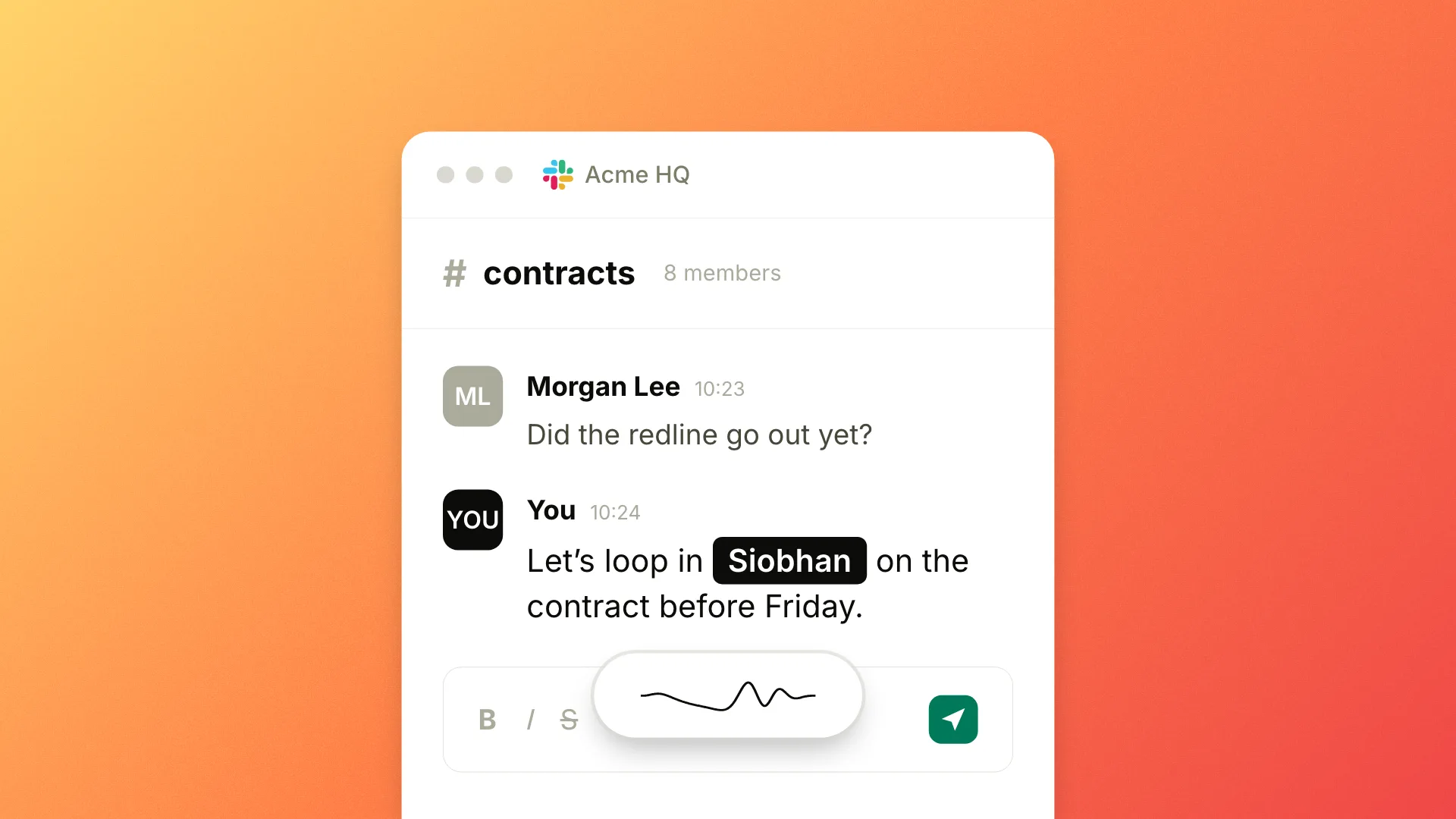
Vocabulary is now available to everyone. Teach Epilude how to spell the names, brands, acronyms, and jargon you use, and it gets them right on every dictation, in any app.
Add a word from the new Vocabulary sidebar section, quick-add a selected word from anywhere with ⌘⇧D, or bulk-import a list from another tool. Corrections run in both Cloud mode and Local Mode, so they work the same even when dictation stays fully on your Mac.
See Vocabulary for setup and tips.
More reliable double-tap to start hands-free
Double-tapping your push-to-talk hotkey to start hands-free dictation is now more reliable, especially on Bluetooth keyboards. A slightly slow double-tap used to register as a single press and start a one-off dictation instead of switching to hands-free. Epilude now allows a little more time between the two taps.