Most voice dictation tools send your words to a server before you ever see them. For the privileged client matter, the unreleased plan, the number that stays confidential until Friday, it has left you two options: trust someone else's cloud with it, or go back to typing it by hand.
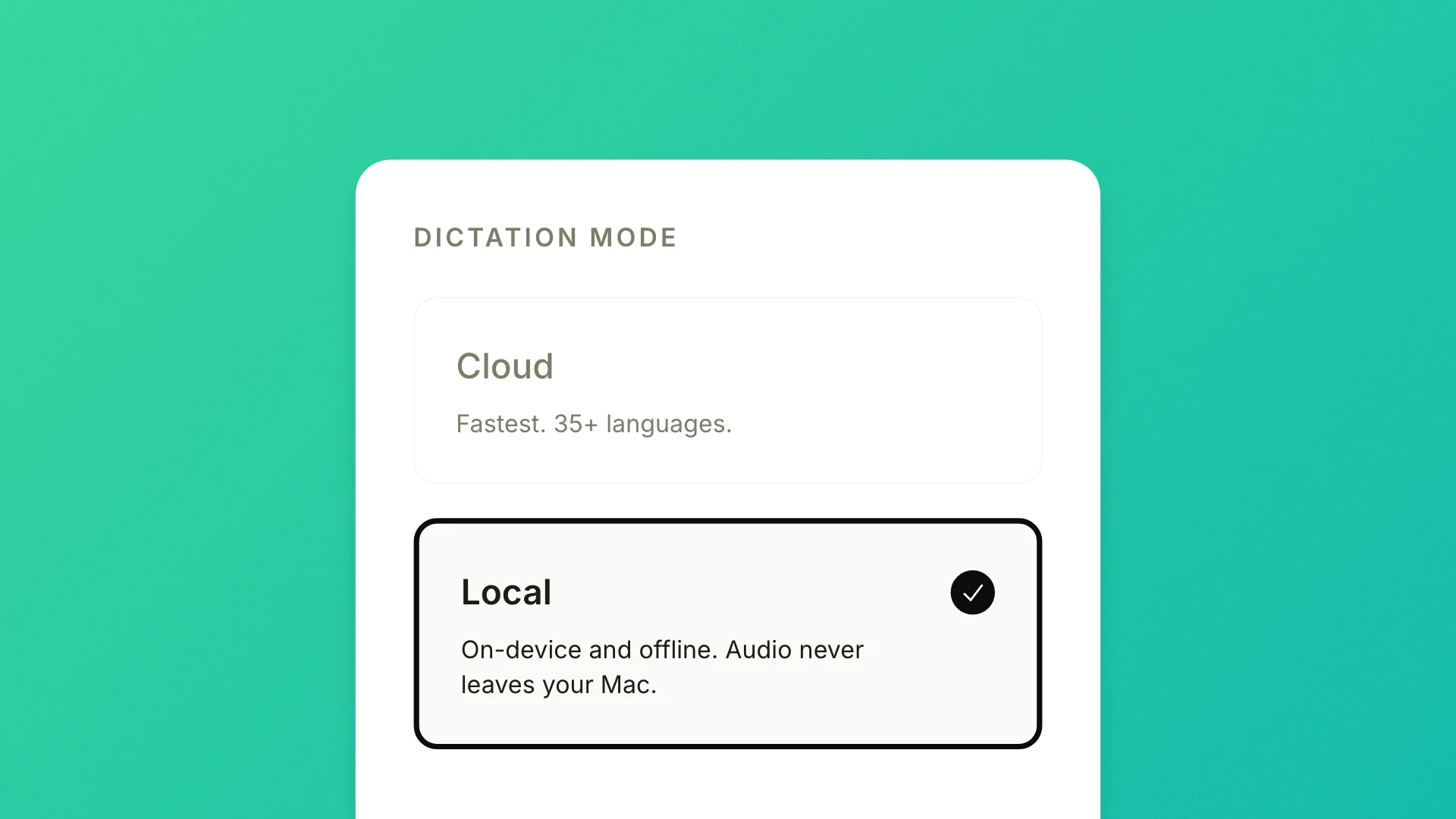
We think your privacy matters, so today we're shipping Local Mode. When dictating using Local Mode, what you say doesn't leave your computer. Instead, Epilude will use Epilude Model 1, which is a combination of leading open-weight models that we've optimized so that they run well on your Mac.
How it works
Open Settings → On-device models and switch to Local Mode. The first time, you download Epilude Model 1 once, about 500 MB, or 1.5 GB if your Mac also runs on-device Cleanup. After that it lives on your Mac and runs offline.
We've optimized Epilude Model 1 for Apple Silicon, making sure you get near cloud-level latency even when dictating completely offline.
Because it's completely local, you can now use Epilude completely offline, as nothing is uploaded, stored, or sent off to be processed. The text appears the way it always does, formatted and cleaned up, except nothing was sent anywhere to make that happen.
Local Mode covers 25 European languages today. Cloud mode, the default, stays available for everyone. It's slightly faster on most reasonable internet connections, and it covers more than 35 languages.
Local Mode is in Epilude now, on Apple Silicon Macs (M-series). Open Settings → On-device models, switch to Local Mode, and download Epilude Model 1 once to start dictating on-device.
See Local Mode for the full setup steps, or download Epilude to turn it on.